0AWU-003
After selecting the connection method between the machine and a computer, select the driver to be installed.
1
Press .
2
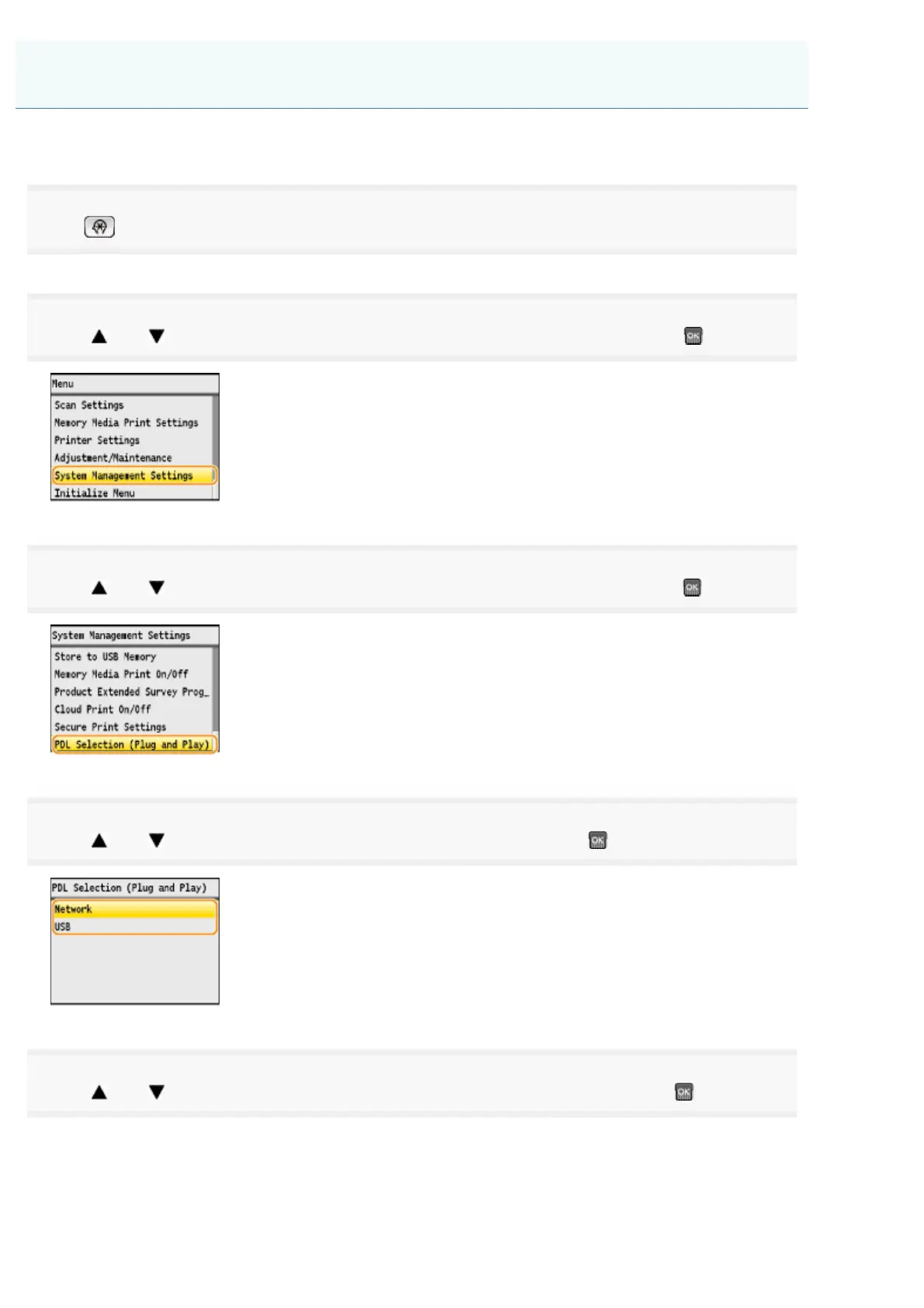
Press [ ] or [ ] to highlight <System Management Settings>, and then press .
3
Press [ ] or [ ] to highlight <PDL Selection (Plug and Play)>, and then press .
4
Press [ ] or [ ] to highlight <Network> or <USB>, and then press .
5
Press [ ] or [ ] to highlight the printer driver you are using, and then press .
Selecting the Driver to Be Installed
㻢㻌㻛㻌㻣㻠











 To Next Page