0ALJ-07S
Selecting Wired LAN or Wireless LAN (MF8580Cdw / MF8280Cw Only)
After you decide on wired or wireless LAN to connect the machine to the computer ( Connecting to a Computer), select wired LAN or
wireless LAN using the operation panel. Note that if you change the setting from <Wired LAN> to <Wireless LAN> or vice versa, you will
need to uninstall MF Drivers installed on your computer and then reinstall them (MF Driver Installation Guide).
Press .
Use / to select <Network Settings>, and press .
If the logon screen appears, enter the correct ID and PIN using the numeric keys, and then press . Logging on to the
Machine
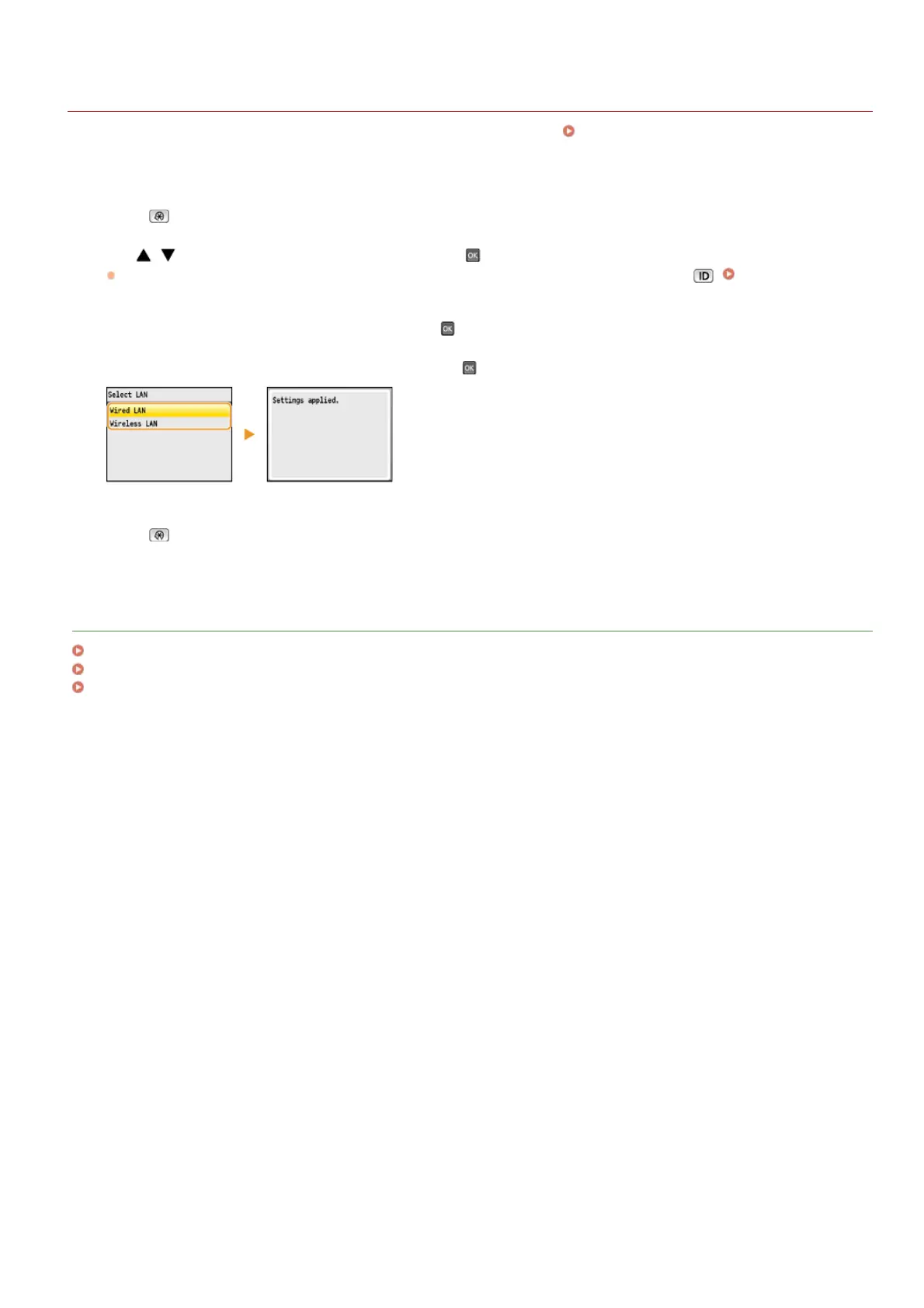
Select <Select Wired/Wireless LAN>, and press .
Select <Wired LAN> or <Wireless LAN>, and press .
Press .
LINKS
Connecting to a Network
Connecting to a Wired LAN
Connecting to a Wireless LAN (MF8580Cdw / MF8280Cw Only)
1
2
3
4
5
㻟㻞㻞㻌㻛㻌㻢㻣㻢











 To Next Page