0ALJ-019
Logging on to the Machine
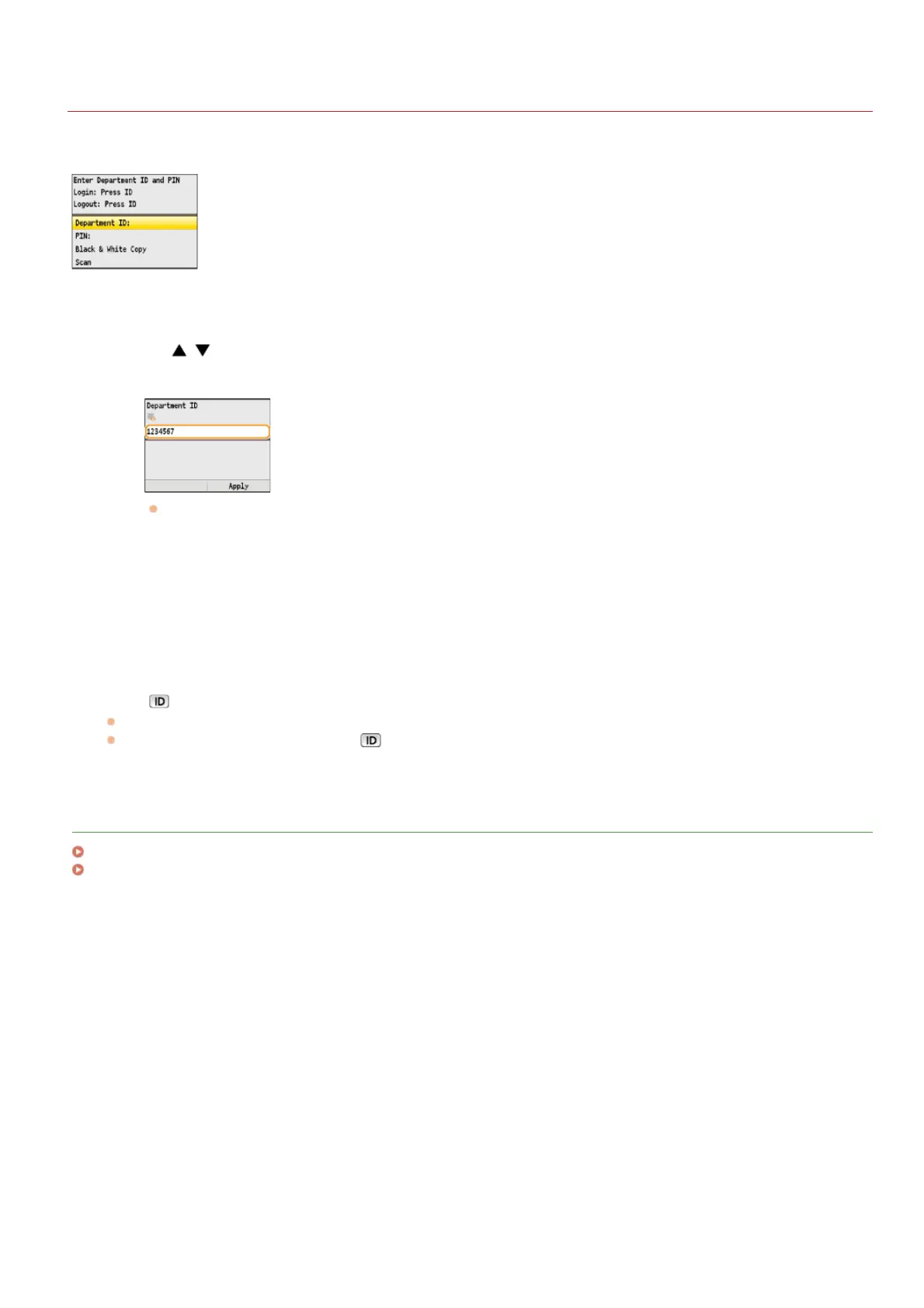
When Department ID Management is enabled, you must log on before you can use the machine. When the logon screen is displayed,
follow the procedure below to enter the Department ID and PIN. The logon process may also be required for the System Manager ID.
Enter an ID.
1
Use / to select <Department ID> (or <Manager ID>).
2
Enter a number of up to seven digits using the numeric keys, and press <Apply>.
If no PIN is registered, proceed to step 3.
Enter the PIN.
1
Select <PIN>.
2
Enter a number of up to seven digits using the numeric keys, and press <Apply>.
Press .
The logon screen will be changed to the main screen.
After you finish using the machine, press
again to display the logon screen.
LINKS
Setting the Department ID Management
Setting the System Manager ID
1
2
3
㻢㻣㻌㻛㻌㻢㻣㻢











 To Next Page