0ALJ-039
Specifying Destinations for Faxes
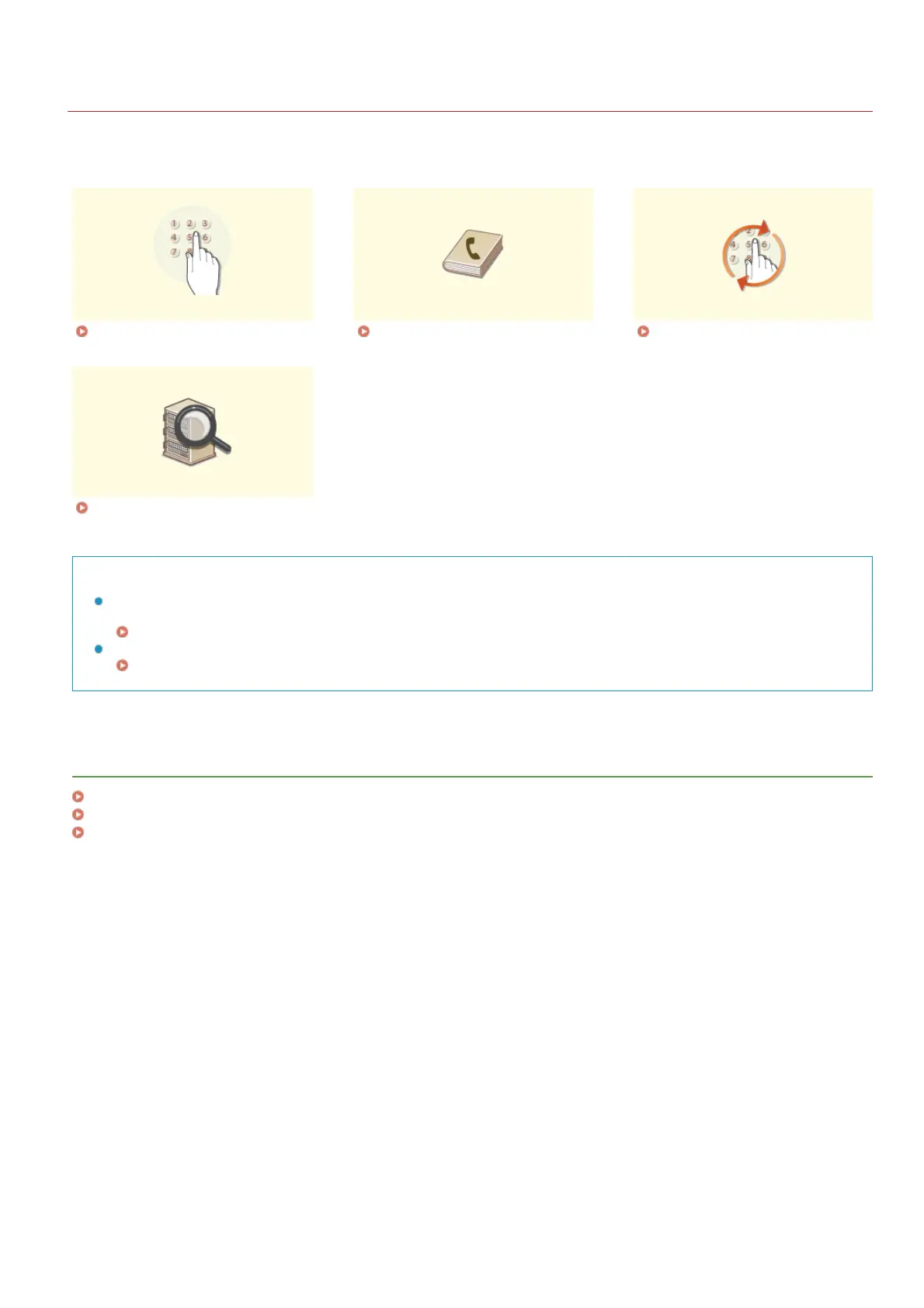
You can specify destinations by selecting them from the Address Book, as well as by using the numeric keys. To use the Address Book,
you need to register destinations in the Address Book beforehand. You can also specify previously used destinations. If your office has an
LDAP server installed, you can also specify destinations in the server.
Specifying with Numeric Keys
(Fax)
Specifying from Address Book
(Fax)
Specifying Previously Used
Destinations (Fax)
Specifying Destinations in an
LDAP Server (Fax)
TIPS for Enhancing Security
If you want to limit available destinations to ones from the Address Book, ones in an LDAP server, or previously specified
ones:
Limiting Available Destinations
If you want to disable specifying previously used destinations:
Disabling Use of Previously Used Destinations
LINKS
Sending Faxes
Registering in the Address Book (MF8580Cdw / MF8550Cdn / MF8540Cdn / MF8280Cw Only)
Registering LDAP Servers (MF8580Cdw / MF8550Cdn / MF8540Cdn / MF8280Cw Only)
㻝㻠㻞㻌㻛㻌㻢㻣㻢











 To Next Page