0ALJ-00R
Configuring Initial Settings for Fax Functions (MF8580Cdw / MF8550Cdn /
MF8280Cw Only)
Follow steps 1 to 4 described below to configure the fax settings. First, determine which receive mode best suits your intended use, and
then follow the on-screen instructions to configure the settings. For more information about a particular step, click on the link to go to
the corresponding section.
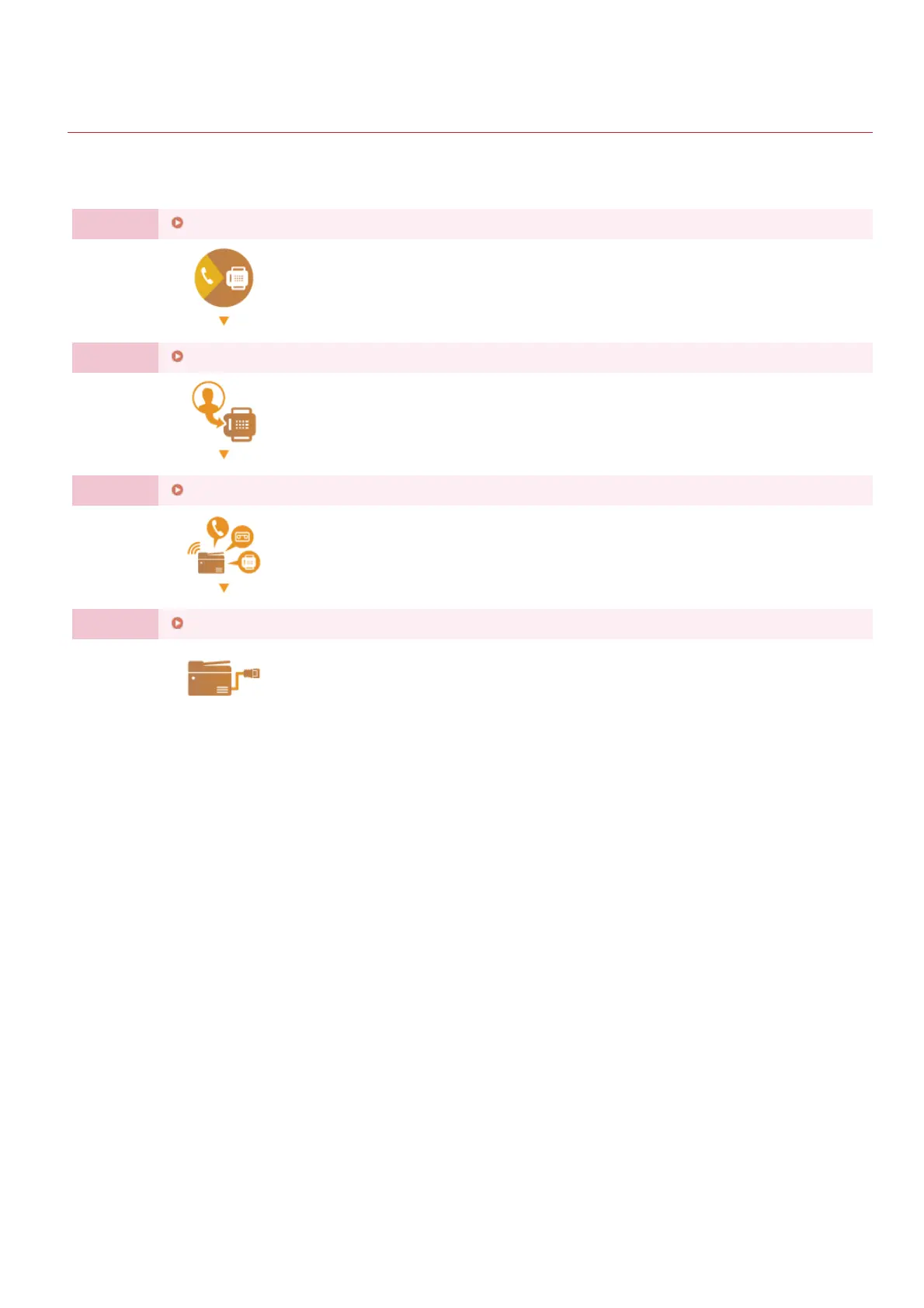
Step 1
Deciding Which Fax Receive Mode to Use
Step 2
Registering the Fax Number and Unit Name
Step 3
Selecting the Receive Mode
Step 4
Connecting the Telephone Line
㻠㻟㻌㻛㻌㻢㻣㻢











 To Next Page