0ALJ-08C
Configuring the Machine for Scanning to E-mail or Shared Folders
(MF8580Cdw / MF8550Cdn / MF8540Cdn Only)
To send scanned documents by e-mail or store them into a shared folder directly from the machine, you need to set the machine
configuration. The Send Function Setting Tool, an application that is included with the machine, will assist you with the required setup.
Set the necessary configuration depending on your network environment.
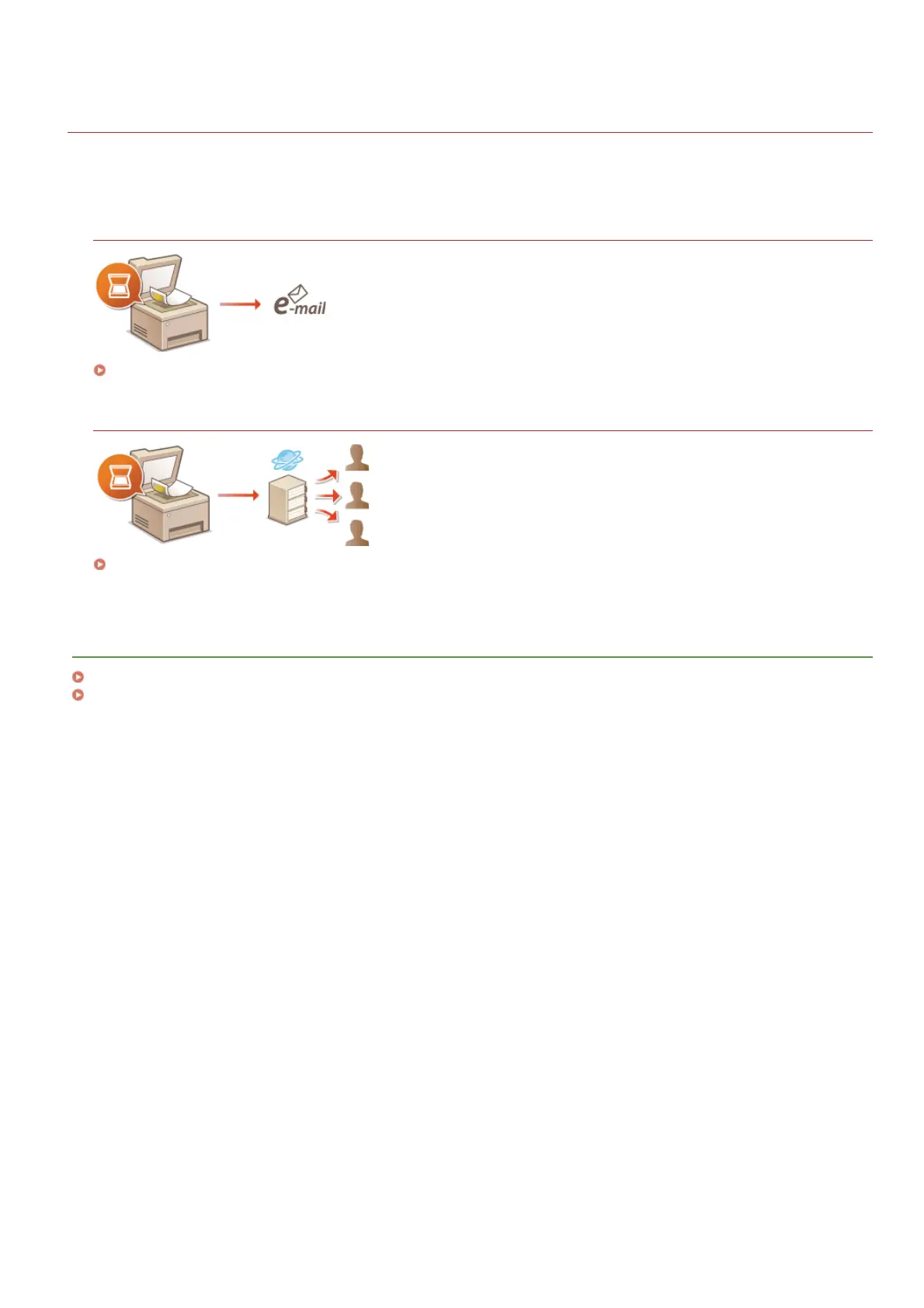
Scanning to E-mail
Configuring the Machine for Scanning to E-mail
Scanning to Shared Folders
Configuring the Machine for Scanning to Shared Folders
LINKS
Specifications for E-mail Sending (MF8580Cdw / MF8550Cdn / MF8540Cdn Only)
Specifications for Scanning to Shared Folders (MF8580Cdw / MF8550Cdn / MF8540Cdn Only)
㻟㻡㻣㻌㻛㻌㻢㻣㻢











 To Next Page