0ALJ-0HW
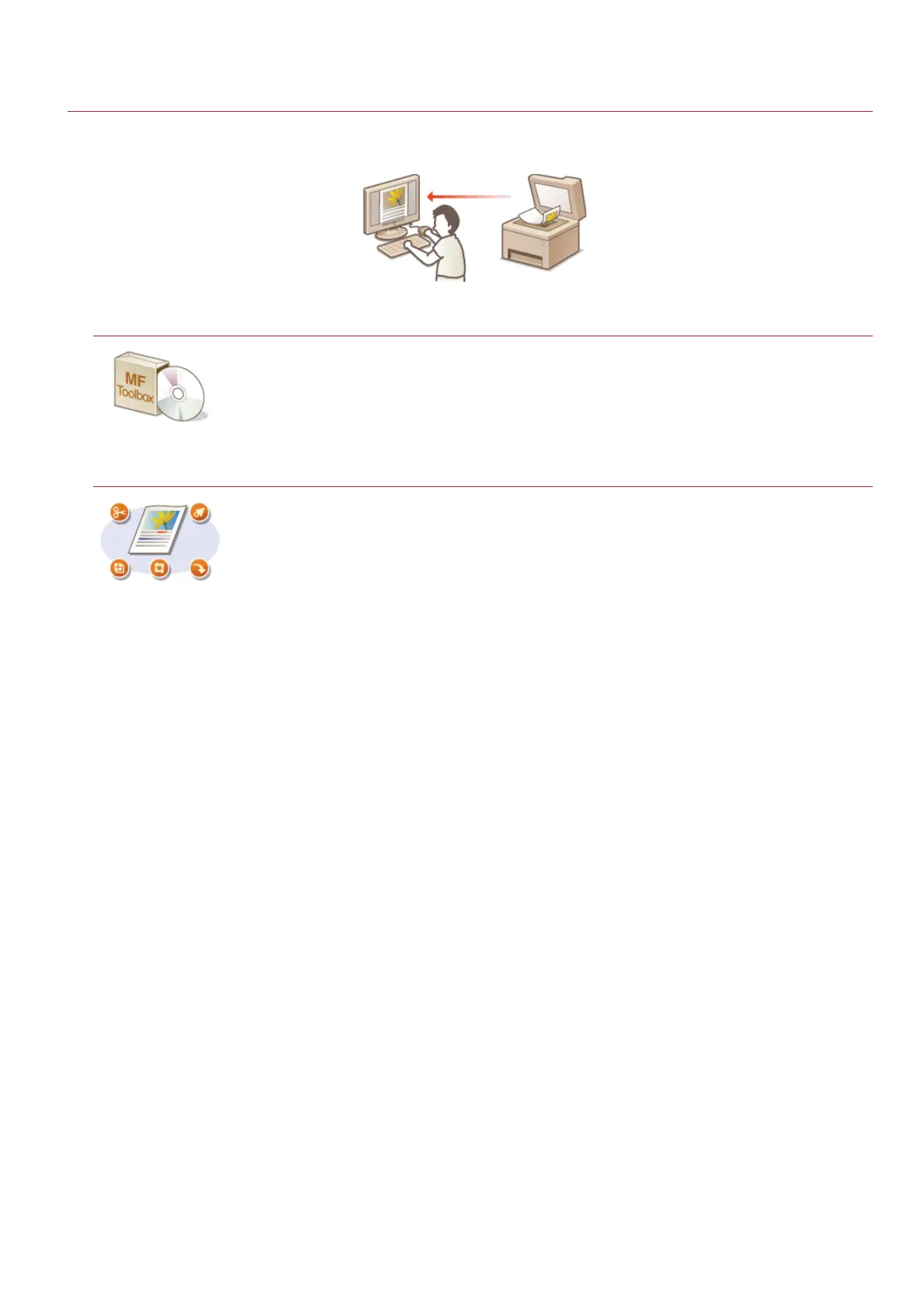
Scanning from a Computer
There are two ways to scan from a computer: using MF Toolbox and using an application such as an image-processing or word-
processing application.
Scanning Using MF Toolbox
MF Toolbox is an application included with the machine that enables you to scan documents or images to
a computer. You can forward the scanned data to a specified application, or attach it to an e-mail
message.
Scanning Using an Application
You can scan images by using an application such as a word-processing or image-processing application,
and load the images directly into the application. You do not need to start another application to scan.
㻞㻡㻣㻌㻛㻌㻢㻣㻢











 To Next Page