0ALJ-03L
Making a Call before Sending Faxes (Manual Sending)
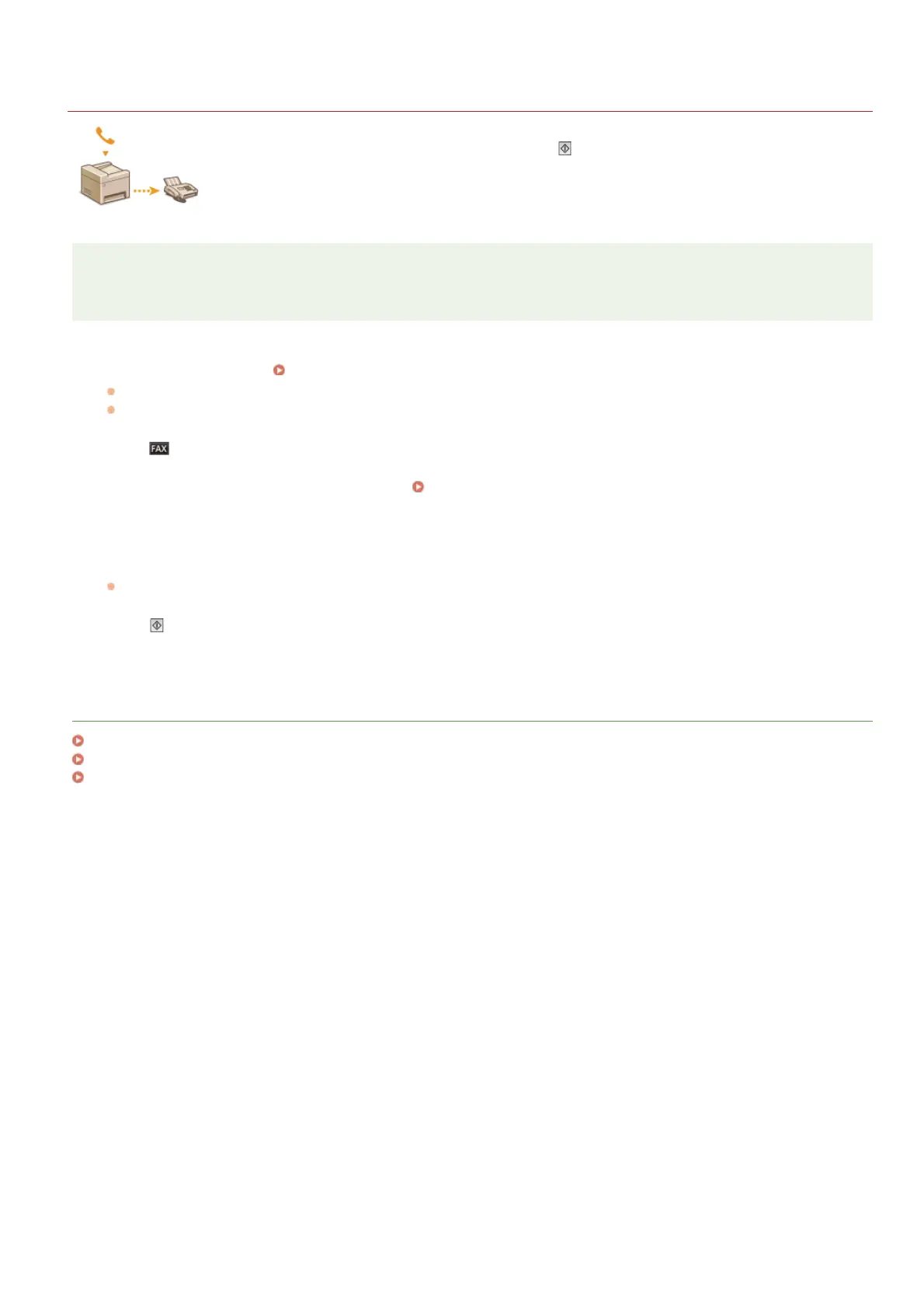
You can send faxes manually at the end of a phone conversation. When you hear a beep over the phone, it
means the recipient is trying to receive your faxes. Press
(B&W) to send your faxes.
NOTE
You need to connect your telephone or the optional handset to the machine beforehand.
Place the document(s). Placing Documents
The machine cannot automatically scan both sides of the documents in Manual Sending.
When the document is placed on the platen glass, only one page can be sent.
Press .
Specify the scanning settings as necessary.
Various Fax Settings
Dial the recipient’s fax number.
Ask the recipient to set their fax machine to receive your faxes.
If you hear a beep, proceed to step 6.
Press (B&W), and hang up the handset.
LINKS
Sending Faxes
Canceling Sending Faxes
Checking Status and Log for Sent and Received Documents
1
2
3
4
5
6
㻝㻡㻤㻌㻛㻌㻢㻣㻢











 To Next Page