0ALJ-0H7
Installing e-Manual
Install the e-Manual on your computer by using the CD-ROM that comes with the machine. The label of the CD-ROM that contains
manuals may vary depending on the country/region or the model of the machine.
Using the Multi-lingual User Manual CD
Insert the Multi-lingual User Manual CD into the drive on the computer.
If the [Select language] screen does not appear, remove the CD-ROM from the drive and then insert it again, or see
Displaying the [CD-ROM Setup] or [Select language] Screen.
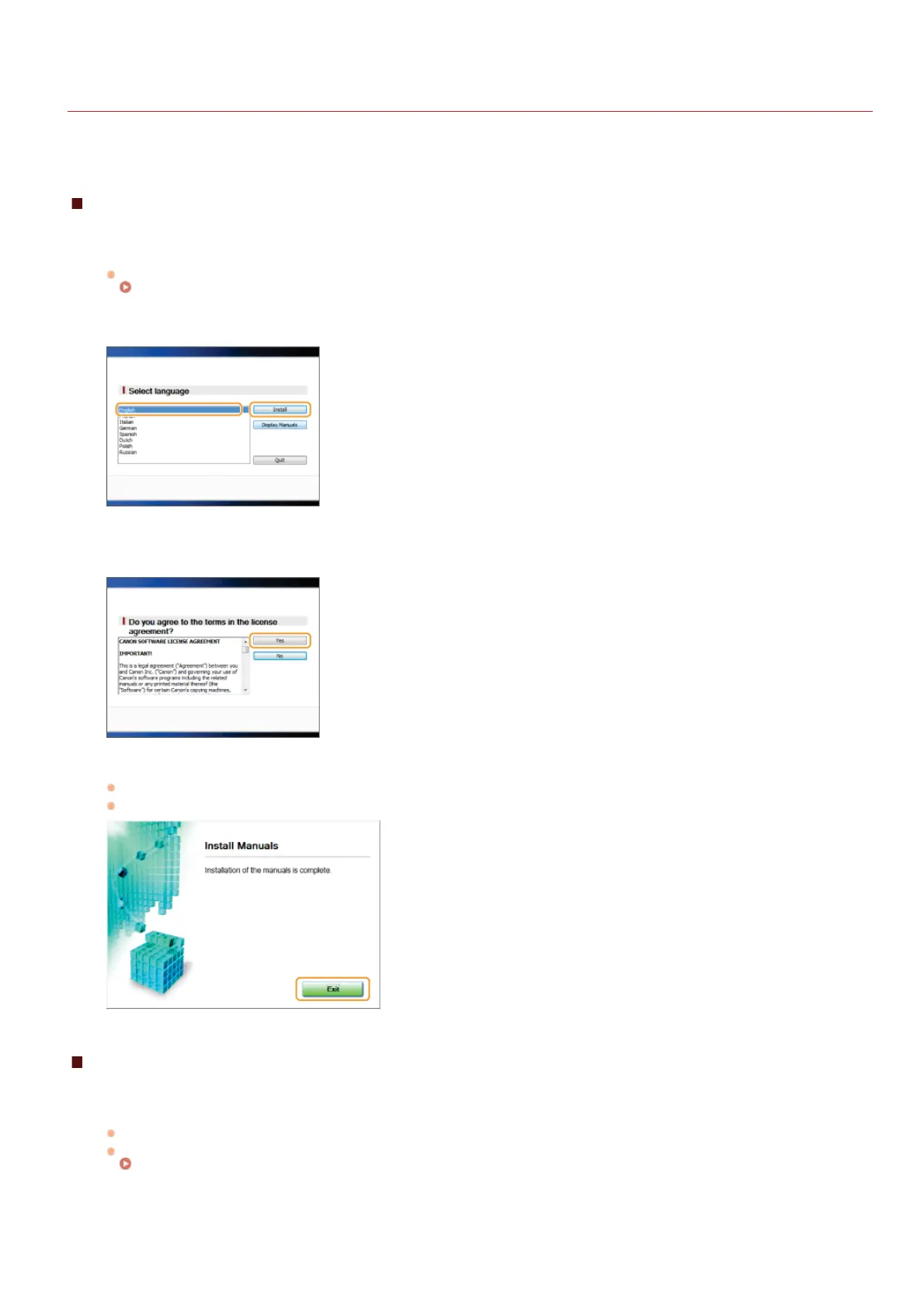
Select your language, and click [Install].
Read the License Agreement and click [Yes] to agree.
NOTE:
The installation begins.
Click [Exit] when the following screen appears. (It may take a long time to install the e-Manual.)
Using the User Software CD-ROM
Insert the User Software CD-ROM into the drive on the computer.
Select a language and click [OK] if you are prompted to do so.
If the [CD-ROM Setup] screen does not appear, remove the CD-ROM from the drive and then insert it again, or see
Displaying the [CD-ROM Setup] or [Select language] Screen.
Click [Custom Installation].
1
2
3
1
2
㻢㻠㻥㻌㻛㻌㻢㻣㻢











 To Next Page