0ALJ-0E3
Feeder
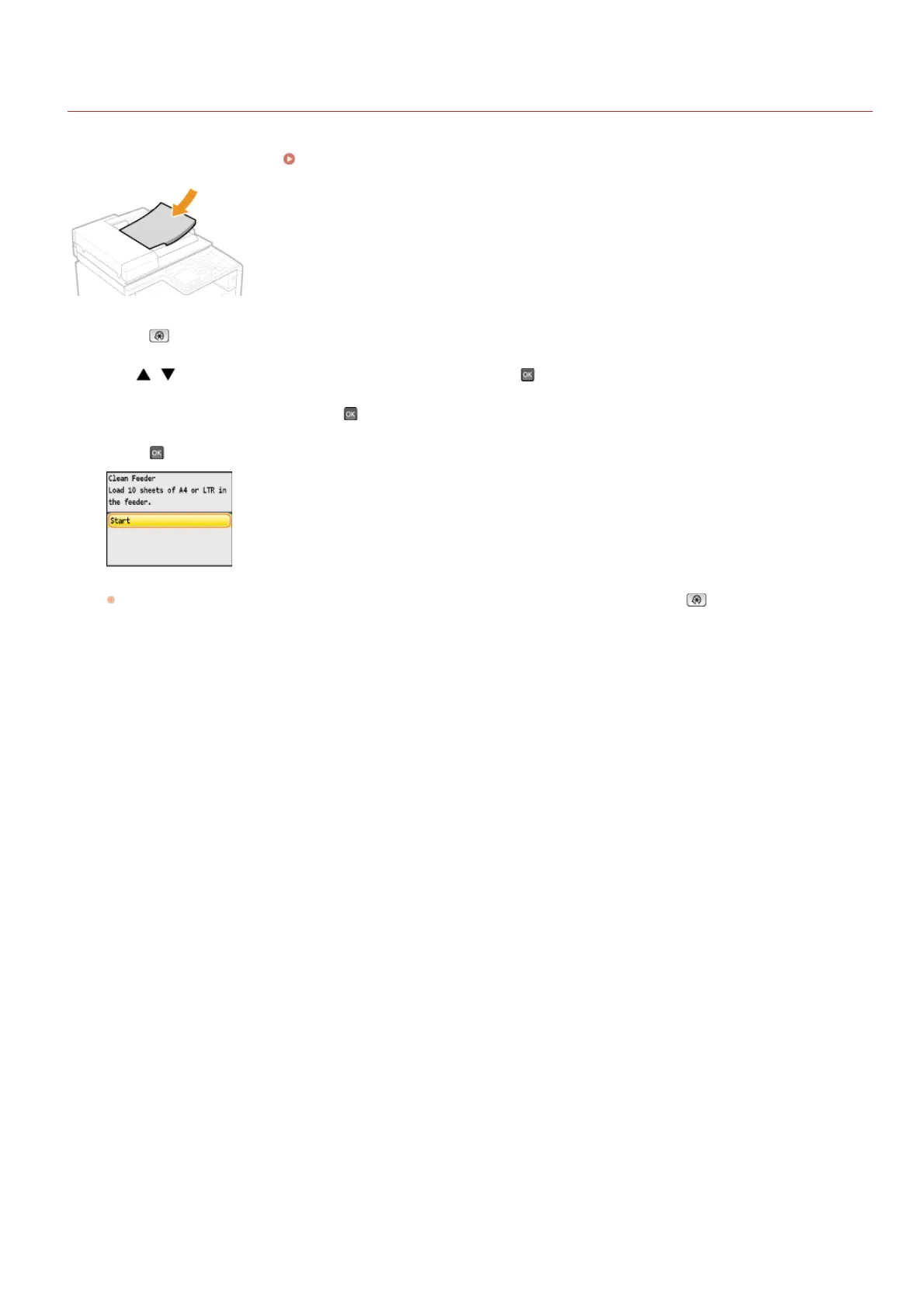
Dust and graphite powder may adhere to the roller inside the feeder and cause smudges to appear on printouts. To clean the feeder,
perform the following procedure. To clean the feeder, you need ten sheets of plain A4 or Letter size paper. Set them in the feeder before
performing the following procedure.
Placing Documents
Press .
Use / to select <Adjustment/Maintenance>, and press .
Select <Clean Feeder>, and press .
Press .
Cleaning starts. When the <Finished.> message is displayed approximately 1 minute later, press to return to the main
screen.
1
2
3
4
㻡㻤㻥㻌㻛㻌㻢㻣㻢











 To Next Page