0ALJ-01X
Entering Text
This section describes how to enter text and numbers.
Switching the Type of Text
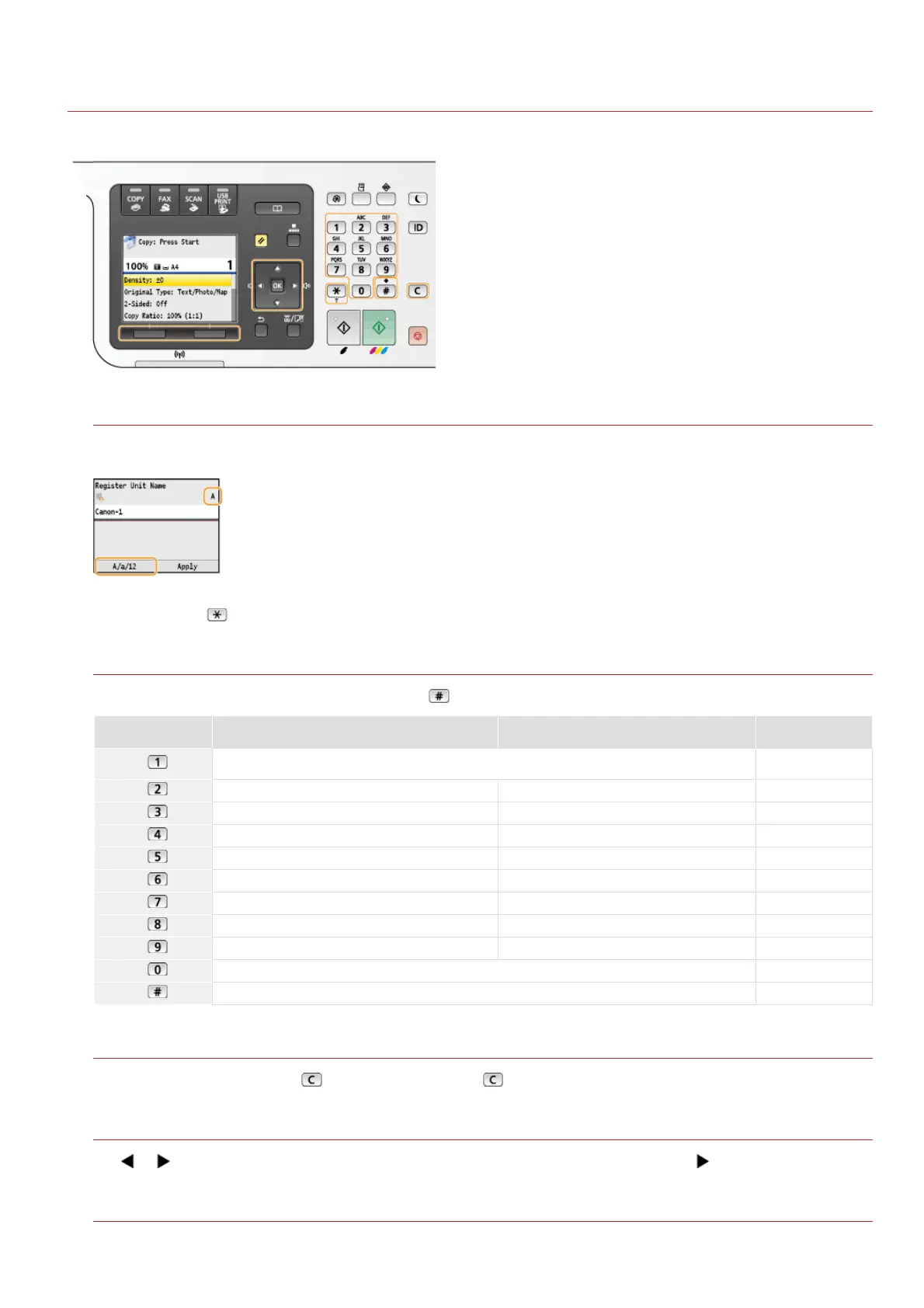
Press <A/a/12> to switch the type of text that is entered. The currently selected type of text is indicated by the "A", "a", or "12"
displayed above and to the right of the text input field.
NOTE:
You can also press
to switch the type of text.
Types of Text That Can Be Entered
The text that can be entered using the numeric keys and are listed below.
Key A a 12
@ . - _ /
1
ABC abc 2
DEF def 3
GHI ghi 4
JKL jkl 5
MNO mno 6
PQRS pqrs 7
TUV tuv 8
WXYZ wxyz 9
(Not available) 0
(space) @ . / - _ ! ? & $ % # ( ) [ ] { } < > * + = " , ; : ' ^ ` | \ ~ (Not available)
Deleting Text
One character is deleted each time is pressed. Press and hold to delete all of the entered text.
Moving the Cursor (Entering a Space)
Use or to move the cursor. To enter a space, move the cursor to the end of the text, and press .
Example of Entering Text and Numbers
Example: "Canon-1"
㻥㻡㻌㻛㻌㻢㻣㻢











 To Next Page