0ALJ-0C5
Printer Settings
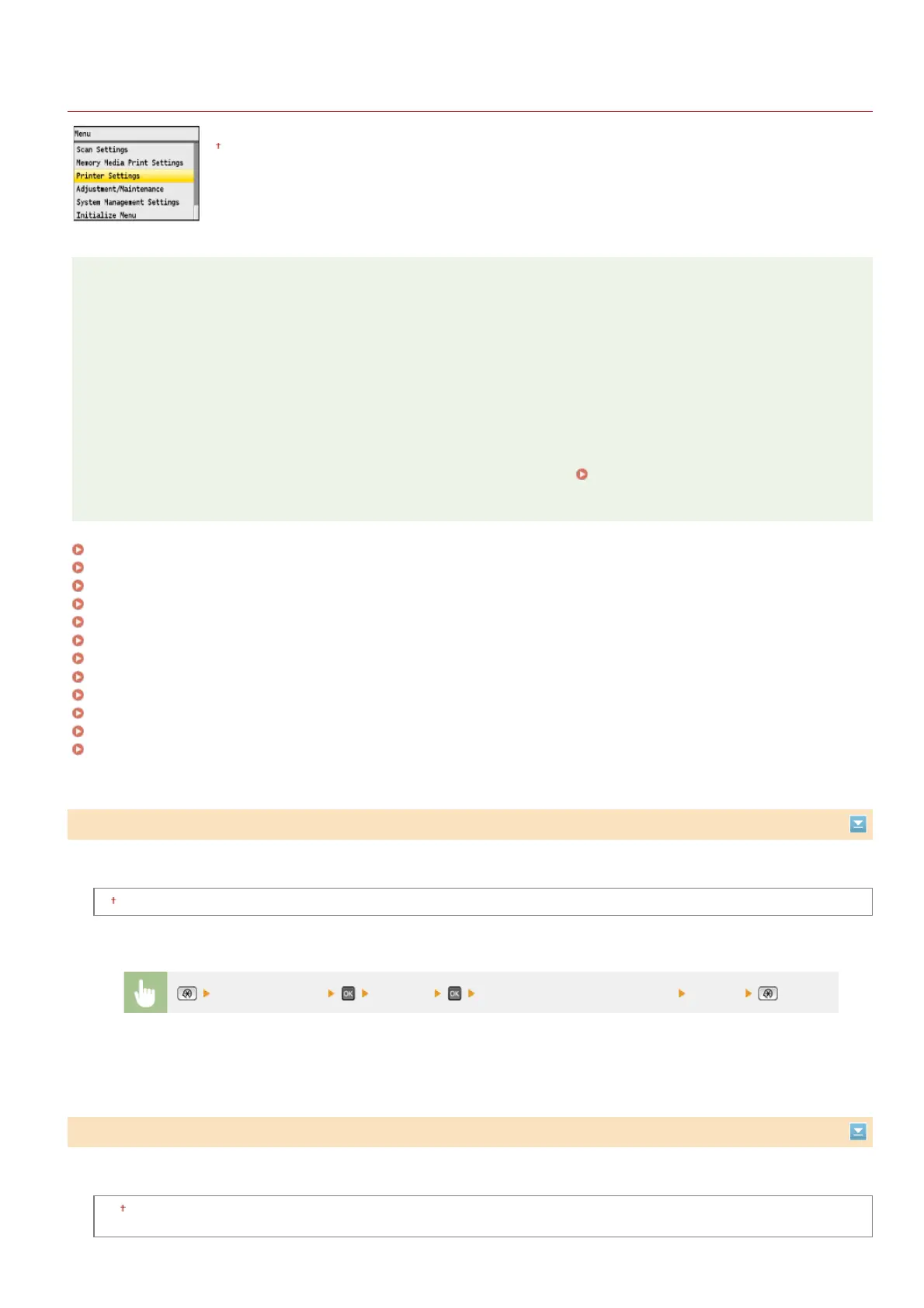
All the settings about the printer are listed with short descriptions. Default settings are marked with a dagger (
).
NOTE
Asterisks ( )
Settings marked with an asterisk ( ) are only available for the MF8580Cdw / MF8550Cdn / MF8540Cdn.
Priority of settings
Settings that are specified in an application or on the printer driver will override those specified on the machine. The settings
described in this section are especially useful if you are printing on an operating system such as UNIX on which the printer
drivers for the machine are not available.
Availability of settings
All the printer settings described in this section, except for <Paper Size Override> ( Paper Size Override), are only available
for PCL printing. Specifying these settings is unnecessary, for example, when you print using the UFRII LT printer driver.
Copies
2-Sided Printing
Default Paper
Paper Size Override
Print Quality
Layout
Auto Error Skip
Timeout
Color Mode
Gradation Settings
Compressed Image Output
PCL
Set the number of copies to print.
1
to 99 (Copies)
Select whether to make 2-sided printouts.
Off
On
*
*
Copies
*
<Printer Settings> <Copies> Set the number of copies to print <Apply>
2-Sided Printing
*
㻡㻝㻜㻌㻛㻌㻢㻣㻢











 To Next Page