0AWU-00H
1
Open [Programs and Features].
For Windows XP:
From the [Start] menu, select [Control Panel], and then double-click [Add or Remove Programs].
For Windows Vista/7/Server 2003/Server 2008:
1. From the [Start] menu, select [Control Panel].
2. Click [Uninstall a Program] or double-click [Programs and Features].
For Windows 8/Server 1012:
Right-click the lower-left corner of the screen and select [Programs and Features].
2
Select [Canon MF8500C Series] (or [Canon MF8200C Series]), and then click [Uninstall].
3
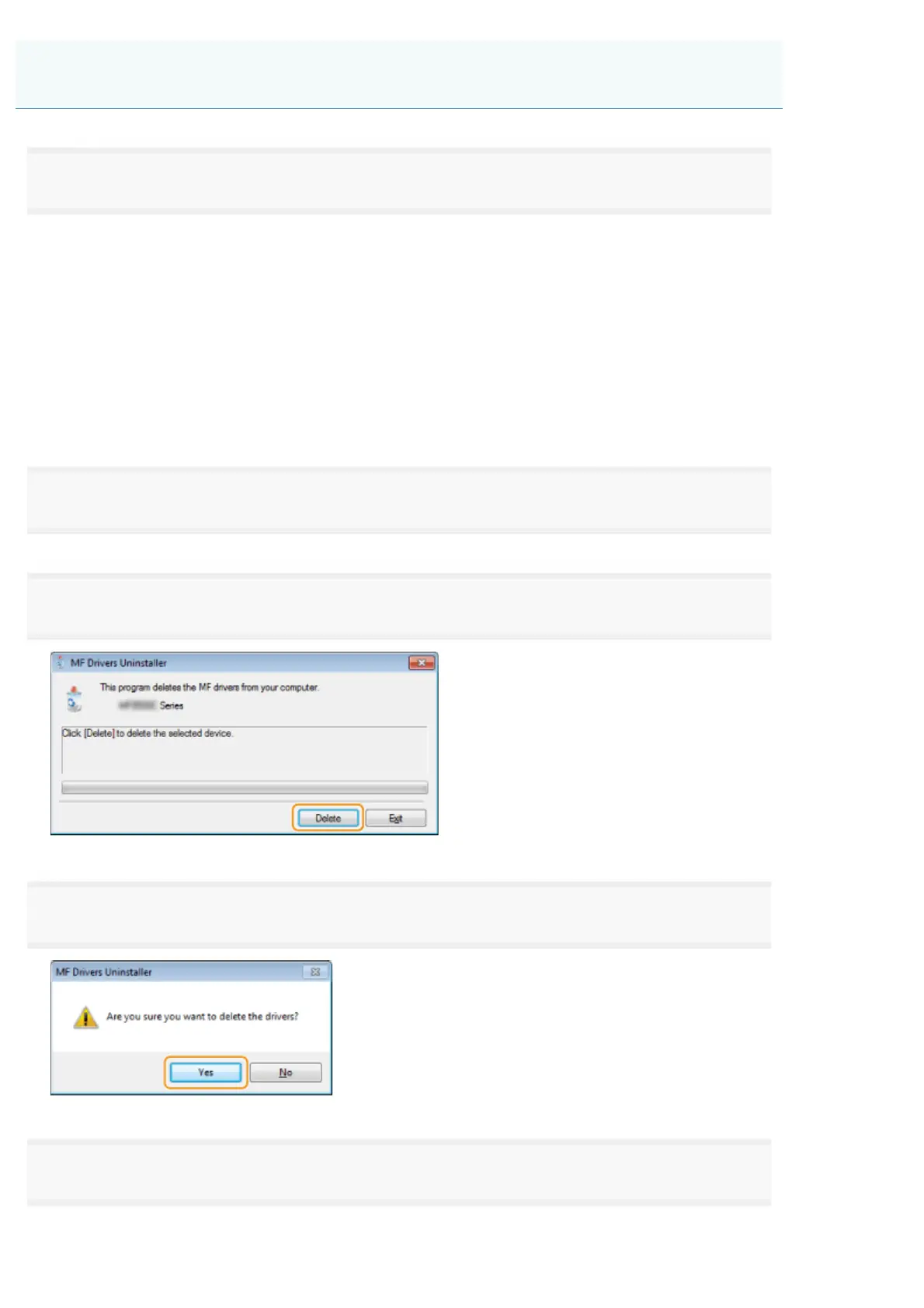
Click [Delete].
4
Click [Yes] to confirm the uninstallation.
5
Click [Exit] (or [Restart]).
Uninstalling the Printer/Fax/Scanner Driver (For Windows)
㻡㻠㻌㻛㻌㻣㻠











 To Next Page