0ALJ-0EU
Address Book List (MF8580Cdw / MF8550Cdn / MF8540Cdn / MF8280Cw
Only)
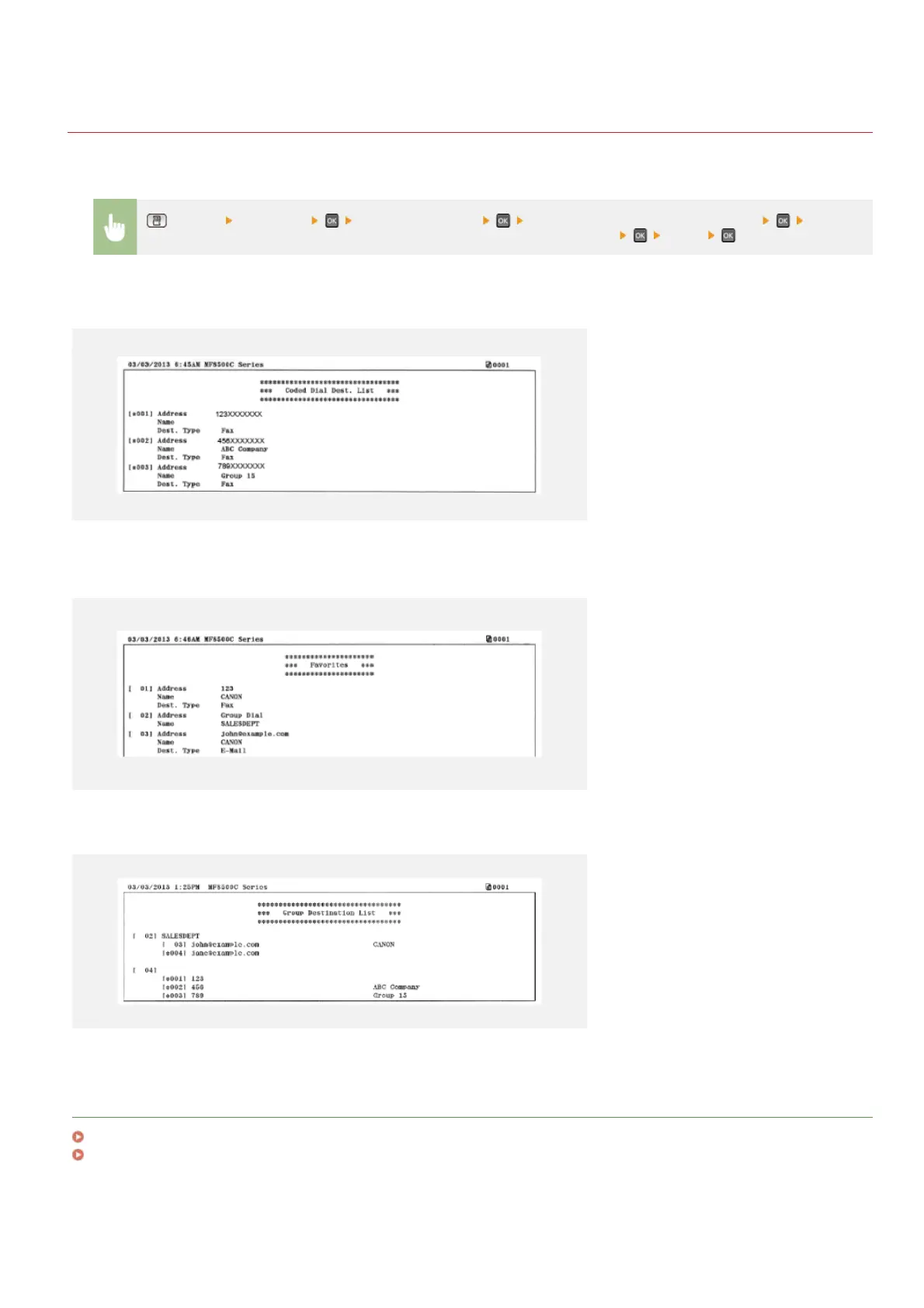
You can check the list of destinations registered in the Address Book as <Coded Dial>, <Favorites>, and <Group Dial> by printing an
Address Book List.
(Report) <Print List> <Address Book List> Select the setting you want to print out Check
that the size and type of paper displayed on the screen is loaded in the machine
<Yes>
Example: <Coded Dial>
Example: <Favorites>
Example: <Group Dial>
LINKS
Registering in the Address Book (MF8580Cdw / MF8550Cdn / MF8540Cdn / MF8280Cw Only)
Registering Address Book from Remote UI (MF8580Cdw / MF8550Cdn / MF8540Cdn / MF8280Cw Only)
㻢㻝㻞㻌㻛㻌㻢㻣㻢











 To Next Page