0ALJ-0AK
Saving/Loading Address Book (MF8580Cdw / MF8550Cdn / MF8540Cdn /
MF8280Cw Only)
You can save registered Address Book data in your computer, or register saved Address Book data in the machine. Other machines can
import the registration contents exported from this machine and vice versa .
It may not be available depending on the model.
Saving Address Book
Loading Address Book
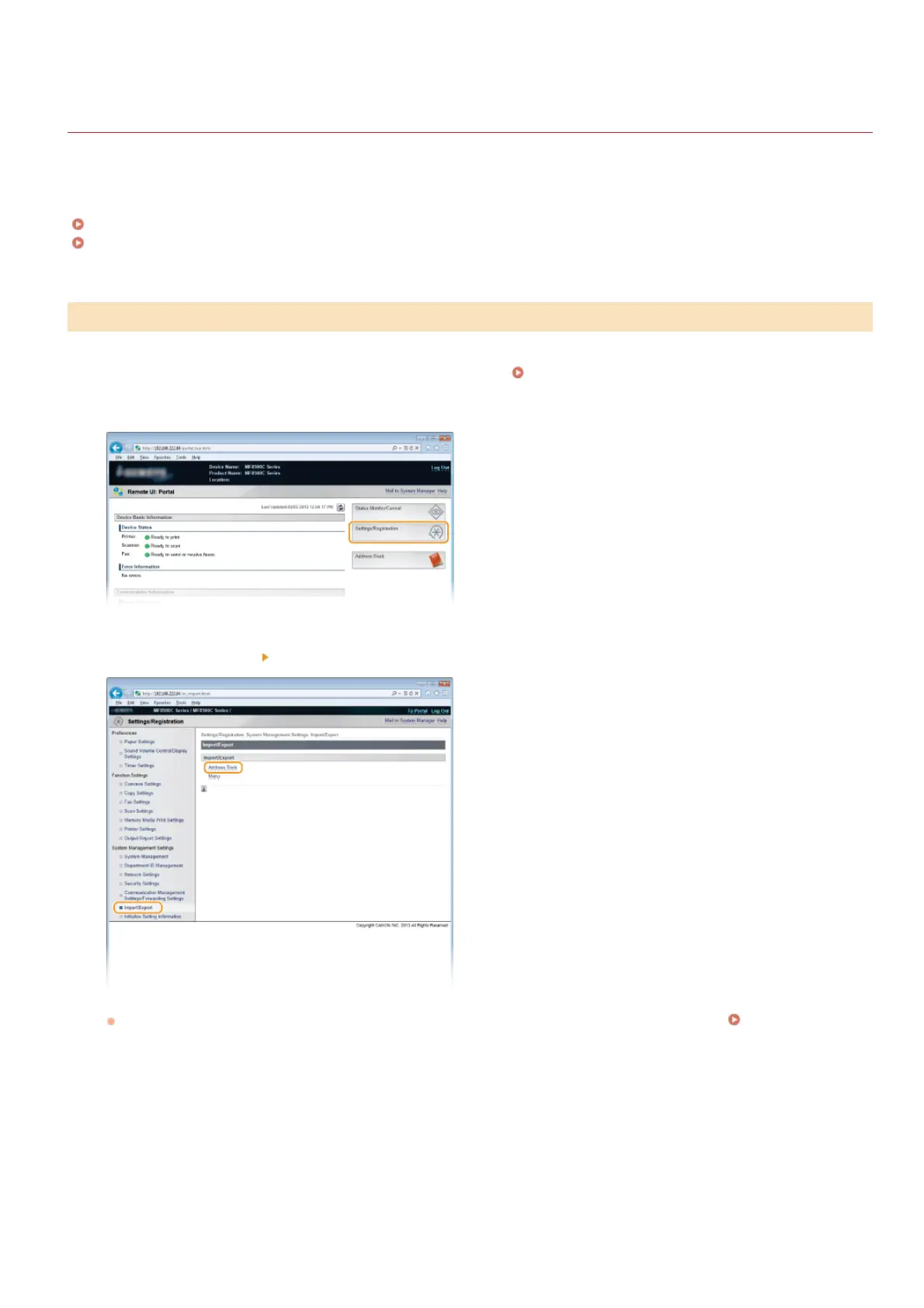
Start the Remote UI and log on in System Manager Mode. Starting Remote UI
Click [Settings/Registration].
Click [Import/Export] [Address Book].
If the screen prompting you to enter the Address Book PIN is displayed, enter the [PIN] and click [OK]. Setting a PIN for
Address Book
Click [Start Exporting].
*
*
Saving Address Book
1
2
3
4
㻠㻢㻡㻌㻛㻌㻢㻣㻢











 To Next Page