0AWU-00L
NOTE
If the machine is not connected to the network properly:
The IP address is displayed as "0.0.0.0".
When the startup time setting is specified:
The IP address, subnet mask, and gateway address will be displayed when the specified time has elapsed.
e-Manual -> "Setting a Wait Time for Connecting to a Network"
When the machine is connected to a switching hub:
The machine may not be able to connect to a network even if your network settings are appropriate. In this case, the
startup time of the machine needs to be set to a waiting state.
e-Manual -> "Setting a Wait Time for Connecting to a Network"
Confirming IPv4 address settings
1
Press or (Status Monitor).
2
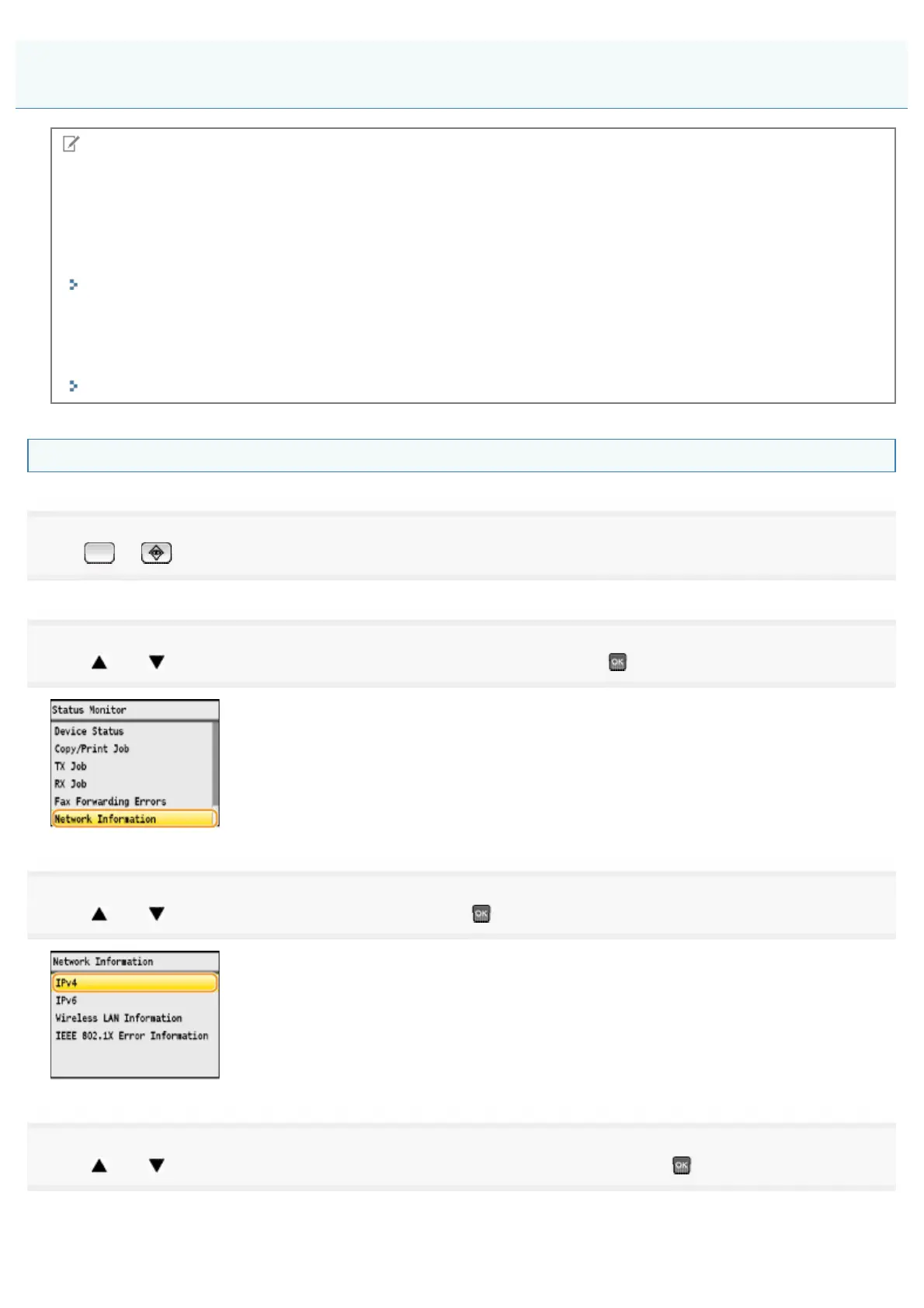
Press [ ] or [ ] to highlight <Network Information>, and then press .
3
Press [ ] or [ ] to highlight <IPv4>, and then press .
4
Press [ ] or [ ] to highlight the option you want to confirm, and then press .
Confirming IP Address Settings
㻢㻤㻌㻛㻌㻣㻠











 To Next Page