0ALJ-013
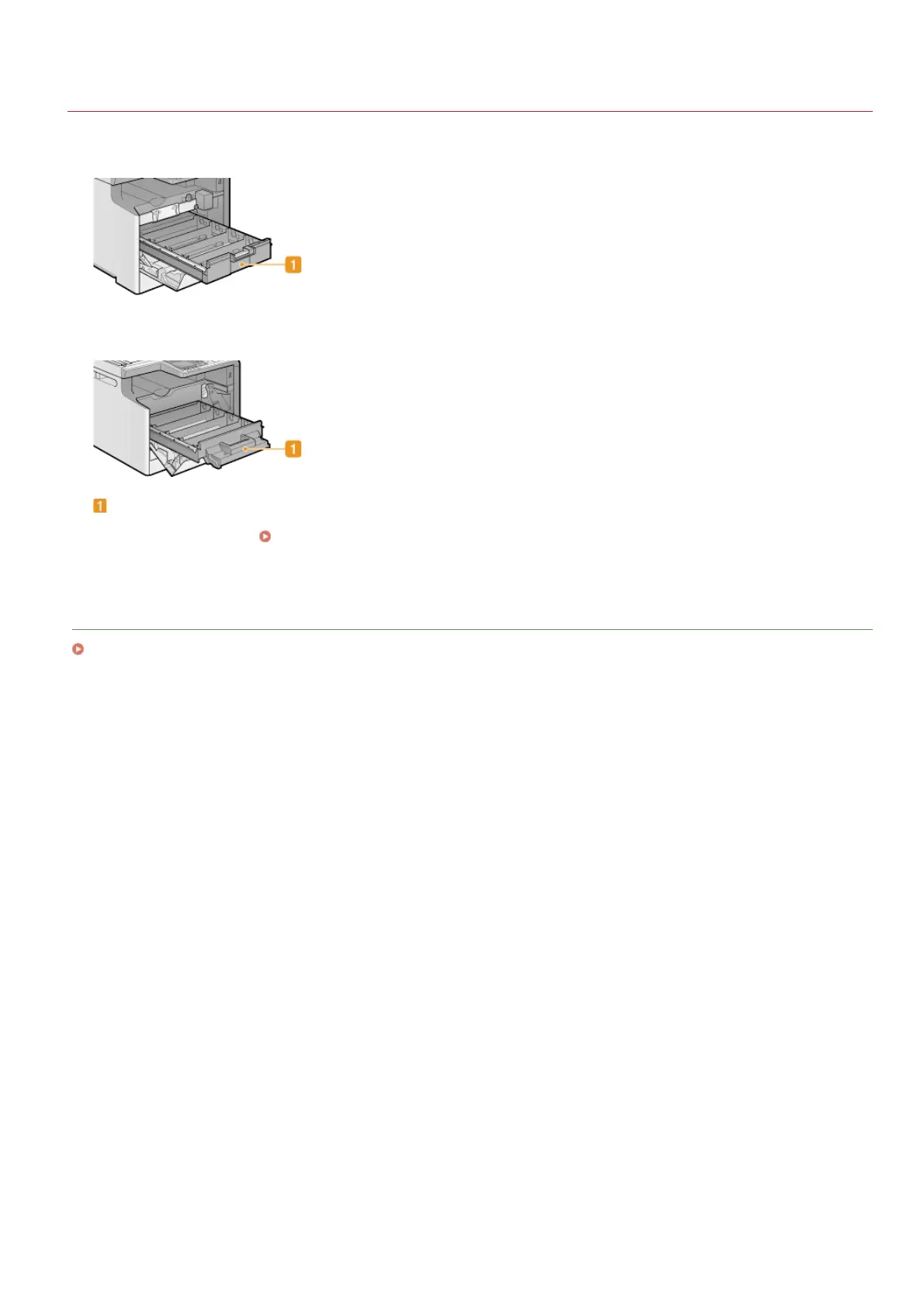
Interior
MF8580Cdw / MF8550Cdn / MF8540Cdn
MF8280Cw / MF8230Cn
Toner cartridge tray
Install the toner cartridges. Load the Y (yellow), M (magenta), C (cyan), and K (black) toner cartridges in the slots from the rear
to the front respectively.
How to Replace Toner Cartridges
LINKS
Replacing Toner Cartridges
㻡㻣㻌㻛㻌㻢㻣㻢











 To Next Page