0ALJ-073
Specifying Previously Used Destinations
You can select a destination from the three most previously used destinations. When you specify a previously
used destination, the machine also sets the same scan settings, such as density, used the last time you sent
documents to that destination.
IMPORTANT
When <Restrict Resending from Log> is set to <On>, you cannot use this feature. Disabling Use of Previously Used
Destinations
Turning OFF the machine or setting <Restrict New Destinations> to <On> deletes the past destinations, and disables this
feature.
Limiting Available Destinations
NOTE
When you specify a destination using this feature, any destinations that you have already specified are deleted.
Press .
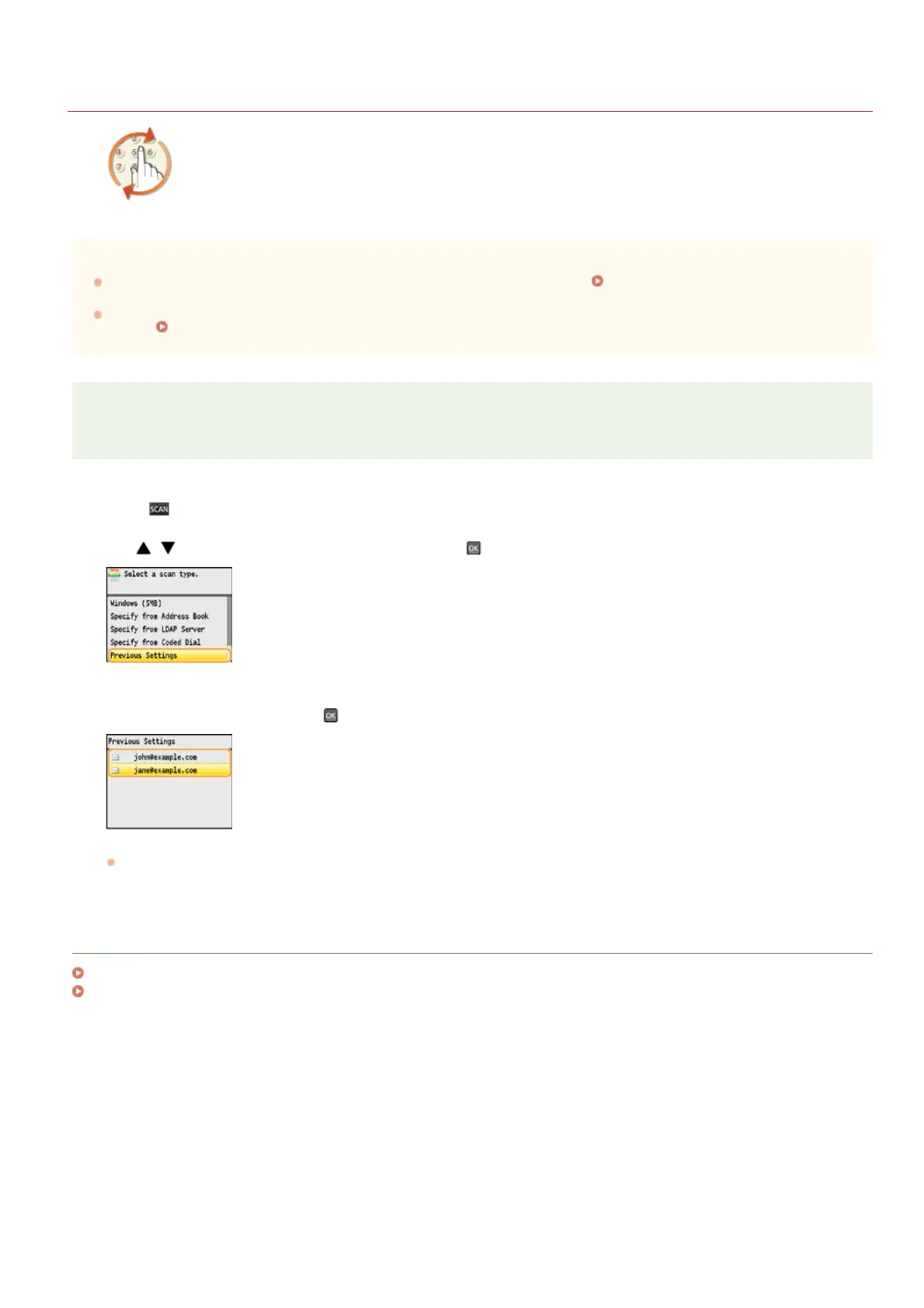
Use / to select <Previous Settings>, and press .
Select a destination, and press .
The selected destination and its scan settings are specified.
LINKS
Sending Documents as E-mails Directly from the Machine (MF8580Cdw / MF8550Cdn / MF8540Cdn Only)
Saving Documents Directly to a Shared Folder (MF8580Cdw / MF8550Cdn / MF8540Cdn Only)
1
2
3
㻟㻝㻞㻌㻛㻌㻢㻣㻢











 To Next Page