0ALJ-04H
Various Print Settings
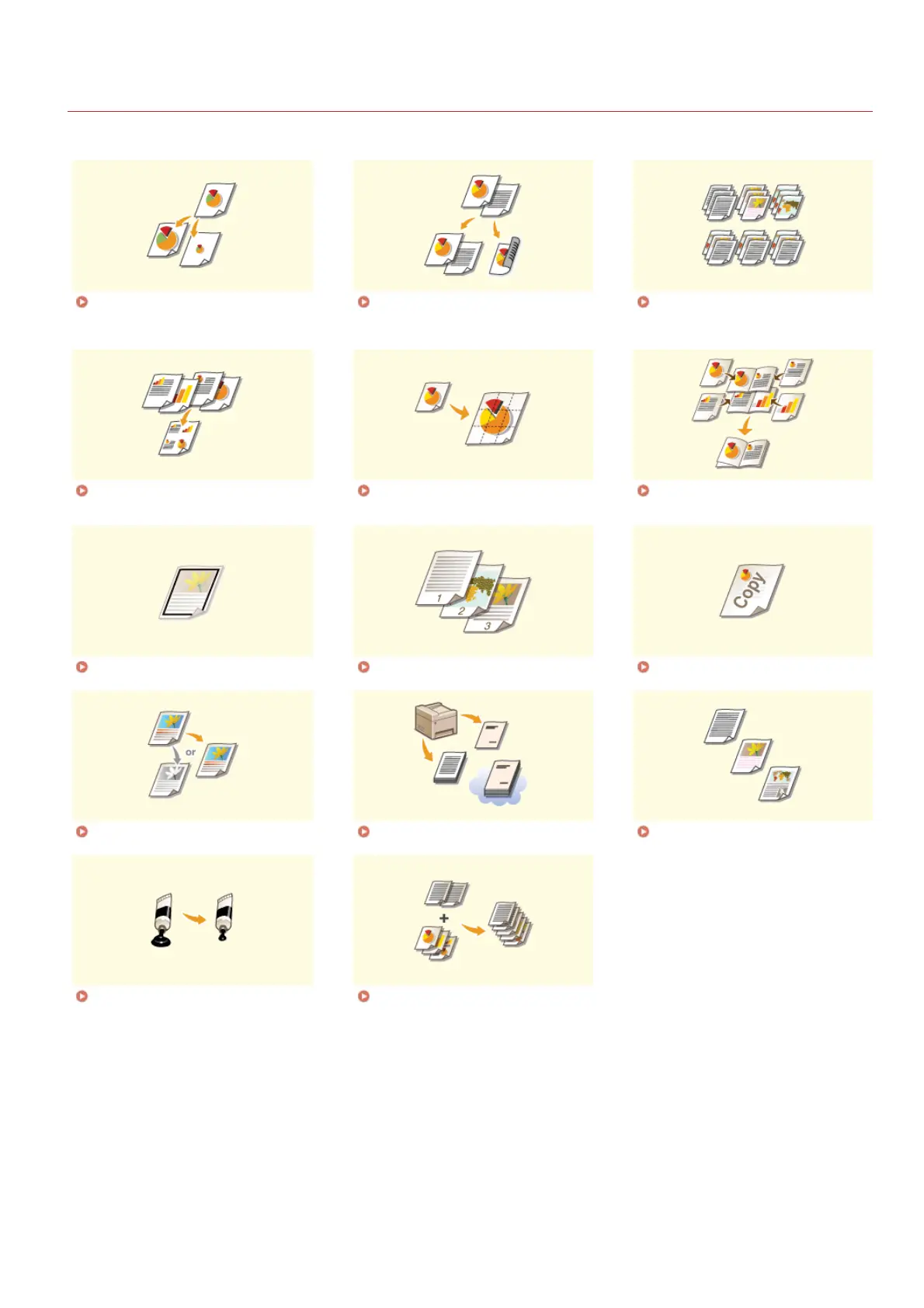
There are a variety of settings to suit your needs, such as Enlarged/Reduced and 2-sided Printing.
Enlarging or Reducing Switching 1-Sided and 2-Sided
Printing (MF8580Cdw /
MF8550Cdn / MF8540Cdn Only)
Collating Printouts by Page
Printing Multiple Pages onto One
Sheet
Printing Posters Printing Booklet (MF8580Cdw /
MF8550Cdn / MF8540Cdn Only)
Printing Borders Printing Dates and Page Numbers Printing Watermarks
Setting Color Mode Specifying Paper Source Selecting Document Type
Saving Toner Combining and Printing Multiple
Documents
㻝㻥㻣㻌㻛㻌㻢㻣㻢











 To Next Page