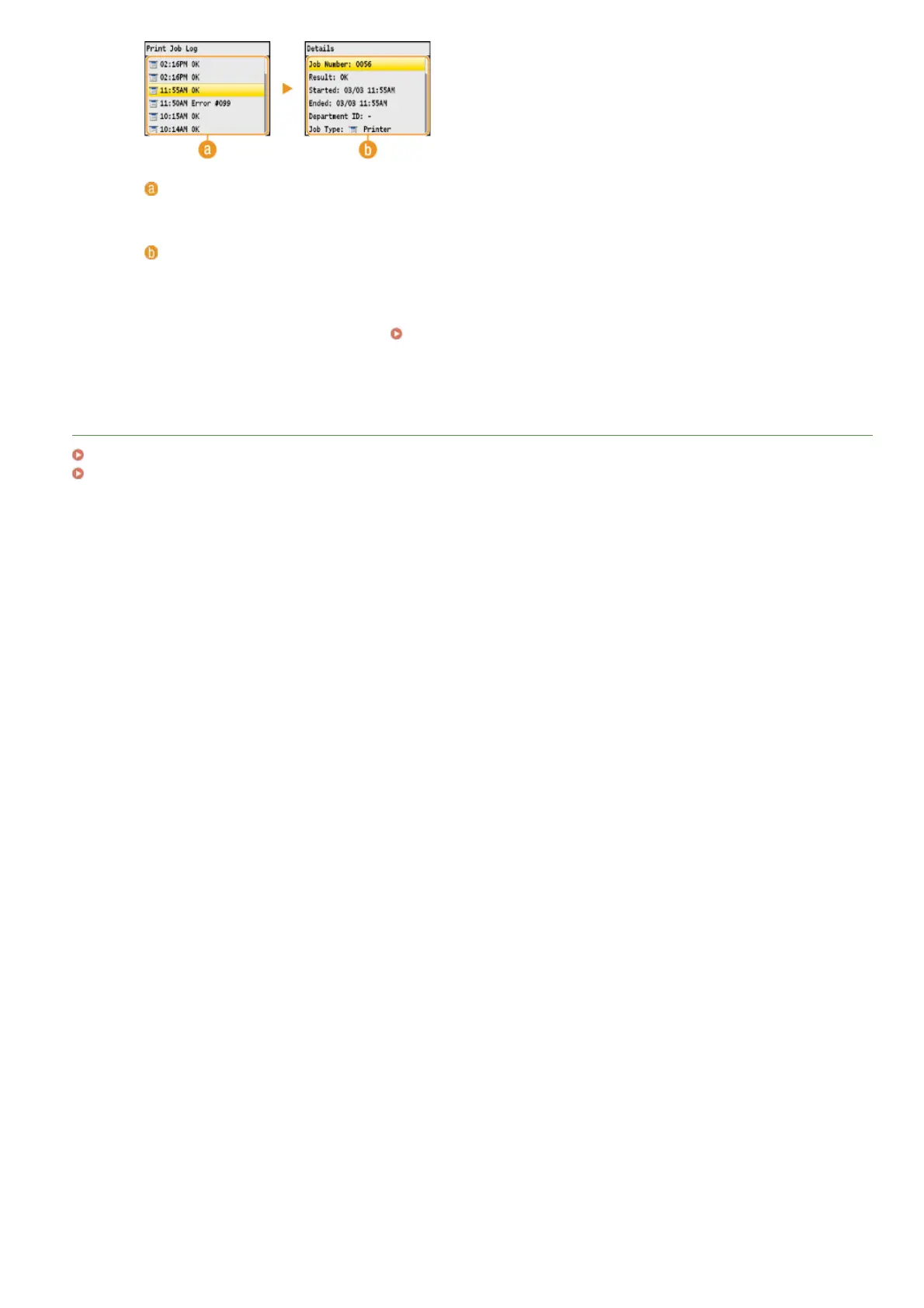
<Print Job Log>
Displays a list of the documents that were printed. <OK> is displayed when a document was printed successfully, and
<Error> is displayed when a document failed to be printed because it was canceled or there was some error.
<Details>
Displays detailed information about the document selected from the list. The displayed document name or user name
may not reflect the actual document or user name.
NOTE:
If the <Result> column shows a three-digit number
This number represents an error code.
When an Error Code Appears
LINKS
Printing a Document
Canceling Prints
㻝㻥㻢㻌㻛㻌㻢㻣㻢











 To Next Page