0ALJ-094
Configuring SLP Communication with imageWARE
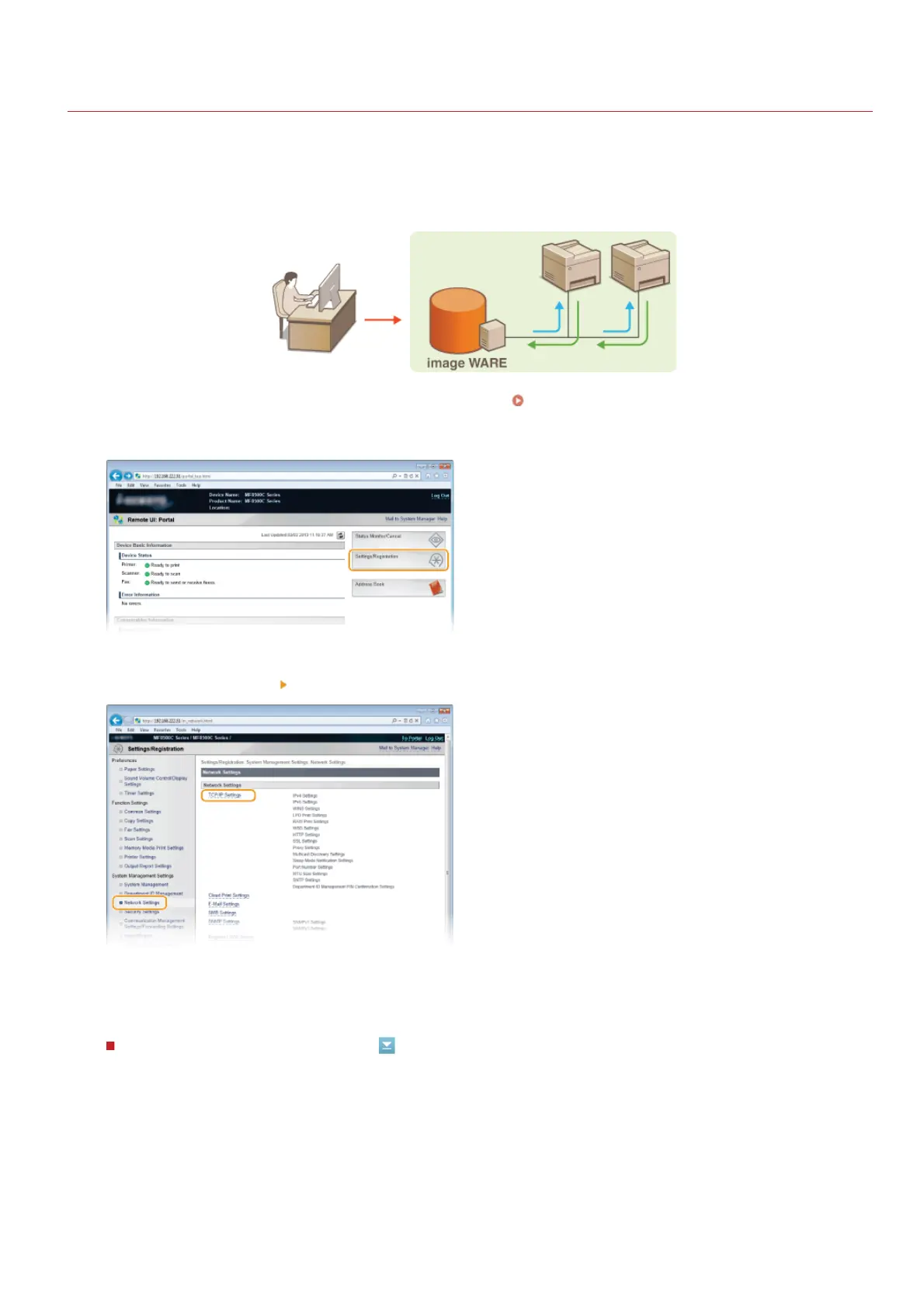
You can facilitate the collection and management of various information about networked devices by implementing device management
software, such as imageWARE Enterprise Management Console , into the network. Information such as device settings, Address Books,
and error logs is retrieved and distributed via the server computer. If the machine is connected to such a network, imageWARE searches
the network for the machine by using protocols such as Service Location Protocol (SLP) to gather information from the machine, including
the power status. SLP settings can be specified via the Remote UI.
For more information about imageWARE, contact your local authorized Canon dealer.
Start the Remote UI and log on in System Manager Mode. Starting Remote UI
Click [Settings/Registration].
Click [Network Settings] [TCP/IP Settings].
Specify SLP settings.
Specifying multicast device discovery
*
*
1
Click [Edit...] in [Multicast Discovery Settings].
1
2
3
4
㻟㻥㻟㻌㻛㻌㻢㻣㻢











 To Next Page