Notifying imageWARE of the power status of the machine
2
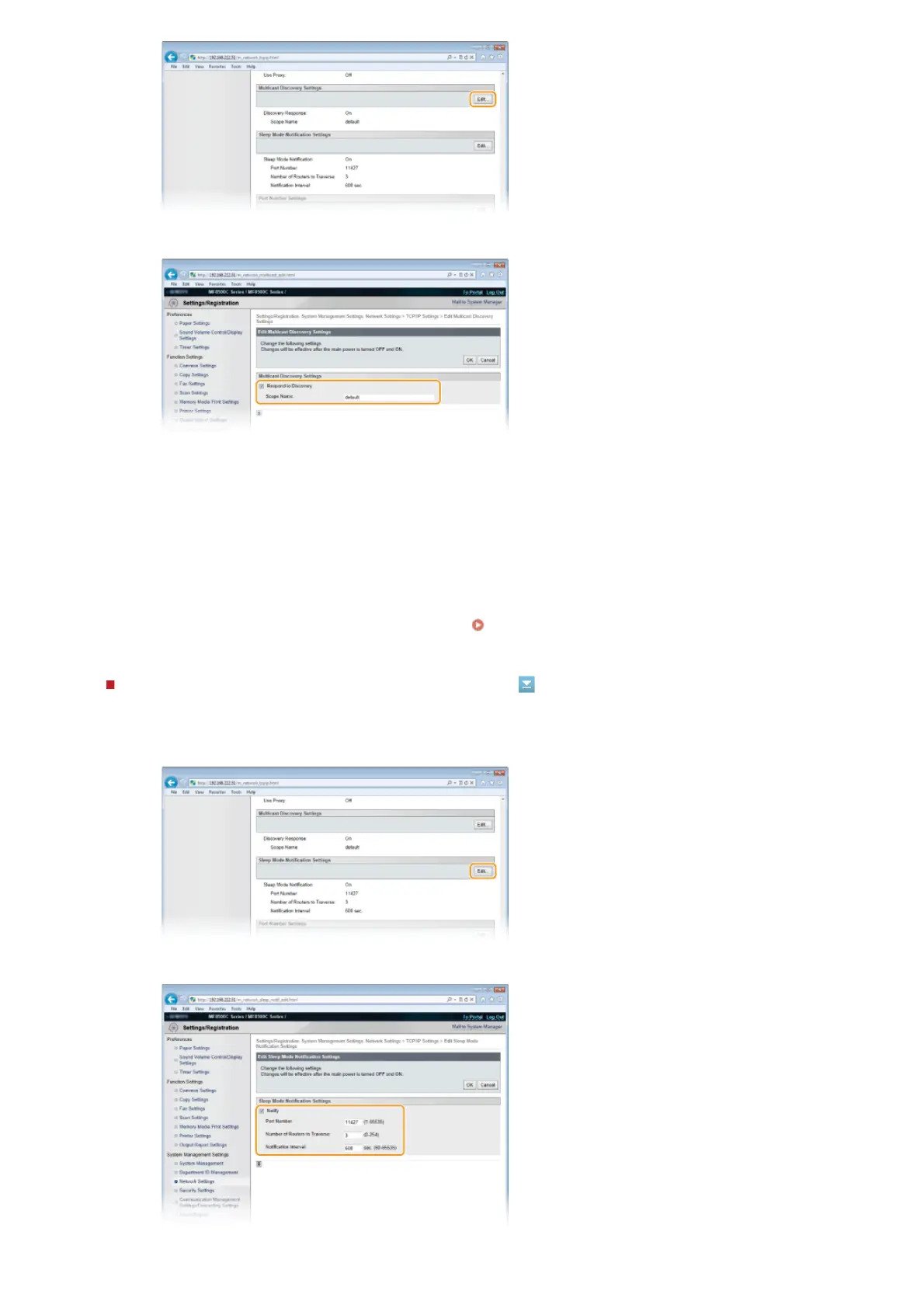
Select the [Respond to Discovery] check box and specify the required settings.
[Respond to Discovery]
Select the check box to set the machine to respond to imageWARE multicast discovery packets and enable
monitoring by imageWARE.
[Scope Name]
To include the machine into a specific scope, enter up to 32 characters for the scope name.
3
Click [OK].
NOTE:
To change the port number for multicast discovery, see
Changing Port Numbers.
1
Click [Edit...] in [Sleep Mode Notification Settings].
2
Select the [Notify] check box and specify the required settings.
㻟㻥㻠㻌㻛㻌㻢㻣㻢











 To Next Page