0ALJ-064
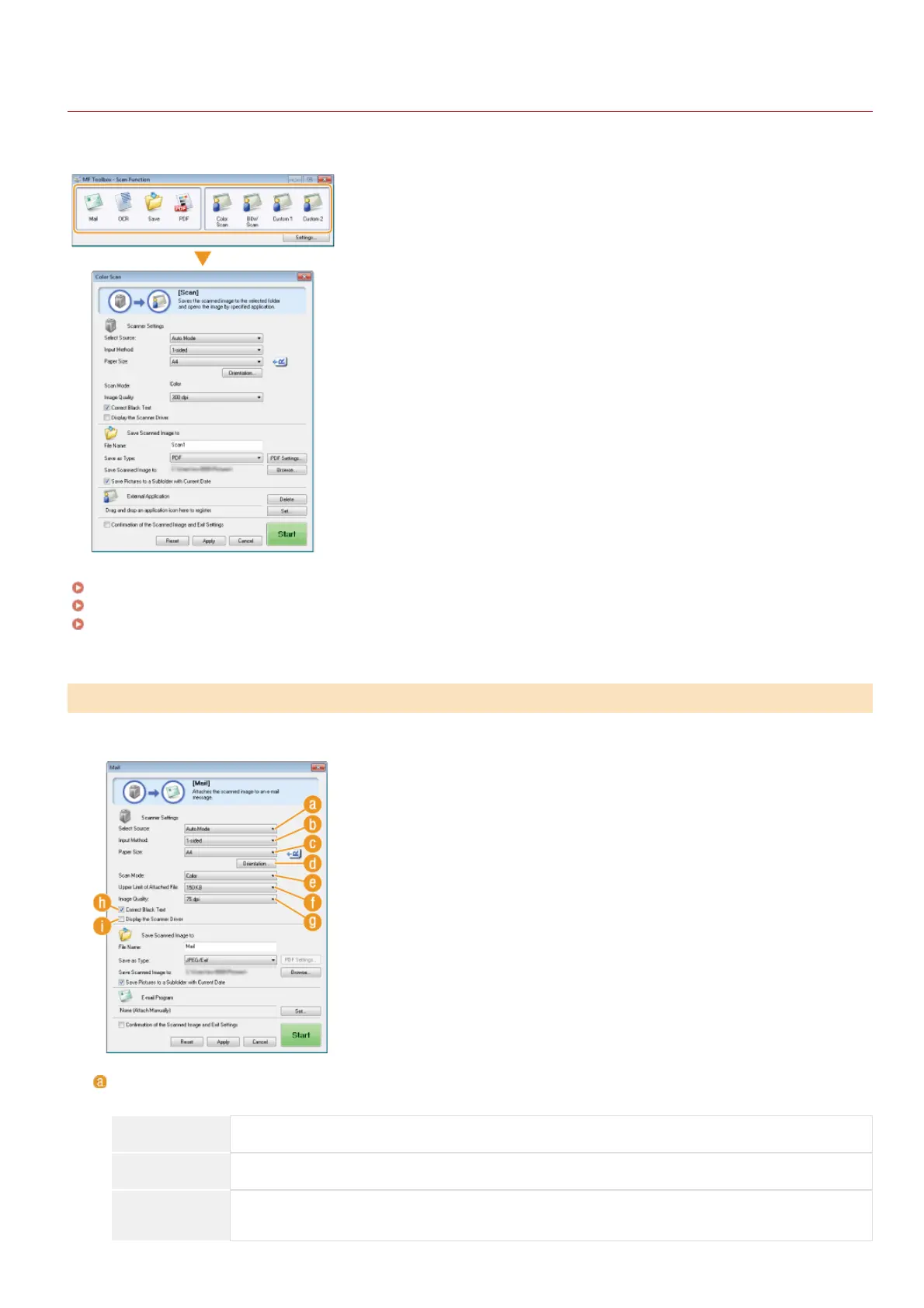
Configuring Scan Settings in MF Toolbox
You can change the preset settings, such as the type of scan (color or black and white), file format, and resolution, to suit your intended
use. You can also specify a destination to save the scanned document, an application as a forward destination, and other settings.
Configuring Scan Settings
Configuring Storing Settings
Specifying External Applications to Forward Scanned Data
Configure the scan settings such as the original document size, color mode, and resolution.
[Select Source]
Select a setting based on whether you place your documents on the platen glass or in the feeder.
[Platen Glass] Select when placing documents on the platen glass.
[ADF] Select when placing documents in the feeder.
[Auto Mode]
When documents are placed in the feeder, they are scanned. When nothing is placed in the feeder,
documents placed on the platen glass are scanned.
Configuring Scan Settings
㻞㻢㻟㻌㻛㻌㻢㻣㻢











 To Next Page