0ALJ-0AX
Preferences
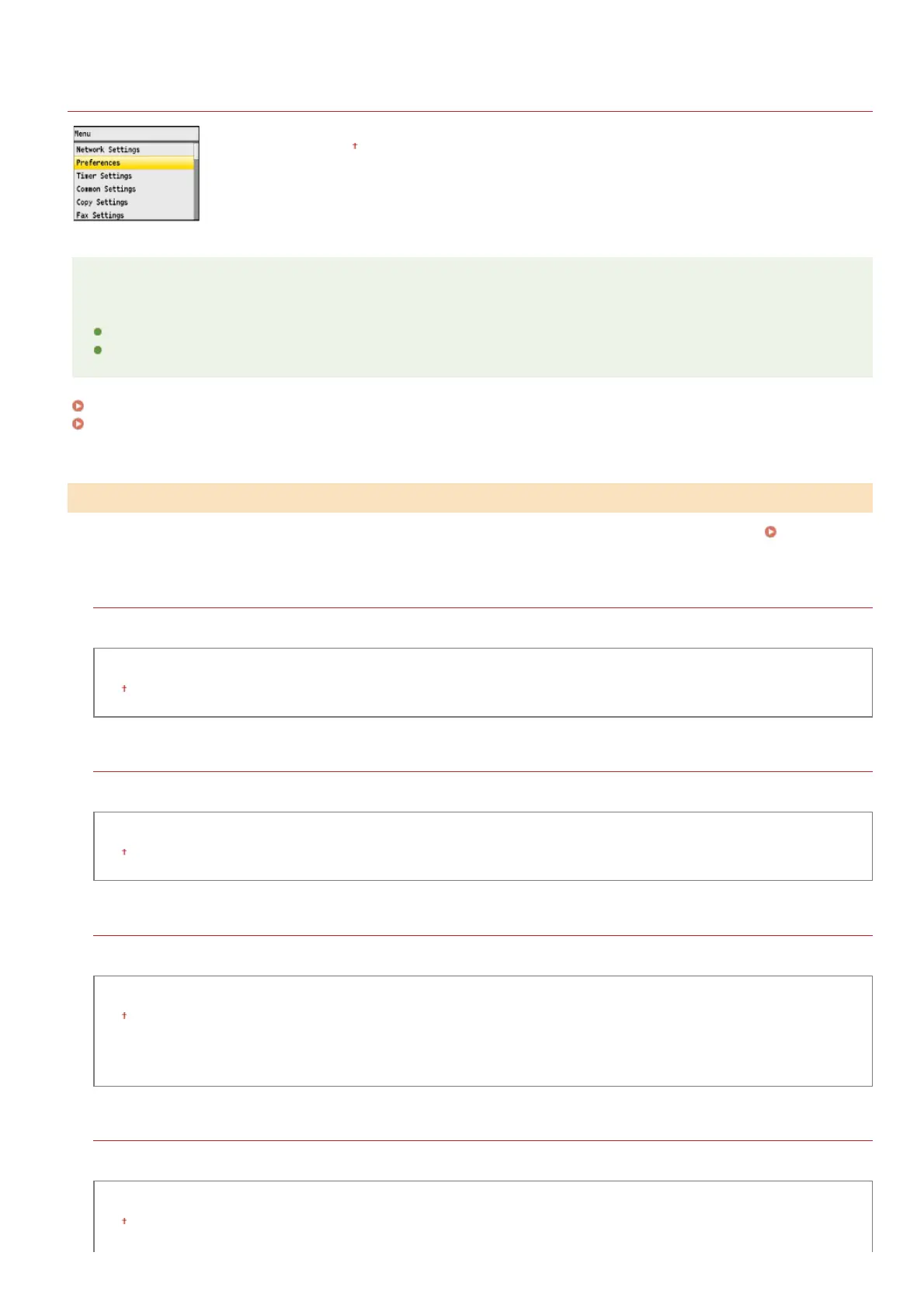
All the settings about the sound volume and display are listed with short descriptions. Default settings are
marked with a dagger (
).
NOTE
Asterisks ( )
Settings marked with " " are only available for the MF8580Cdw / MF8550Cdn / MF8280Cw.
Settings marked with " " have different defaults depending on the country or region of purchase.
Sound Volume Control
Display Settings
Adjust volume at which the machine beeps when a key is pressed on the operation panel or when a paper jam occurs.
Adjusting the
Volume
Fax Tone
Select whether to make a dial tone while a fax is being sent. You can also adjust the volume.
Off
On
Three Levels
Ring Tone
Select whether the machine beeps when a fax is received. You can also adjust the volume.
Off
On
Three Levels
TX Done Tone
Select whether the machine beeps when a fax is sent. You can also adjust the volume.
Off
On
Three Levels
Only When Error Occurs
Three Levels
RX Done Tone
Select whether the machine beeps when a fax is received. You can also adjust the volume.
Off
On
Three Levels
*
*1
*2
Sound Volume Control
*1
*1
*1
*1
㻠㻤㻞㻌㻛㻌㻢㻣㻢











 To Next Page