0ALJ-038
Scanning 2-Sided Documents (MF8580Cdw / MF8550Cdn / MF8540Cdn Only)
The machine can automatically scan the front and back sides of documents in the feeder.
IMPORTANT
Place the documents in the feeder; the machine cannot scan both sides of documents automatically when the documents are
placed on the platen glass or when the machine is set to Manual Sending.
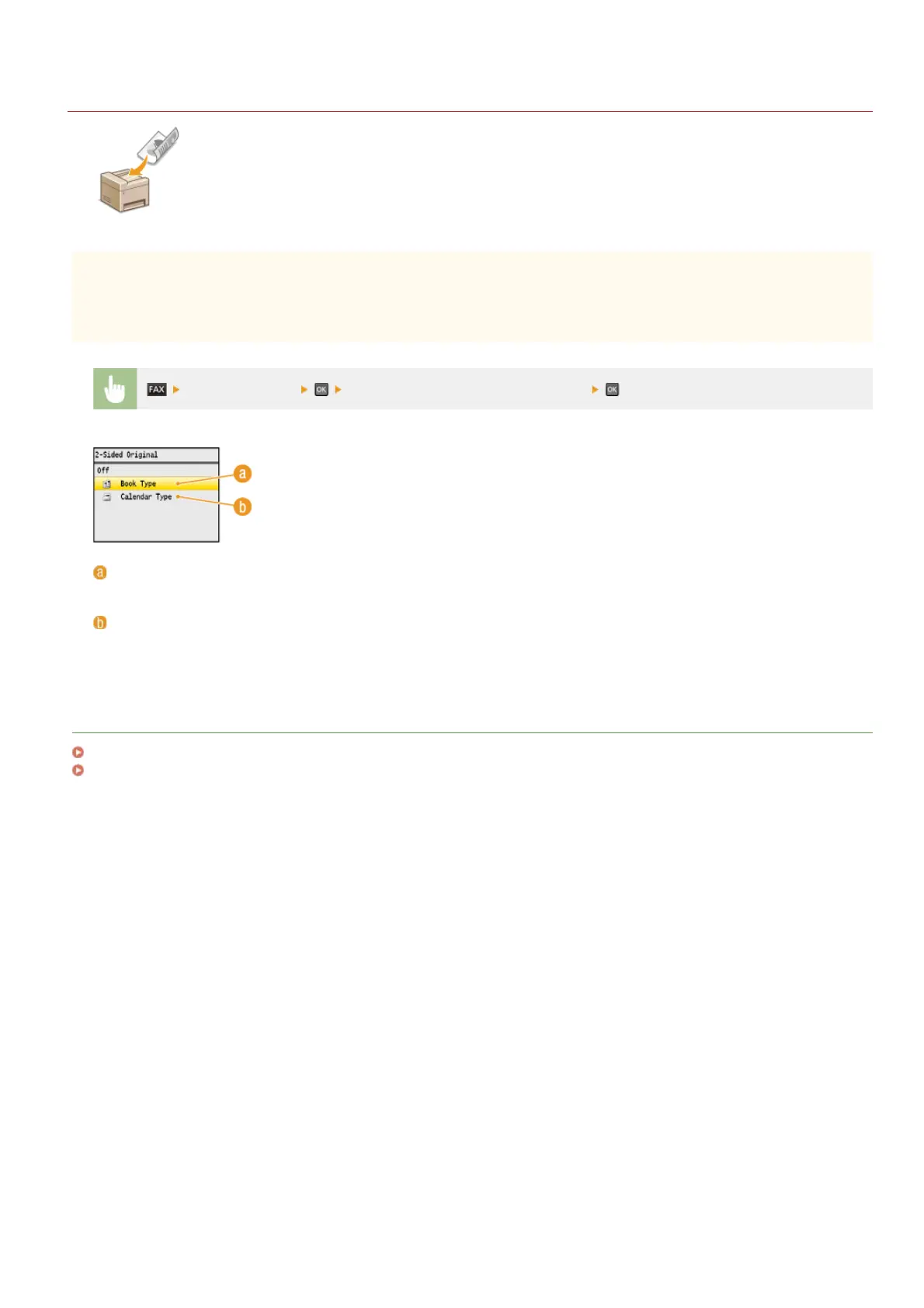
<2-Sided Original> Select <Book Type> or <Calendar Type>
<Book Type>
Select for documents whose images on the front and back sides face the same direction.
<Calendar Type>
Select for documents whose images on the front and back sides face in opposite directions.
LINKS
Sending Faxes
Making a Call before Sending Faxes (Manual Sending)
㻝㻠㻝㻌㻛㻌㻢㻣㻢











 To Next Page