0ALJ-06L
Adjusting Density
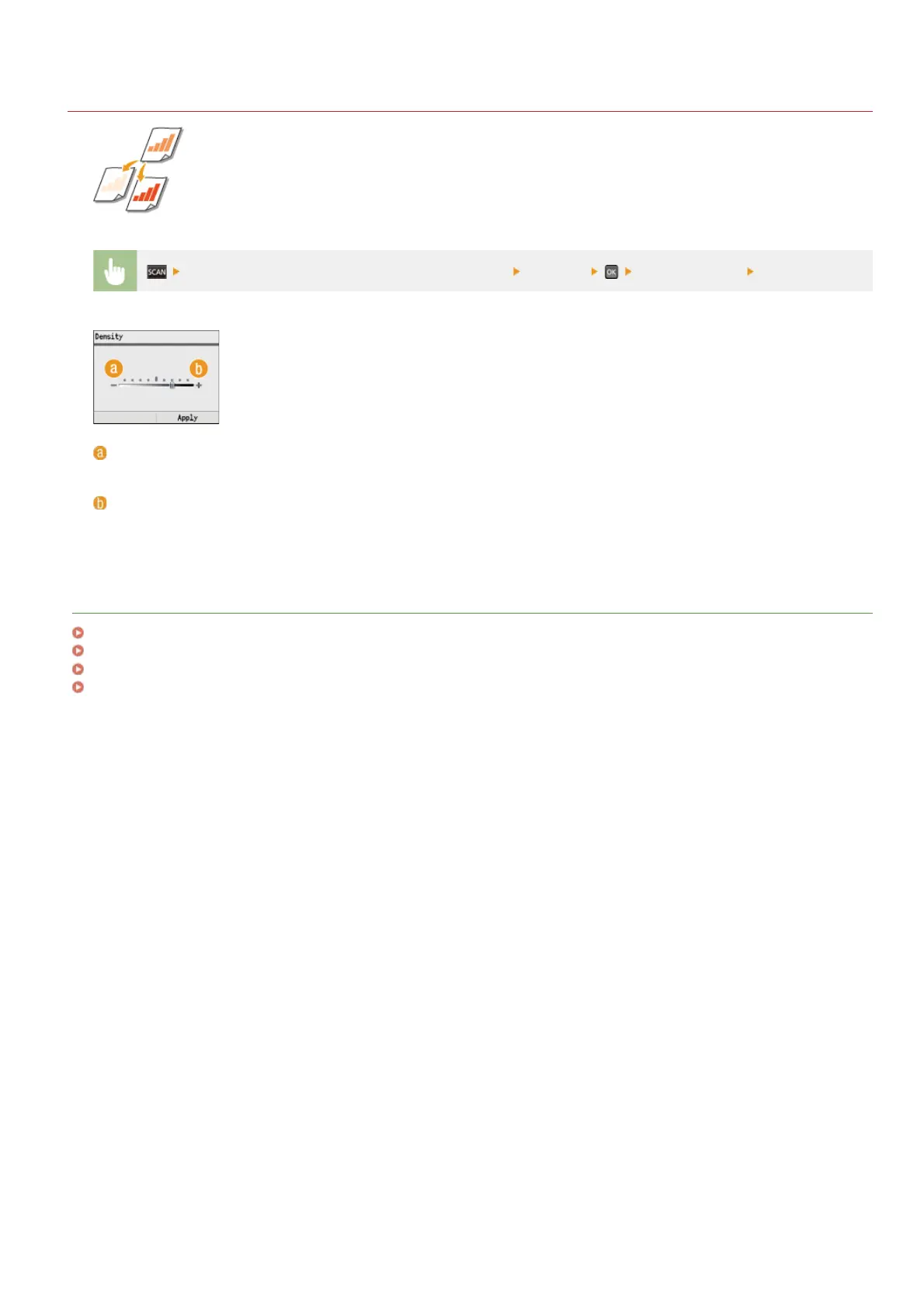
You can adjust the density of the scan if the text or images in a document are too light or dark.
Specify destinations or connect the USB memory device <Density> Adjust the density <Apply>
<–>
Decreases the density.
<+>
Increases the density.
LINKS
Scanning Documents Directly to USB Memory
Sending Documents as E-mails Directly from the Machine (MF8580Cdw / MF8550Cdn / MF8540Cdn Only)
Saving Documents Directly to a Shared Folder (MF8580Cdw / MF8550Cdn / MF8540Cdn Only)
Adjusting Sharpness
㻞㻥㻥㻌㻛㻌㻢㻣㻢











 To Next Page