0ALJ-06E
Sending Documents as E-mails Directly from the Machine (MF8580Cdw /
MF8550Cdn / MF8540Cdn Only)
You can specify multiple destinations, including Cc/Bcc destinations, just like you can when sending normal e-mails.
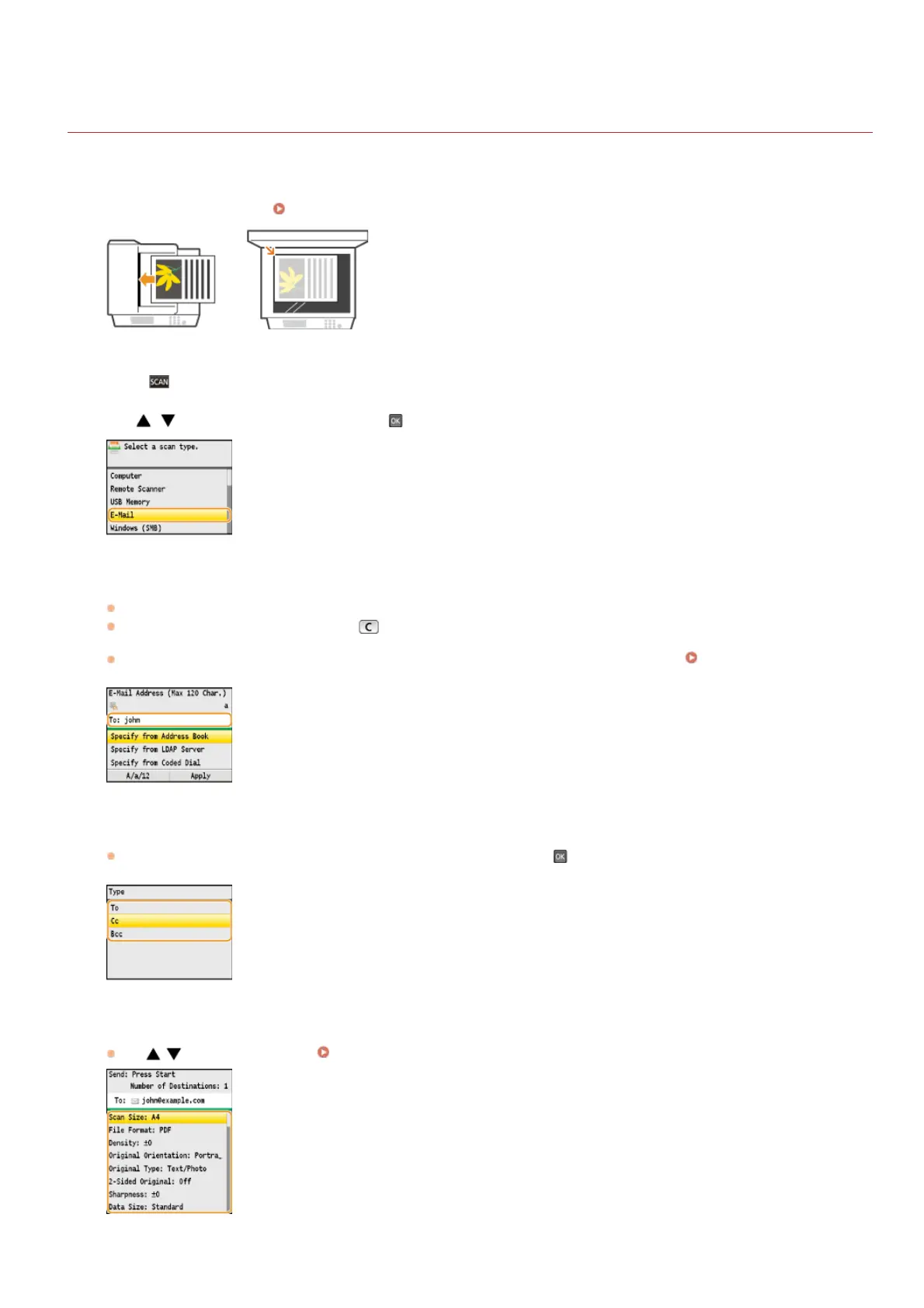
Place the document(s). Placing Documents
Press .
Use / to select <E-Mail>, and press .
Enter the destination using the numeric keys, and press <Apply>.
Pressing <A/a/12> toggles the input modes.
If you enter the wrong characters, press
. (Press to delete each character one by one; press and hold to delete all the input
characters at once.)
To make it easier to specify destinations by using other methods, such as the Address Book, see
Specifying Destinations (E-
mail/Shared Folder) (MF8580Cdw / MF8550Cdn / MF8540Cdn Only).
Specify multiple destinations, including Cc/Bcc destinations, as necessary.
First, select from <To>, <Cc>, or <Bcc> as a destination type, and press , and then specify destinations. Use the Address
Book or an LDAP server for <To> destinations. To specify destinations for <Cc> and <Bcc>, you need to use the Address Book.
Specify the scanning settings as necessary.
Use / to select the settings. Specifying Detailed Settings
NOTE:
1
2
3
4
5
6
㻞㻤㻤㻌㻛㻌㻢㻣㻢











 To Next Page