0ALJ-0EH
Adjusting Values for Text Color Reproducibility in Color Documents
If copy results of black or blackish text are not satisfactory, you can improve the color reproducibility with this adjustment. This
adjustment value can be set independently in the feeder and platen glass.
NOTE
The settings are applied to color copies when <Original Type> is set to <Text/Photo/Map> or <Text> ( Selecting Document
Type).
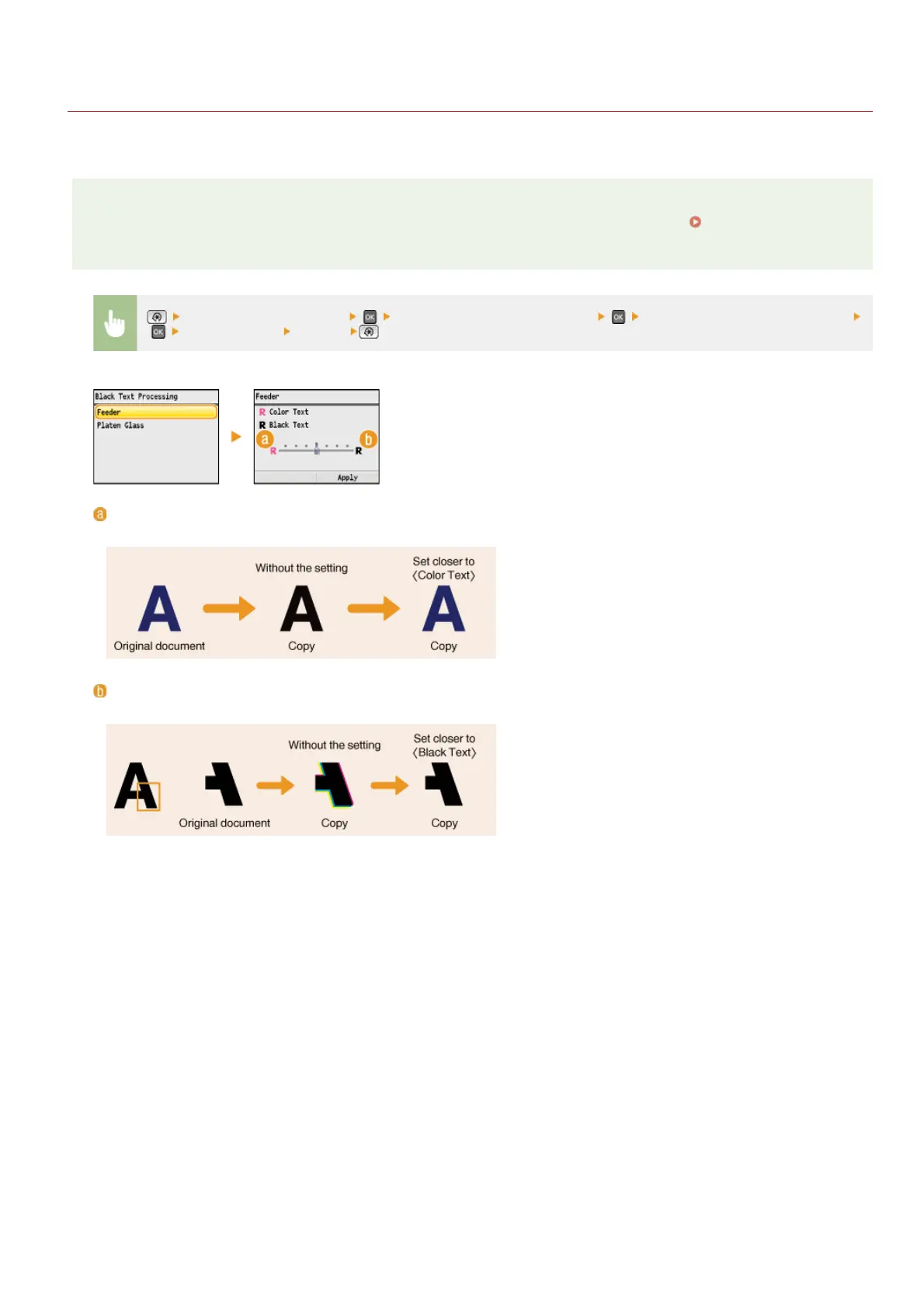
<Adjustment/Maintenance> <Black Text Processing for Color> Select <Feeder> or <Platen Glass>
Adjust the value <Apply>
<Color Text>
Makes black or blackish text in a copy match more closely with the original.
<Black Text>
Enhances the clarity of black text.
㻢㻜㻡㻌㻛㻌㻢㻣㻢











 To Next Page