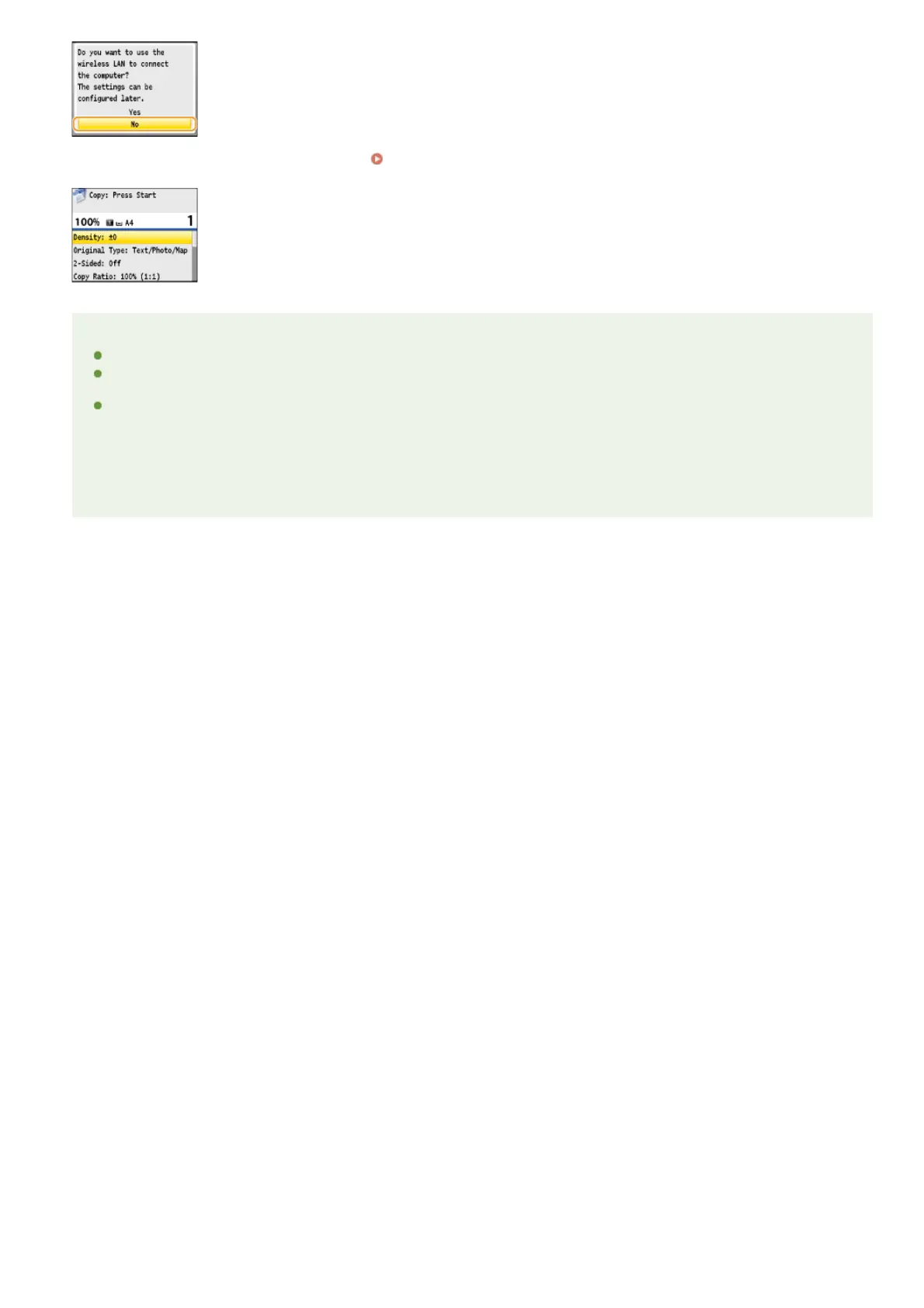
If the screen shown below is displayed, proceed to Connecting via USB.
NOTE
The machine does not come with a LAN cable or router. Have them ready as necessary.
If you are not sure whether the router you are using supports wireless LAN or wired LAN, see the instruction manual provided
with the router, or contact your manufacturer.
The operating systems listed below are compatible with the included software, such as the drivers, which are used for
connecting the machine to a computer. For information about the latest supported operating systems and Service Packs, see
the Canon Web site (http://www.canon.com/).
Windows XP/Vista/7/8/Server 2003 /Server 2008 /Server 2012
These operating systems can be used only with network connection. The scan function is not supported.
***
*
㻟㻣㻌㻛㻌㻢㻣㻢











 To Next Page