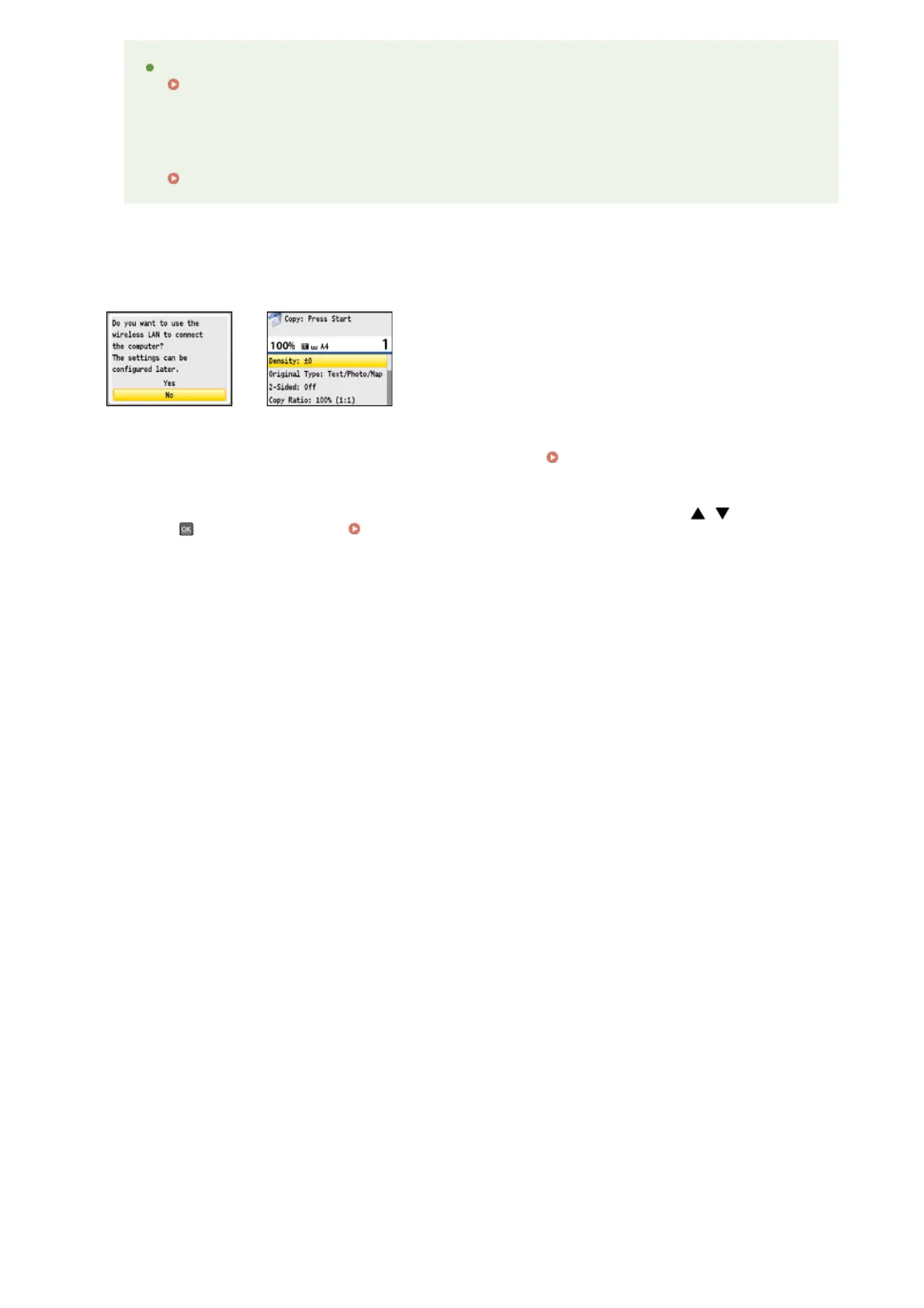
Confirm that one of the screens shown here is displayed.
If you want to connect the machine to a computer, continue to Connecting to a Computer
If you do not want to connect the machine to a computer and are using MF8540Cdn / MF8230Cn, the initial
settings are complete. If you are using MF8580Cdw / MF8550Cdn / MF8280Cw, use / to select <No>
and press , and then proceed to
Configuring Initial Settings for Fax Functions (MF8580Cdw / MF8550Cdn /
MF8280Cw Only)
the machine?
Has a paper jam occurred?
Clearing Jams
If you want to perform color correction again
Follow the on-screen instructions until the screen shown on the right in step 8 is displayed, and then perform
color correction again.
Adjust Copy Image
8
»
»
㻟㻡㻌㻛㻌㻢㻣㻢











 To Next Page