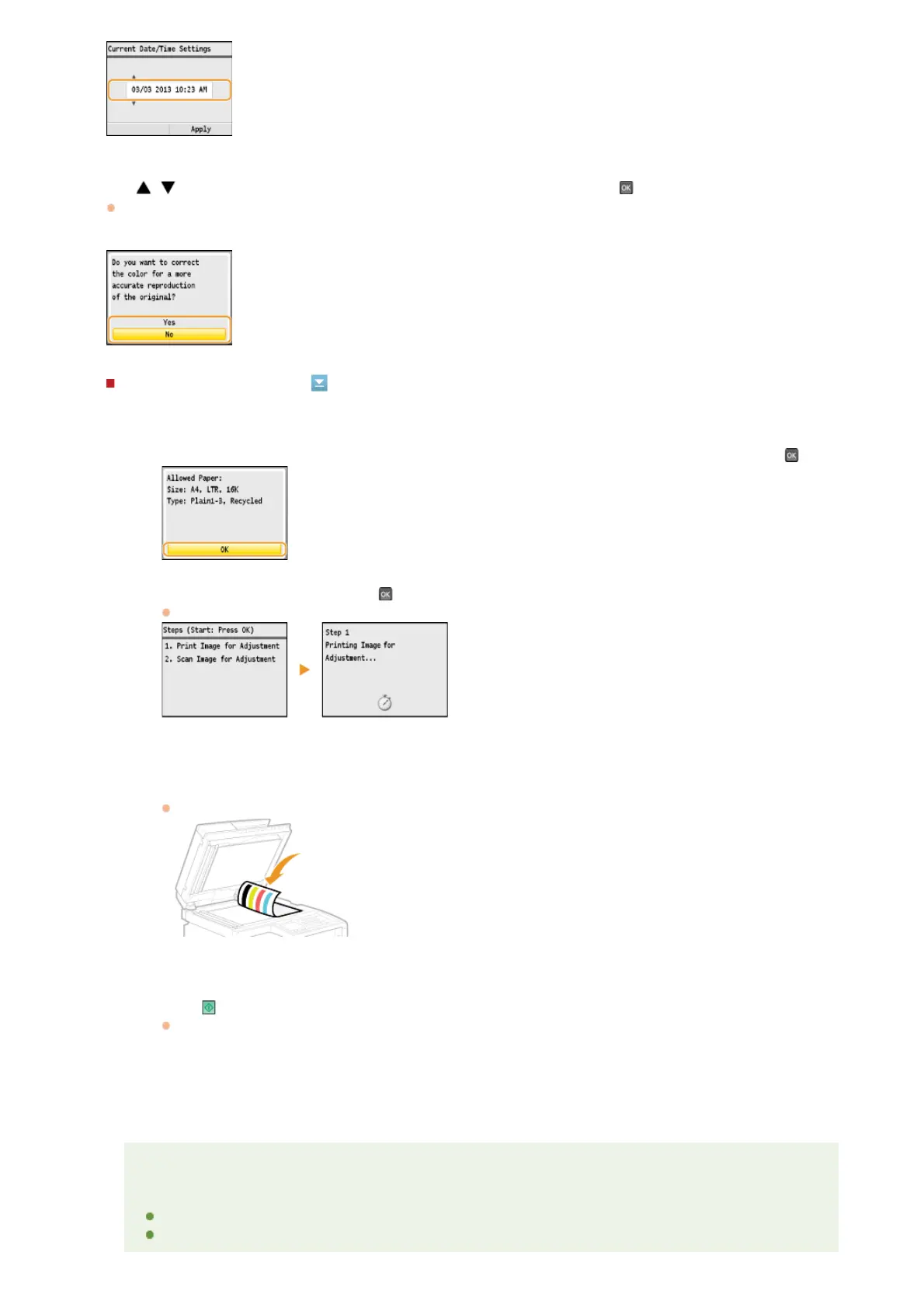
Use / to select whether or not to perform color correction, and press .
When color correction is performed, you can make copies and prints that more closely reproduce the colors and density of the
original document. The time it takes to apply color correction is approximately 2 to 4 minutes. Color correction can be performed
later.
Performing color correction
1
Check that the size and type of paper displayed on the screen is loaded in the machine, and press .
2
Confirm the procedure, and press .
An adjustment image is printed.
3
Open the feeder after the screen displayed during printing disappears.
4
Place the adjustment image on the platen glass with the print side face down.
Place the adjustment image so that the black stripe is toward the back side of the machine.
5
Gently close the feeder.
6
Press (Color).
The machine starts scanning the adjustment image.
7
Open the feeder and remove the adjustment image.
8
Gently close the feeder.
NOTE
If the <Correction failed.> message is displayed
Did you load plain or recycled A4 or Letter size paper into the drawer?
Did you place the adjustment image with the print side face down, with the black stripe toward the back side of
7
㻟㻠㻌㻛㻌㻢㻣㻢











 To Next Page