Specify the scanning settings as necessary.
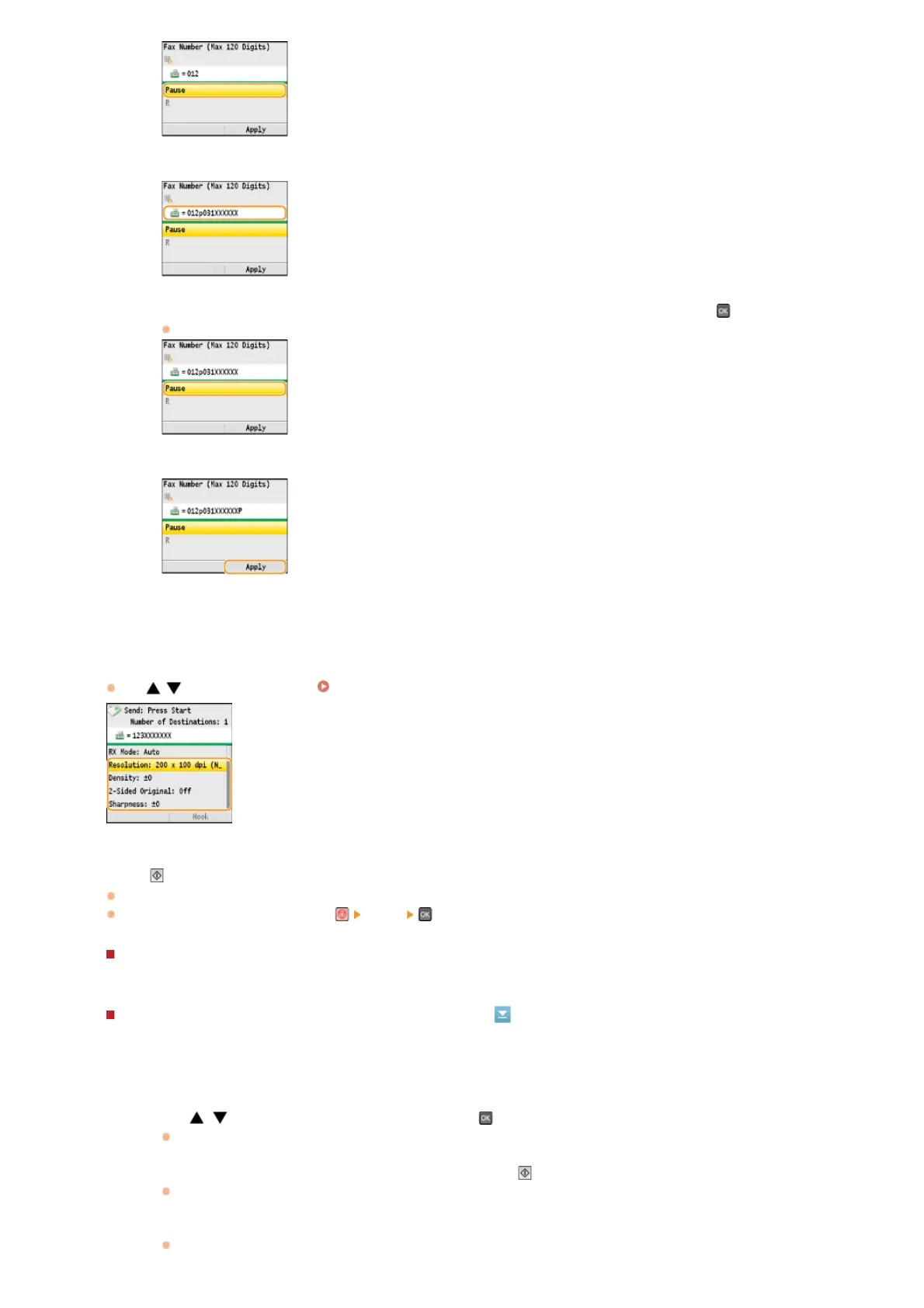
Use / to select the settings. Various Fax Settings
Press (B&W) to start sending.
Scanning starts.
If you want to cancel sending, press
<Yes> .
When placing documents in the feeder in step 1
When scanning is complete, the faxes are sent.
When placing documents on the platen glass in step 1
3
Enter the country code, the area code, and the fax number.
4
Select <Pause> to insert a pause at the end of the fax number as necessary, and press .
The waiting time inserted here is fixed to 10 seconds. This time cannot be changed.
5
Press <Apply>.
Follow the procedures below.
1
Use / to select the document size, and press .
When there is only one page to be scanned, proceed to step 3.
2
Place the next document on the platen glass, and press (B&W).
Repeat this step until you finish scanning all of the pages.
3
Press <Start Sending>.
The faxes are sent.
4
5
㻝㻟㻠㻌㻛㻌㻢㻣㻢











 To Next Page