LINKS
Sending Faxes
Sending Faxes to Multiple Destinations Simultaneously (Sequential Broadcast)
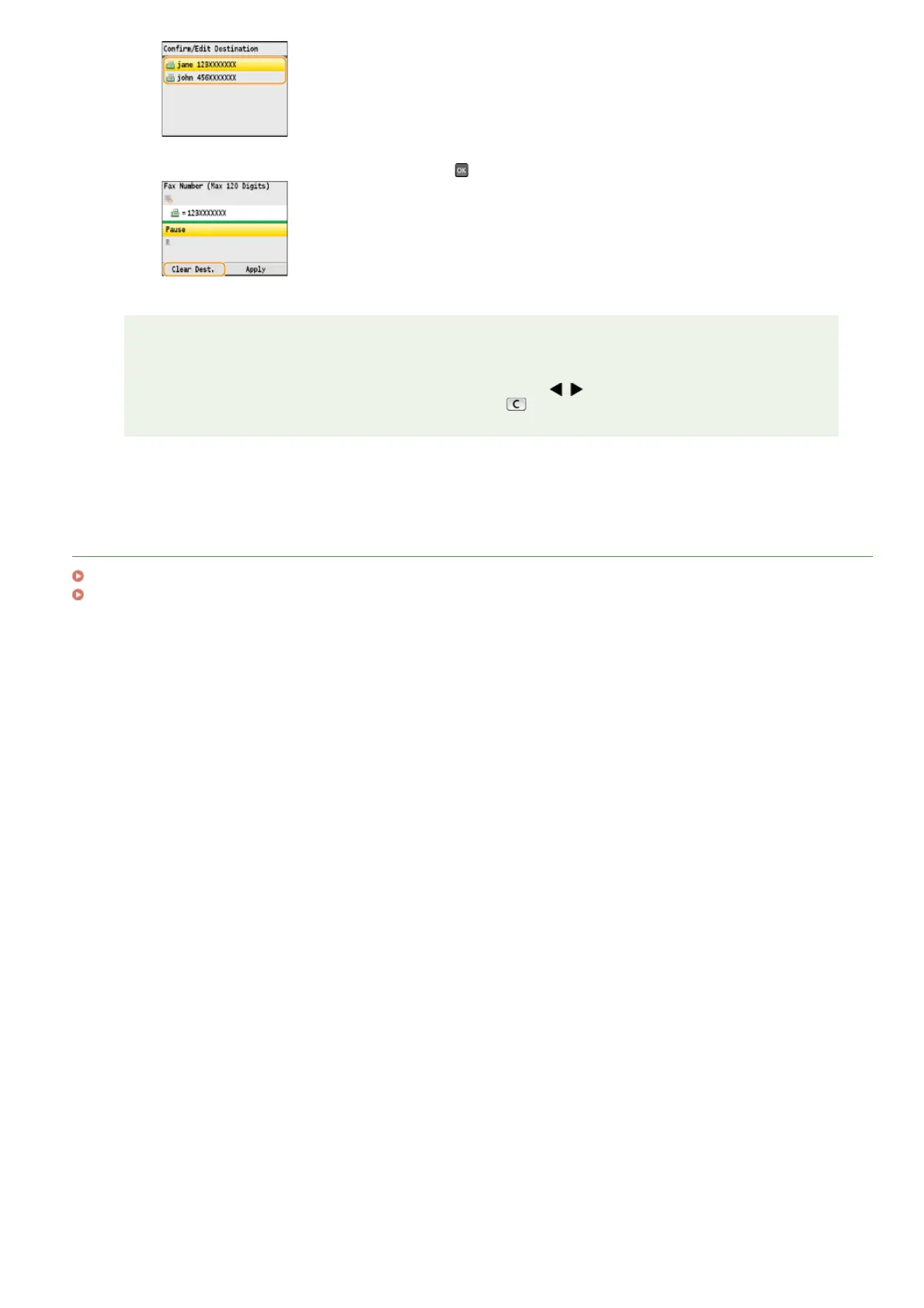
3
Press <Clear Dest.>, select <Yes>, and press .
NOTE
If you want to easily and quickly delete destinations without displaying a list of destinations
Before selecting <Confirm/Edit Destination> in step 1, you can press / to toggle the destinations you
specified. Display a destination you want to delete, and press
.
㻝㻡㻞㻌㻛㻌㻢㻣㻢











 To Next Page