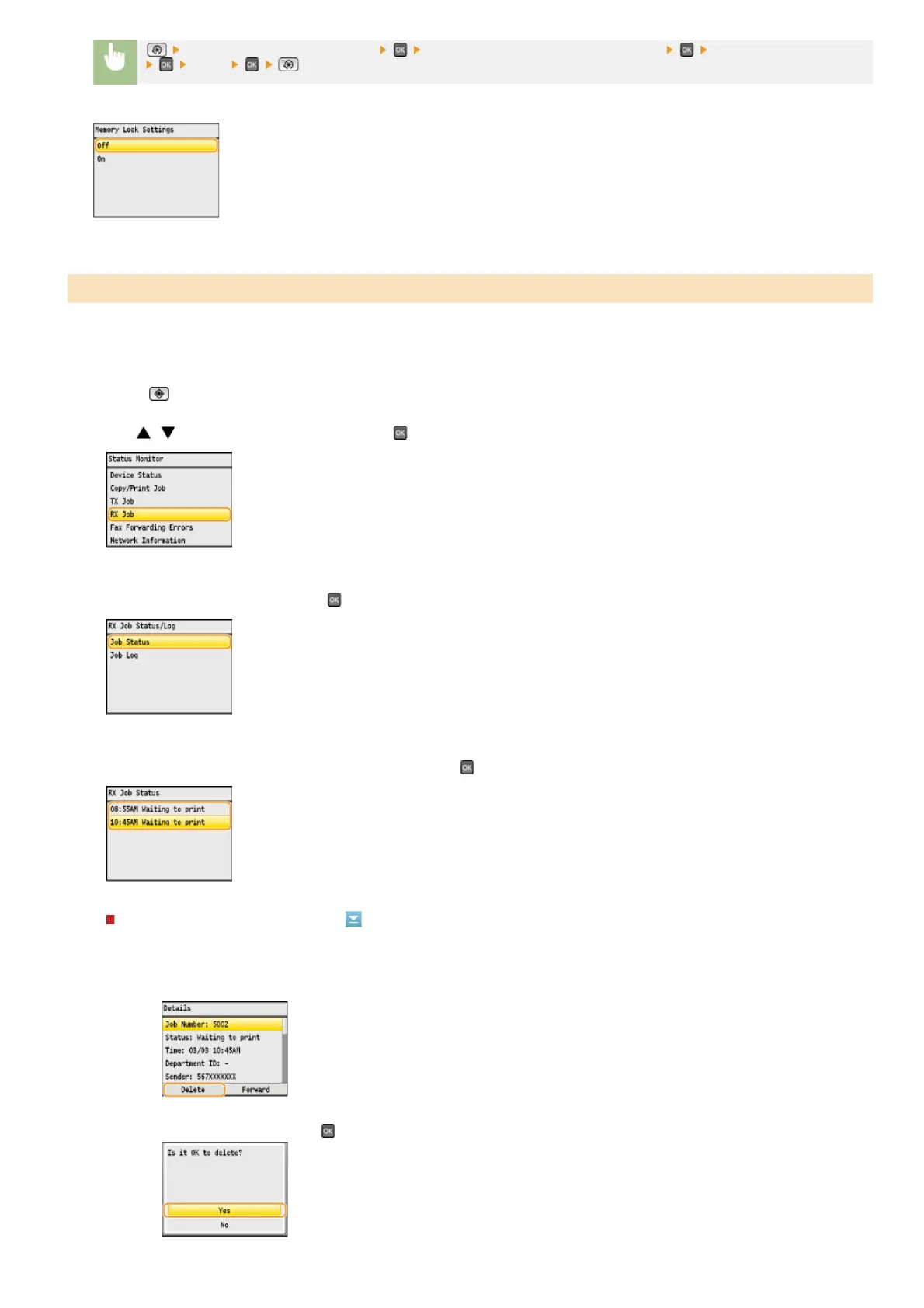
<System Management Settings> <Communication Management Settings> <Memory Lock Settings>
<Off>
You can check detailed information about the documents stored in memory, including sender fax numbers and number of pages sent,
and then delete unnecessary documents.
Press (Status Monitor).
Use / to select <RX Job>, and press .
Select <Job Status>, and press .
Select the document you want to check, and press .
To delete the checked document
Checking/Deleting Documents in Memory
1
Press <Delete>.
2
Select <Yes>, and press .
1
2
3
4
㻝㻢㻝㻌㻛㻌㻢㻣㻢











 To Next Page