Click the document you want to cancel.
Click [Delete].
You cannot print using AirPrint.
Make sure that the machine is turned ON. If the machine is turned ON, restart the machine and see if the problem is solved.
Make sure that the paper is loaded in the machine and the machine has enough toner.
Loading Paper Replacing Toner
Cartridges
Make sure that no error messages are displayed on the machine.
Make sure that Apple devices (iPad/iPhone/iPod touch/Macintosh) and the machine are connected to the same wireless LAN. If
the machine is turned ON, it may take several minutes before the machine is ready for wireless communication.
Make sure that Bonjour on Apple devices is enabled.
Make sure that the machine is configured to enable printing from a computer even when no department ID and password are
entered.
Blocking Jobs When Department ID Is Unknown
You can register information, including the name of the machine and installation location, that is used for identifying the machine. You
can also disable the AirPrint function of the machine. Use the Remote UI to change these settings.
Start the Remote UI and log on in System Manager Mode. Starting Remote UI
NOTE:
Depending on your Web browser, the procedure to start the Remote UI may be different. See the instruction manuals for the Web
browser you are using.
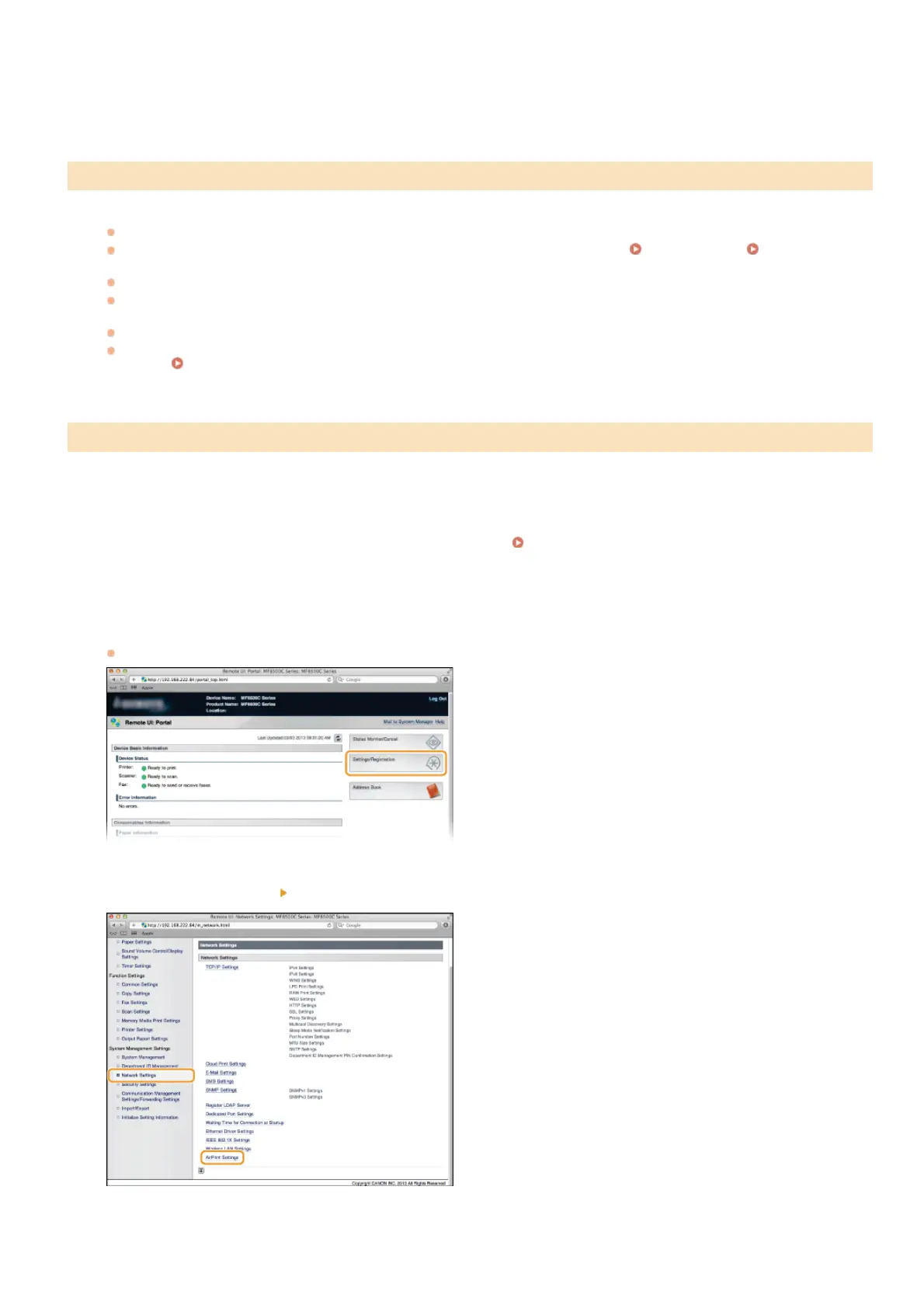
Click [Settings/Registration].
If you are using a mobile device, such as iPad, iPhone, or iPod touch, read "click" as "tap" in this section.
Click [Network Settings] [AirPrint Settings].
Click [Edit...].
Troubleshooting for AirPrint
Changing AirPrint Settings
2
3
1
2
3
4
㻞㻠㻢㻌㻛㻌㻢㻣㻢











 To Next Page