NOTE:
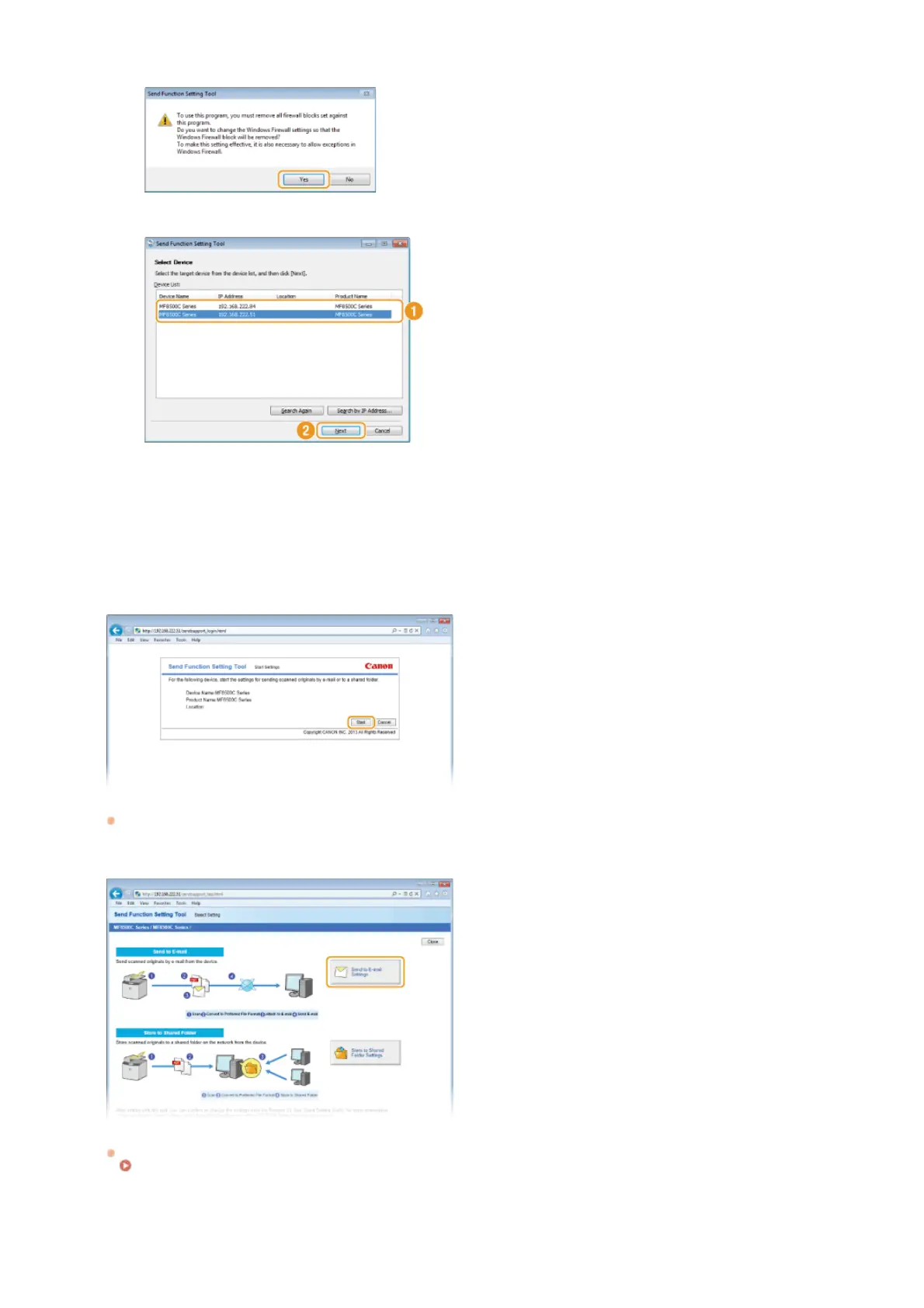
If the screen below appears
Click [Yes].
5
Select the machine from [Device List] and click [Next].
NOTE:
If the machine is not displayed in [Device List]
Click [Search Again]. If the problem persists, click [Search by IP Address], enter the IP address of the machine, and then
click [OK].
6
Confirm the settings and click [OK].
Click [Start].
If the logon screen is displayed, enter the appropriate ID and PIN in the corresponding text boxes, and then click [Logon].
Click [Send to E-mail Settings].
If the screen prompting you to enter the Address Book PIN is displayed, enter the PIN for the Address Book, and click [OK].
Setting a PIN for Address Book
Specify the required settings.
2
3
4
㻟㻢㻜㻌㻛㻌㻢㻣㻢











 To Next Page