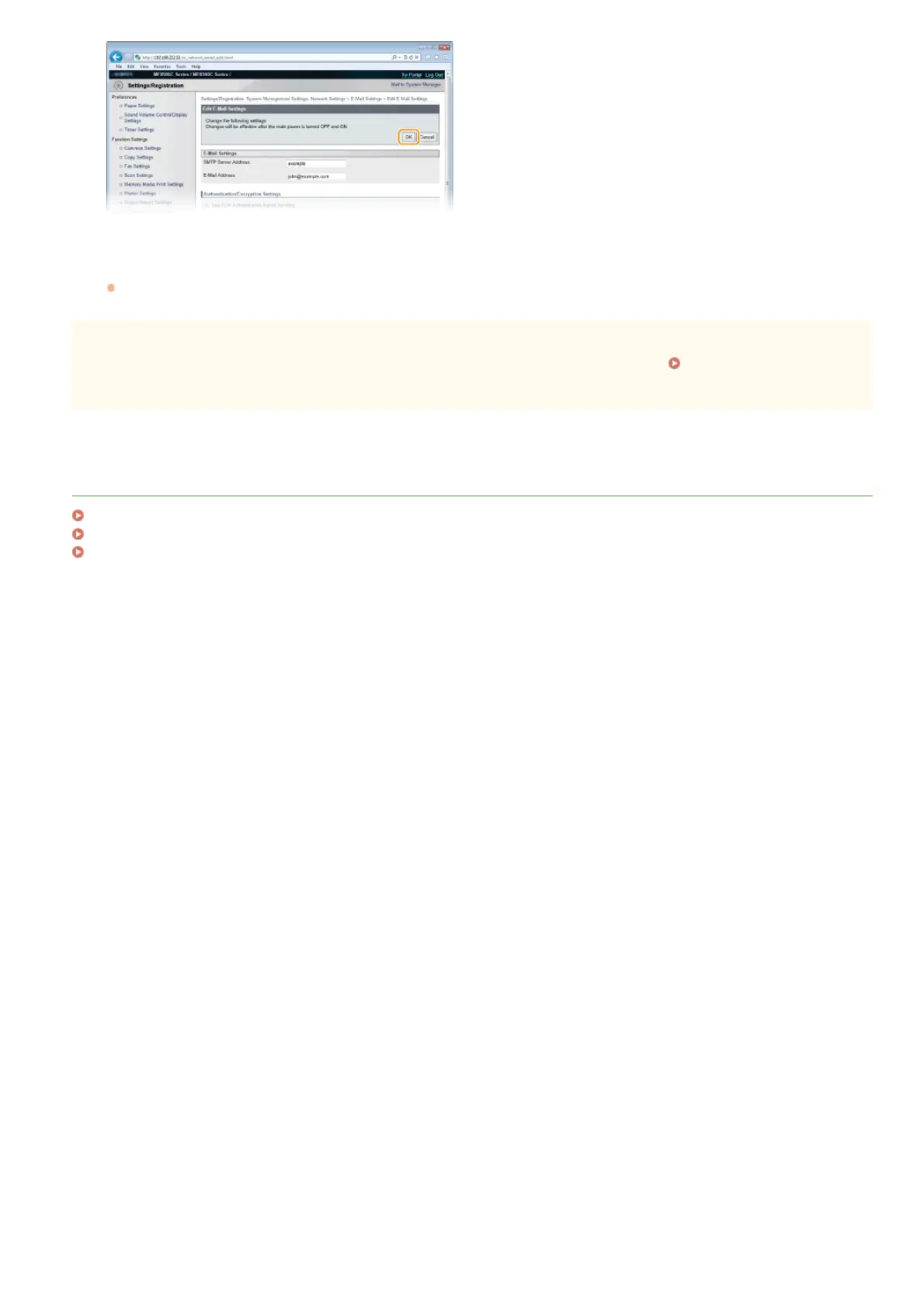
Restart the machine.
Turn OFF the machine, wait for at least 10 seconds, and turn it back ON.
IMPORTANT
Depending on the network you are using, you may need to change the SMTP or POP3 port setting ( Changing Port Numbers).
For more information, contact your Internet service provider or Network Administrator.
LINKS
Configuring the Machine for Scanning to E-mail
Configuring Basic E-mail Settings
Sending Documents as E-mails Directly from the Machine (MF8580Cdw / MF8550Cdn / MF8540Cdn Only)
7
㻟㻢㻠㻌㻛㻌㻢㻣㻢











 To Next Page