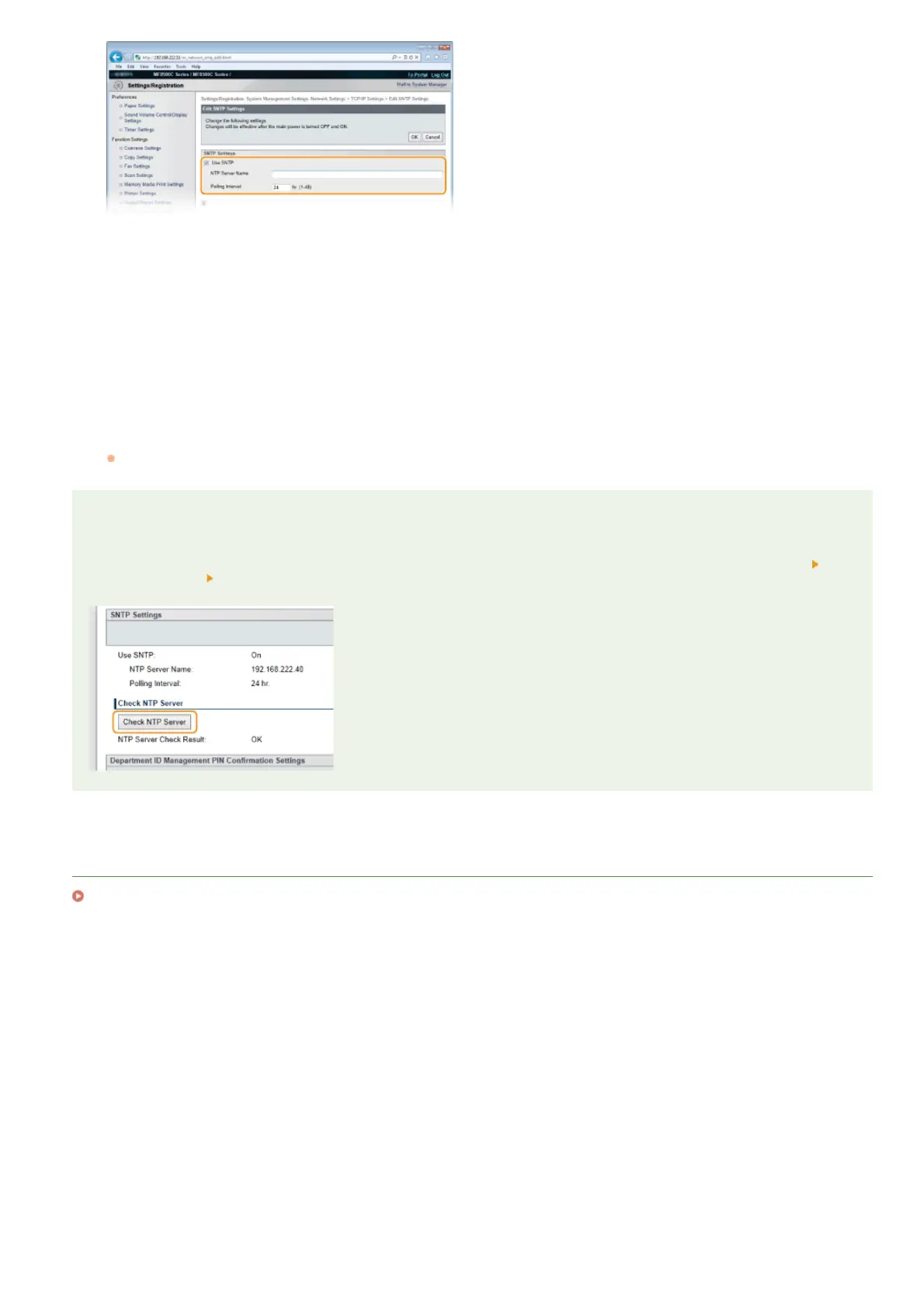
[Use SNTP]
Select the check box to use SNTP for synchronization. If you do not want to use SNTP, clear the check box.
[NTP Server Name]
Enter the IP address of the NTP or the SNTP server. If DNS is available on the network, you can enter a host name (or FQDN) of
up to 255 alphanumeric characters instead (example: ntp.example.com).
[Polling Interval]
Specify the interval between one synchronization and the next. Specify an interval from 1 to 48 hours.
Click [OK].
Restart the machine.
Turn OFF the machine, wait for at least 10 seconds, and turn it back ON.
NOTE
Testing communication with the NTP/SNTP server
You can test whether the machine is communicating with the registered time server via SNTP. Go to [Settings/Registration]
[Network Settings] [TCP/IP Settings] and click [Check NTP Server] in [SNTP Settings]. If a proper connection has been
established, the result is displayed as shown below. Note that this operation does not adjust the system clock.
LINKS
Registering LDAP Servers (MF8580Cdw / MF8550Cdn / MF8540Cdn / MF8280Cw Only)
6
7
㻟㻤㻣㻌㻛㻌㻢㻣㻢











 To Next Page