Install the software.
Install the MF Drivers, MF Toolbox, and the other included software. For more information, see MF Driver Installation Guide.
If you are using MF8580Cdw / MF8550Cdn / MF8280Cw, continue to Configuring Initial Settings for Fax
Functions (MF8580Cdw / MF8550Cdn / MF8280Cw Only)
after installing the software.
If you are using MF8540Cdn / MF8230Cn, the settings for connecting to a computer are complete.
NOTE:
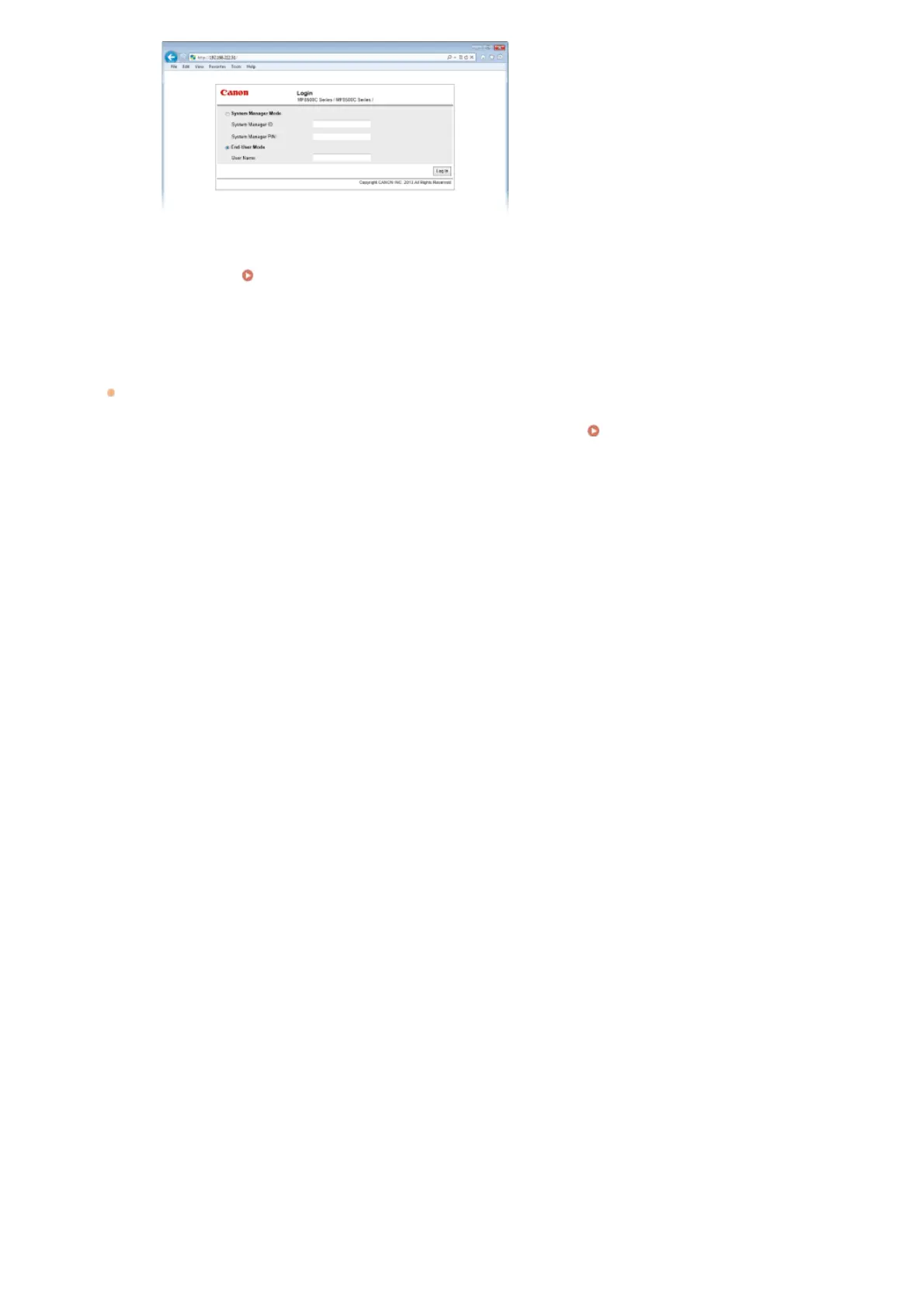
If the Remote UI screen is not displayed
Make sure that the machine, computer, and router are connected properly via LAN cables, and the IP address is
set correctly.
Installation/Settings Problems
5
»
»
㻠㻝㻌㻛㻌㻢㻣㻢











 To Next Page