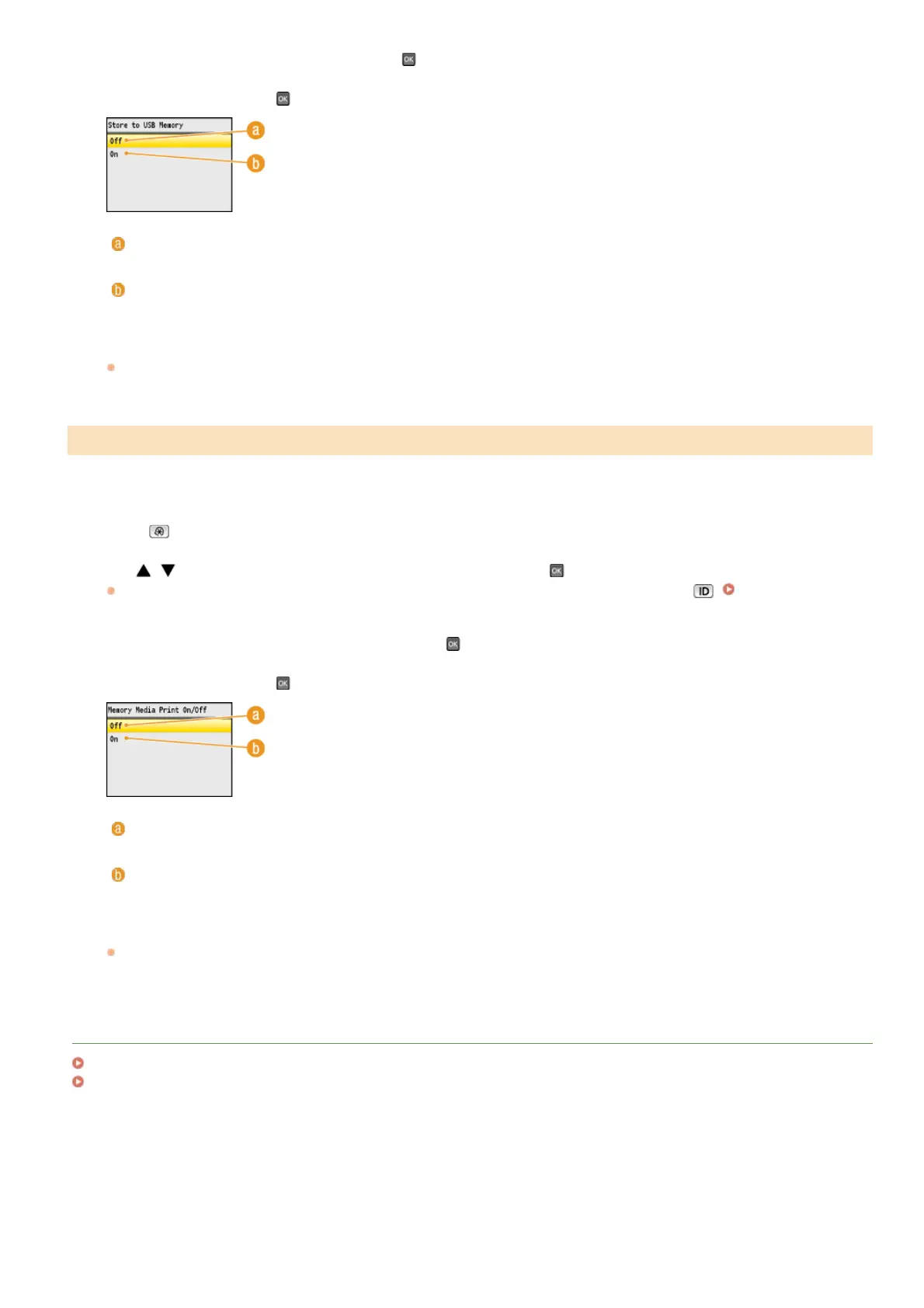
Select <Store to USB Memory>, and press .
Select <Off>, and press .
<Off>
Prohibits data from being stored into a USB memory device. Scanned data cannot be stored into the USB memory device.
<On>
Permits data being stored into a USB memory device.
Restart the machine.
Turn OFF the machine, wait for at least 10 seconds, and turn it back ON.
You can disable printing data from a USB memory device. The data in the USB memory device cannot be printed.
Press .
Use / to select <System Management Settings>, and press .
If the logon screen appears, enter the correct ID and PIN using the numeric keys, and then press . Logging on to the
Machine
Select <Memory Media Print On/Off>, and press .
Select <Off>, and press .
<Off>
Disables the function to read the data from a USB memory device. The data in the USB memory device cannot be printed.
<On>
Enables the function to print the data stored in a USB memory device.
Restart the machine.
Turn OFF the machine, wait for at least 10 seconds, and turn it back ON.
LINKS
Scanning Documents Directly to USB Memory
Printing from USB Memory (USB Print)
Restricting the USB Print Function
3
4
5
1
2
3
4
5
㻠㻞㻣㻌㻛㻌㻢㻣㻢











 To Next Page