By default, the main copy screen is displayed immediately after the machine is turned ON or when the Auto Reset function is
performed. Specify the setting to change the default screen and display the main screen of a different function.
Copy
Fax
Scan
Memory Media Print
Brightness
Adjust the brightness of the display to suit the installation location of the machine.
Five Levels
Invert Screen Colors
Select <On> to invert the display colors. Select <On> if the display is hard to view even after the brightness was adjusted in
<Brightness>.
Off
On
Millimeter/Inch Entry Switch
Select the unit of measurement.
Millimeter
Inch
*1
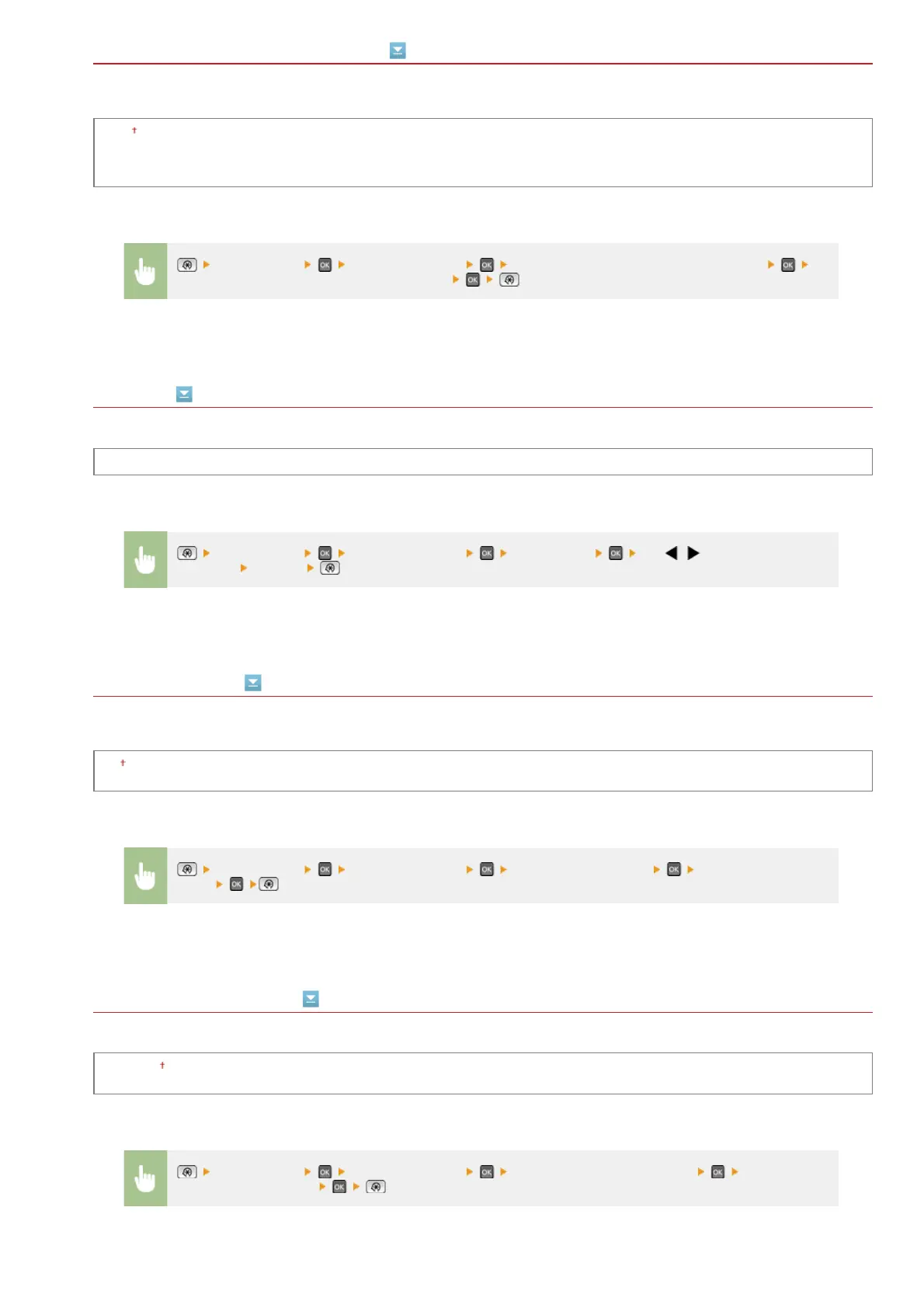
<Preferences> <Display Settings> <Default Screen after Startup/Restoration>
Select a function to display the desired screen
<Preferences> <Display Settings> <Brightness> Use / to adjust the
brightness
<Apply>
<Preferences> <Display Settings> <Invert Screen Colors> Select <On> or
<Off>
<Preferences> <Display Settings> <Millimeter/Inch Entry Switch> Select
<Millimeter> or <Inch>
㻠㻤㻠㻌㻛㻌㻢㻣㻢











 To Next Page