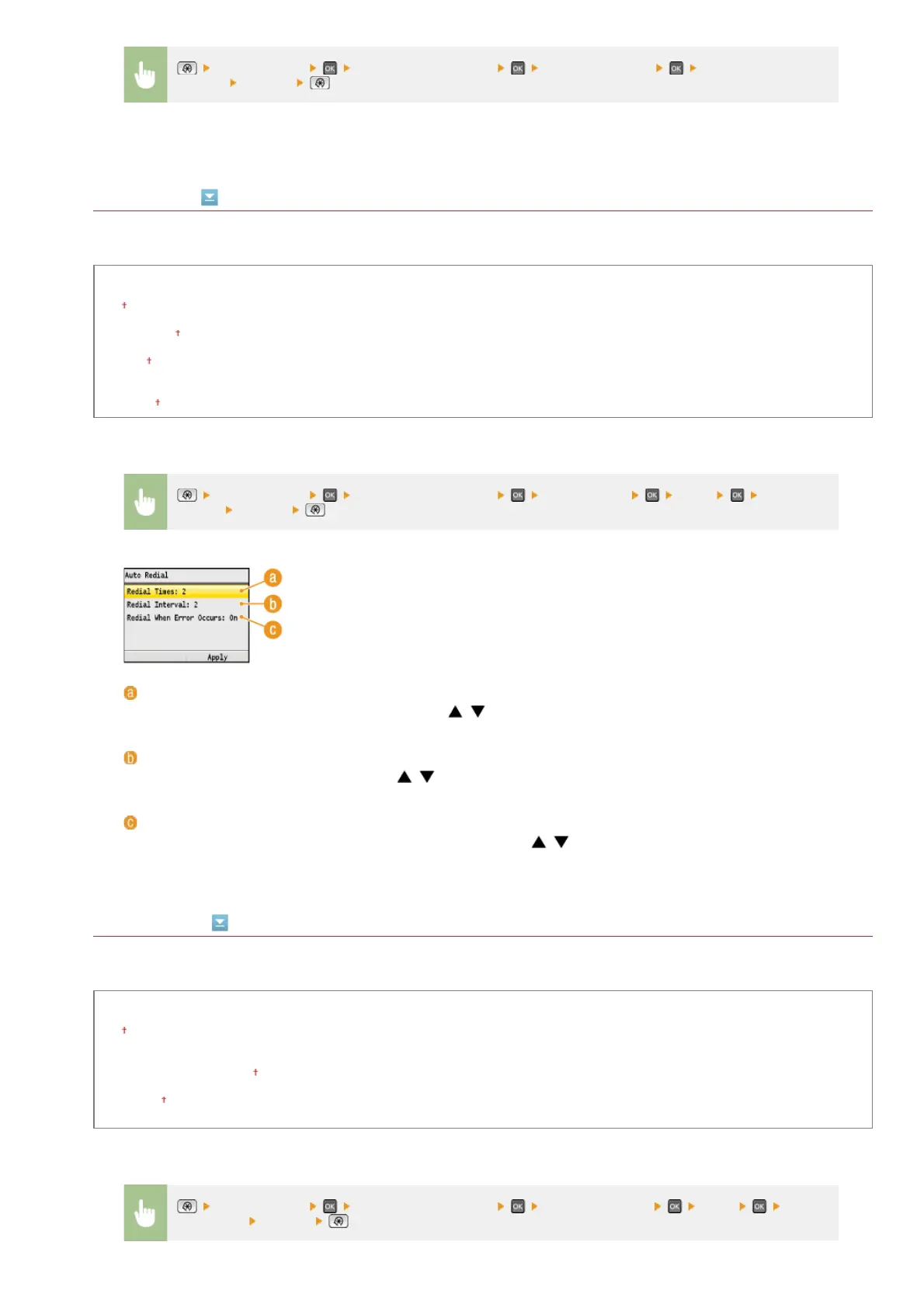
Auto Redial
Specify settings for Auto Redial, a function that automatically redials the fax number after several minutes if the first attempt fails
because the line is busy. You can specify how many times the machine redials and the interval between redials.
Off
On
Redial Times
1 to 2
to 10 (times)
Redial Interval
2
to 99 (min.)
Redial When Error Occurs
Off
On
TX Terminal ID
Specify settings for adding the sender information, including the fax number and the name of the machine, to the fax header. The
recipient can check who sent the fax by looking at the added information.
Off
On
Print Position
Inside Image Area
Outside Image Area
Mark Number as
FAX
TEL
<Fax Settings> <TX Function Settings> <Set Pause Time> Specify the duration
of pause
<Apply>
*1
<Fax Settings> <TX Function Settings> <Auto Redial> <On> Specify the
settings
<Apply>
<Redial Times>
Specifies how many times the machine redials. Use
/ or the numeric keys to enter a number, and press
<Apply>.
<Redial Interval>
Specifies the interval between redials. Use
/ or the numeric keys to enter a number for the interval, and press
<Apply>.
<Redial When Error Occurs>
Specifies whether to redial when a transmission error occurs. Use
/ to select <Off> or <On>, and press
<Apply>.
<Fax Settings> <TX Function Settings> <TX Terminal ID> <On> Specify
the settings
<Apply>
㻠㻥㻤㻌㻛㻌㻢㻣㻢











 To Next Page