ISO4
ISO6
ISO60
ISO69
ISOL1
ISOL2
ISOL5
ISOL6
LEGAL
MATH8
MCTEXT
MSPUBL
PC1004
PC8TK
PIFONT
PSMATH
PSTEXT
ROMAN8
VNINTL
VNMATH
VNUS
WIN30
WINBALT
WINL1
WINL2
WINL5
Custom Paper
Select whether to set a custom paper size. Select <On> to set the dimensions of the paper in <X dimension> and <Y dimension>.
Off
On
Unit of Measure
Select the unit of measurement to use to set a custom paper size.
Millimeters
Inches
X dimension
Specify the horizontal dimension (short edge) of the custom paper.
77 to 215
(mm)
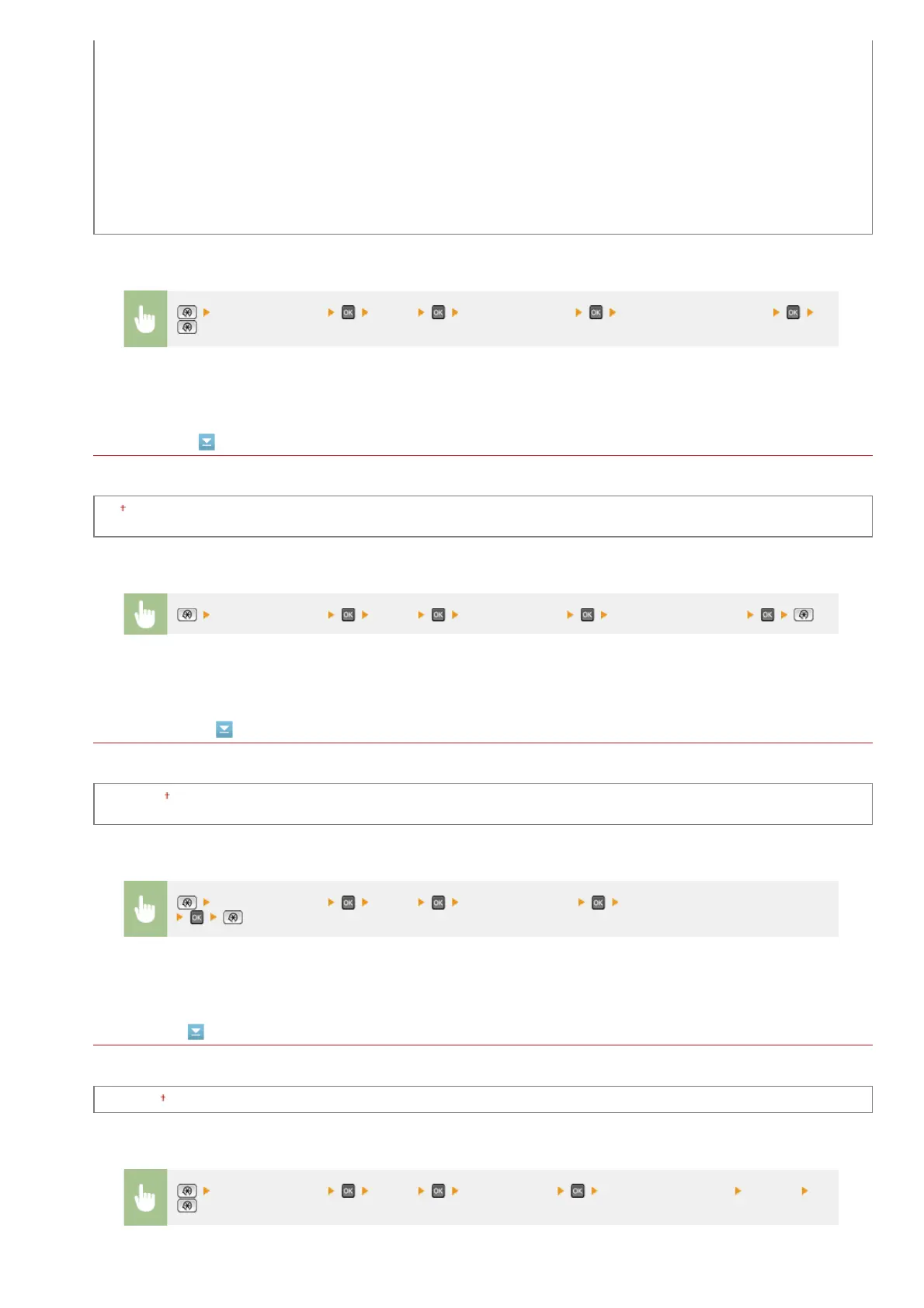
<Printer Settings> <PCL> <Character Code> Select the character code
<Printer Settings> <PCL> <Custom Paper> Select <Off> or <On>
<Printer Settings> <PCL> <Unit of Measure> Select <Millimeters> or <Inches>
<Printer Settings> <PCL> <X dimension> Specify the dimension <Apply>
㻡㻞㻝㻌㻛㻌㻢㻣㻢


 To Next Page
 Loading...










