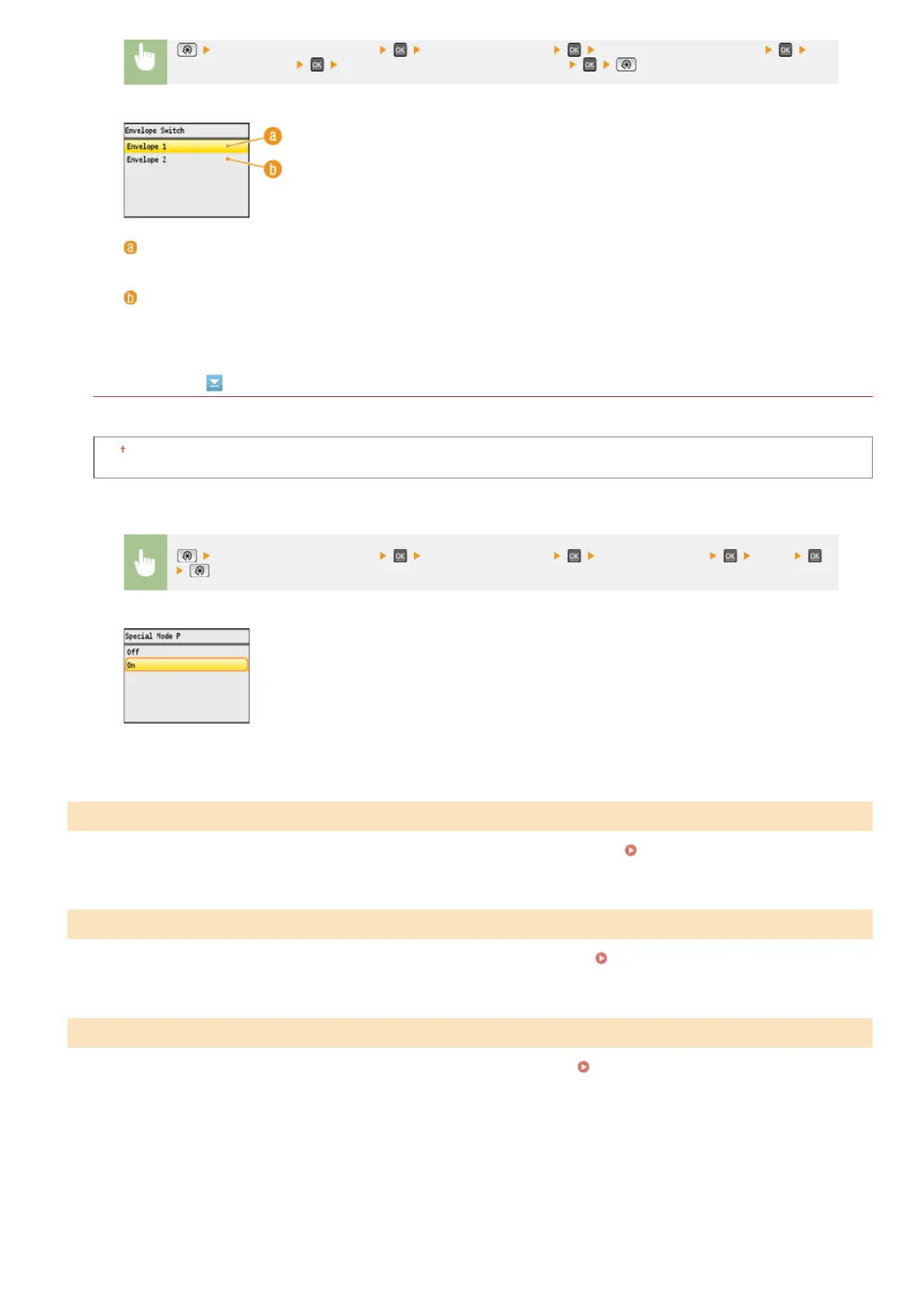
Special Mode P
If the printed paper curls, select <On>.
Off
On
Clean the fixing unit after a toner cartridge is replaced or if black streaks appear on printouts.
Fixing Unit
Clean the transfer belt inside the machine to prevent the print quality from deteriorating.
Transfer Belt
Clean the feeder rollers if documents become dirty after being fed through the feeder.
Feeder
<Adjustment/Maintenance> <Special Processing> <Special Paper Processing>
<Envelope Switch> Select <Envelope 1> or <Envelope 2>
<Envelope 1>
Prints on envelopes with normal fixing power.
<Envelope 2>
Prints on envelopes with fixing power stronger than <Envelope 1>.
<Adjustment/Maintenance> <Special Processing> <Special Mode P> <On>
Clean Fixing Unit
Clean ITB
Clean Feeder
㻡㻟㻝㻌㻛㻌㻢㻣㻢











 To Next Page