Save Toner
Send Faxes Directly From Your Computer (MF8580Cdw / MF8550Cdn / MF8280Cw Only)
Screen Your Faxes (MF8580Cdw / MF8550Cdn / MF8280Cw Only)
For more information about this function, see Entering Sleep Mode.
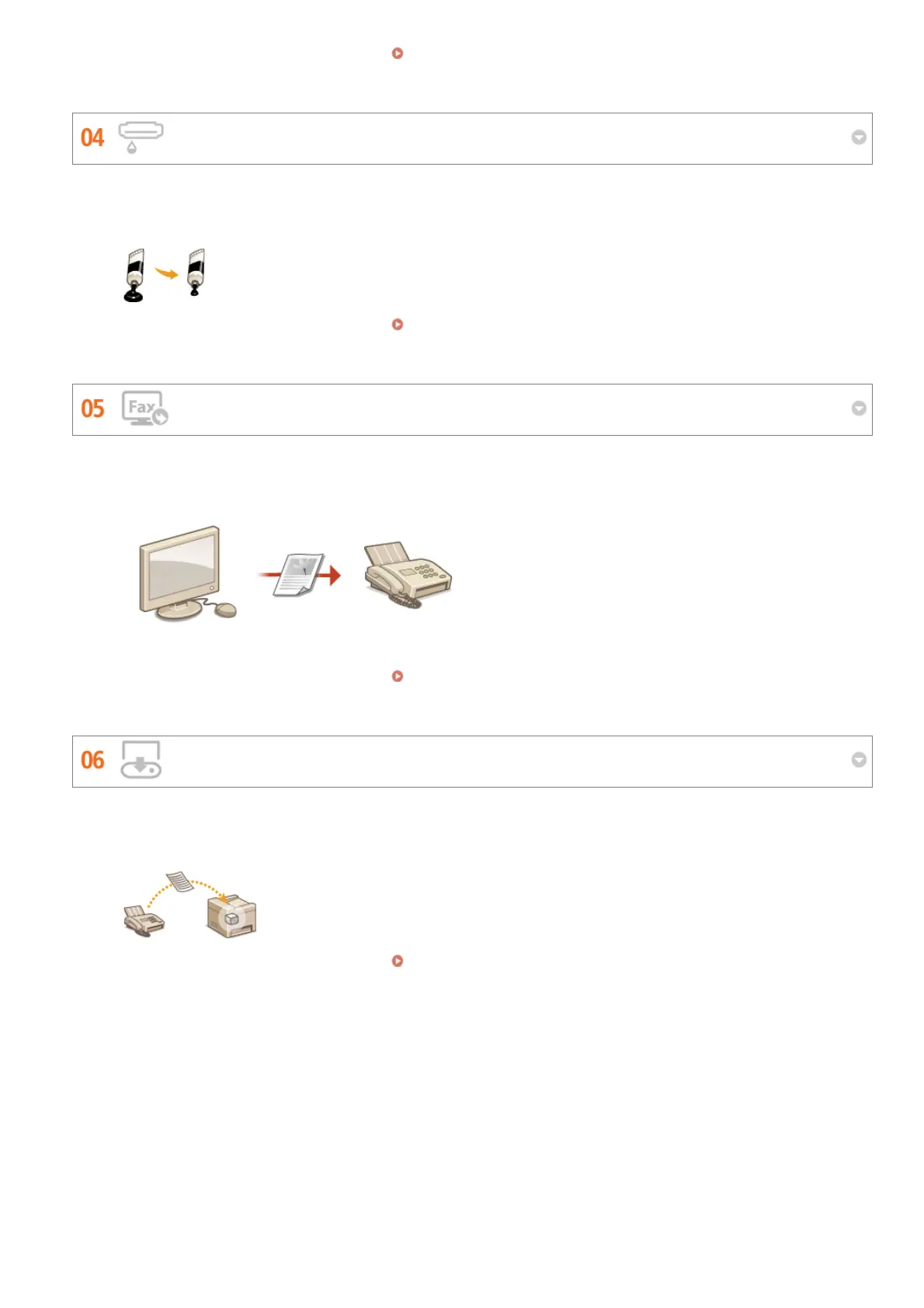
Got multi-page documents or drafts that don't need presentation-quality printing?
There's a setting that uses less toner. Give it a try and save toner and money.
For more information about this function, see Saving Toner.
Fax documents directly from your computer. Why bother printing and then faxing? It just wastes paper and costs you
money. You can save yourself this trouble and cut costs with paperless faxing.
For more information about this function, see Sending Faxes from Your Computer (PC Fax).
You can have incoming faxes held in memory and then check them yourself before they're printed. Just print what you
need and delete the rest, saving paper and toner.
For more information about this function, see Storing Received Faxes into Memory (Memory Reception).
㻢㻞㻡㻌㻛㻌㻢㻣㻢











 To Next Page