Get Faxes Wherever You Go (MF8580Cdw / MF8550Cdn / MF8280Cw Only)
Make Posters
Make Booklets (MF8580Cdw / MF8550Cdn / MF8540Cdn Only)
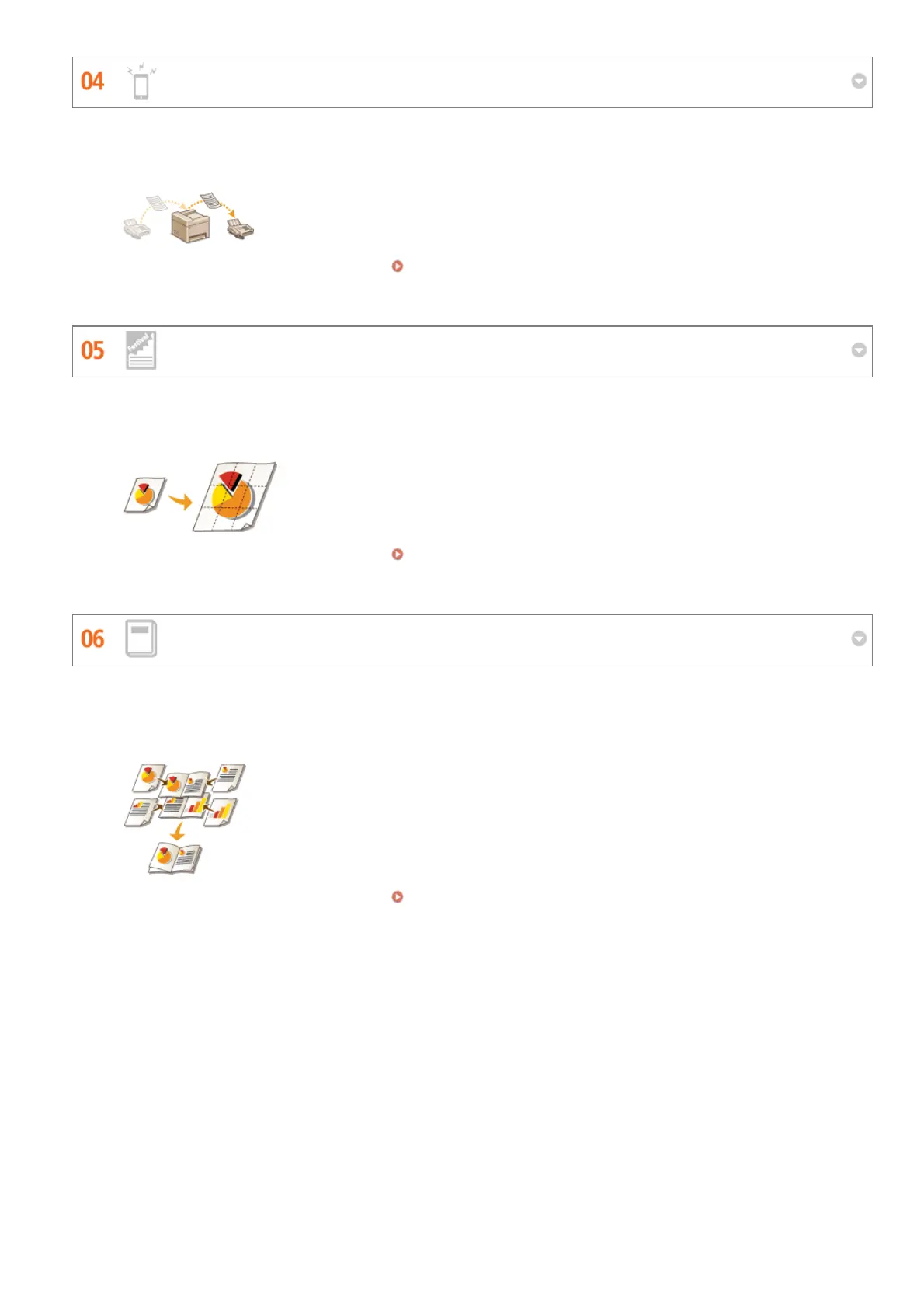
Never worry about missing a fax when you're out of the office. Set a forwarding destination and any fax that comes in on
the machine will go right to you. Better yet, make the forwarding destination the e-mail address for your tablet or mobile.
For more information about this function, see Forwarding Received Faxes.
Blow up a regular one-sheet printout and make an exceptionally large poster. A large poster will be printed out on nine
sheets. Put them together in a 3x3 grid, and voila!
For more information about this function, see Printing Posters.
Sometimes your documents deserve better presentation than a staple in the upper-left corner. Making booklets is easy.
The print driver will take care of the page positioning for you. All you have to do is fold the pages and staple them along
the middle.
For more information about this function, see Printing Booklet (MF8580Cdw / MF8550Cdn / MF8540Cdn Only).
㻢㻟㻝㻌㻛㻌㻢㻣㻢











 To Next Page