4
Click [Change] (or [Properties]).
Windows Vista/7/8/Server 2008/Server 2012
1
Display [Control Panel].
Windows Vista/7/Server 2008
[Start]
select [Control Panel].
Windows 8/Server 2012
Right-click the lower-left corner of the screen
select [Control Panel].
2
Display [System].
Windows Vista/7/8/Server 2008 R2/Server 2012
Click [System and Security] (or [System and Maintenance])
[System].
Windows Server 2008
Double-click [System].
Checking the LPR/RAW Printer Port
Open the printer folder. Displaying the Printer Folder
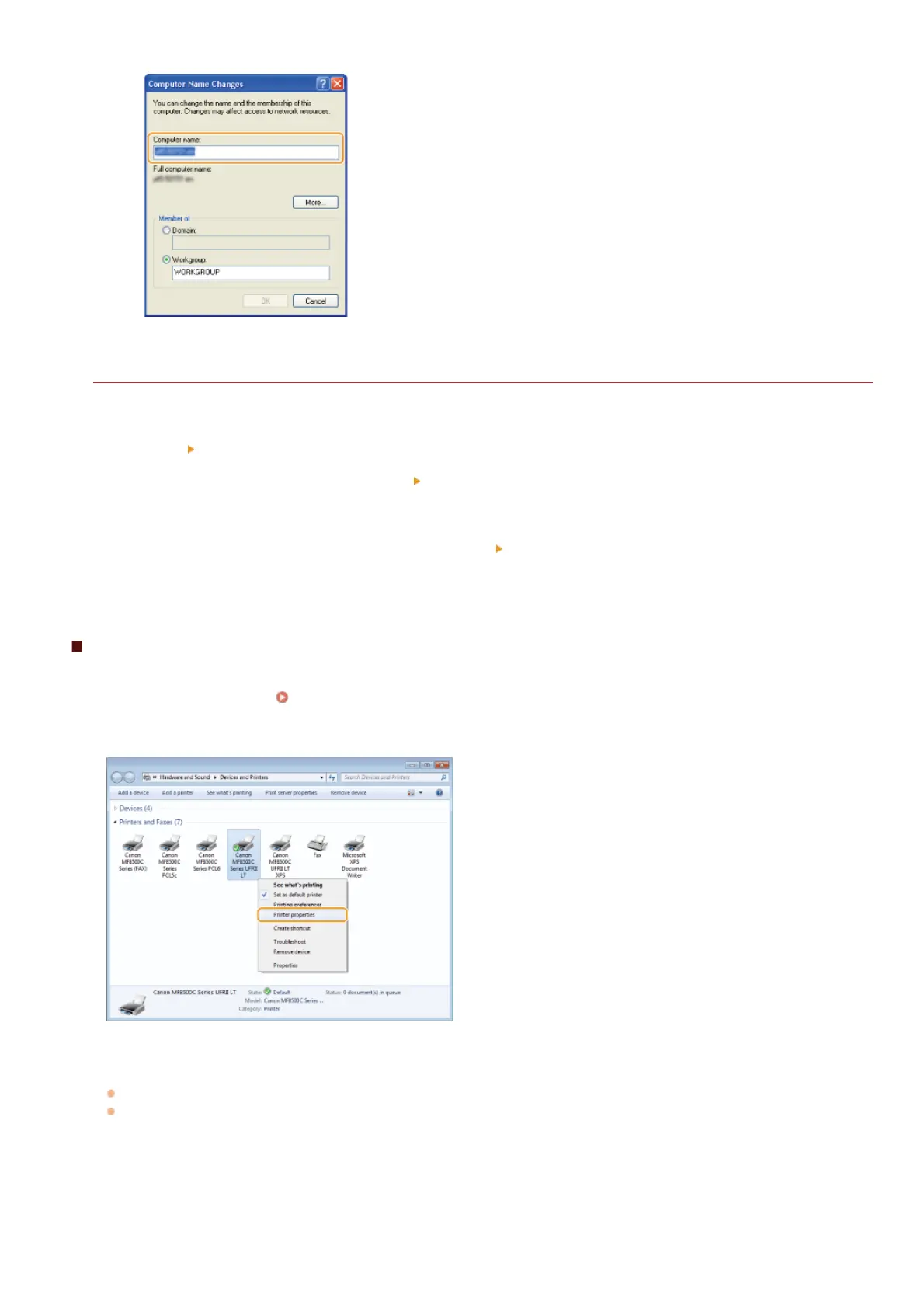
Right-click your printer icon and click [Printer properties] (or [Properties]) in the pop-up menu.
Check the port settings.
Click the [Ports] tab.
Make sure that the correct port is selected for the printer.
1
2
3
㻢㻢㻤㻌㻛㻌㻢㻣㻢











 To Next Page