If the language selection screen is displayed before the CD-ROM setup screen appears:
Select the language and click [OK].
3
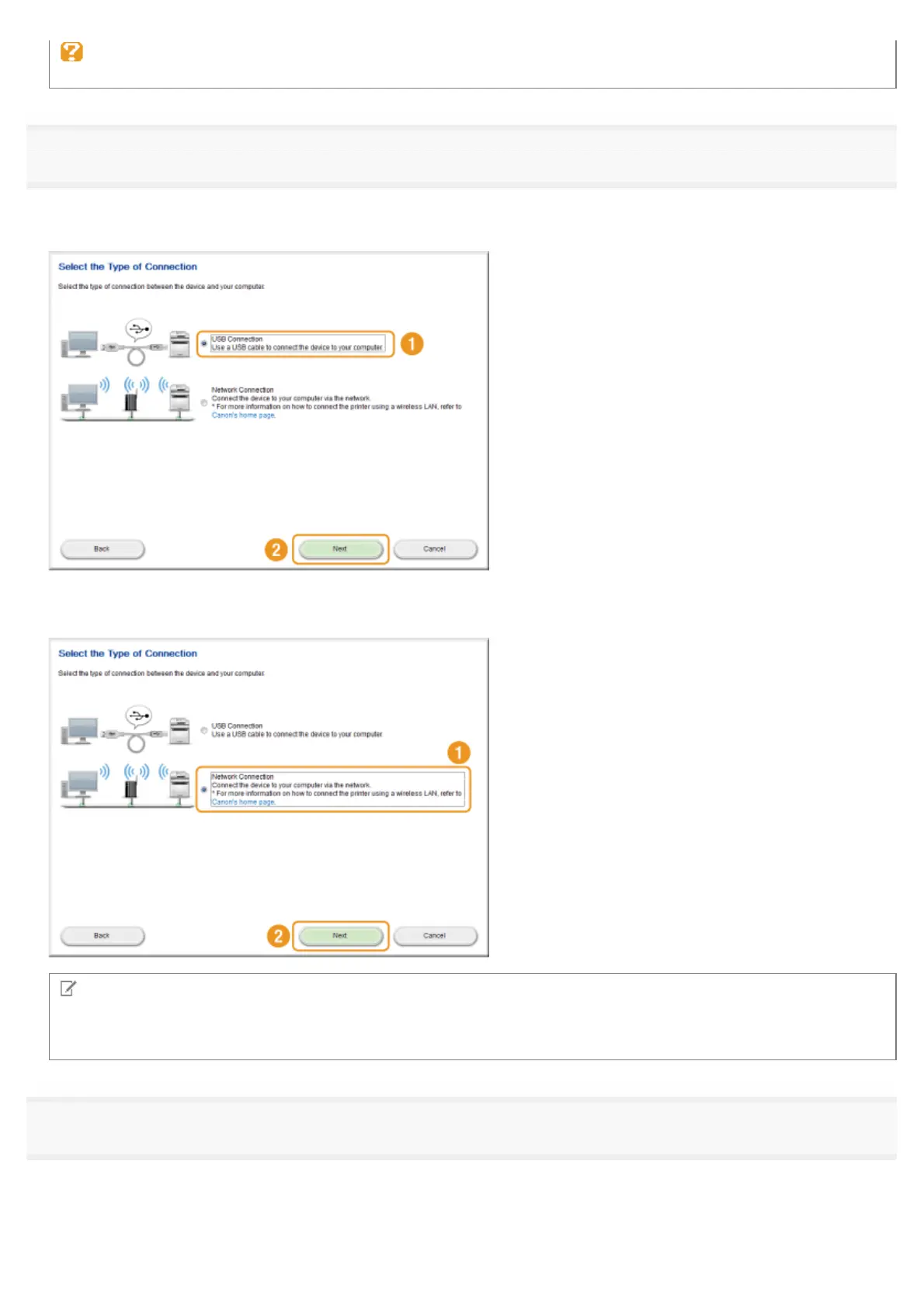
When the following screen appears, select the connection to a computer.
For USB Connection:
Select [USB Connection], and click [Next].
For Network Connection:
Select [Network Connection], and click [Next].
NOTE
Windows Server 2003/Server 2008/Server 2012
This screen is not displayed. Proceed to the following procedure.
4
Click [Install].
㻝㻜㻌㻛㻌㻣㻠











 To Next Page