This enables the installer to search for this machine.
e-Manual -> "Setting IPv4 Address"
3. Click [OK].
8
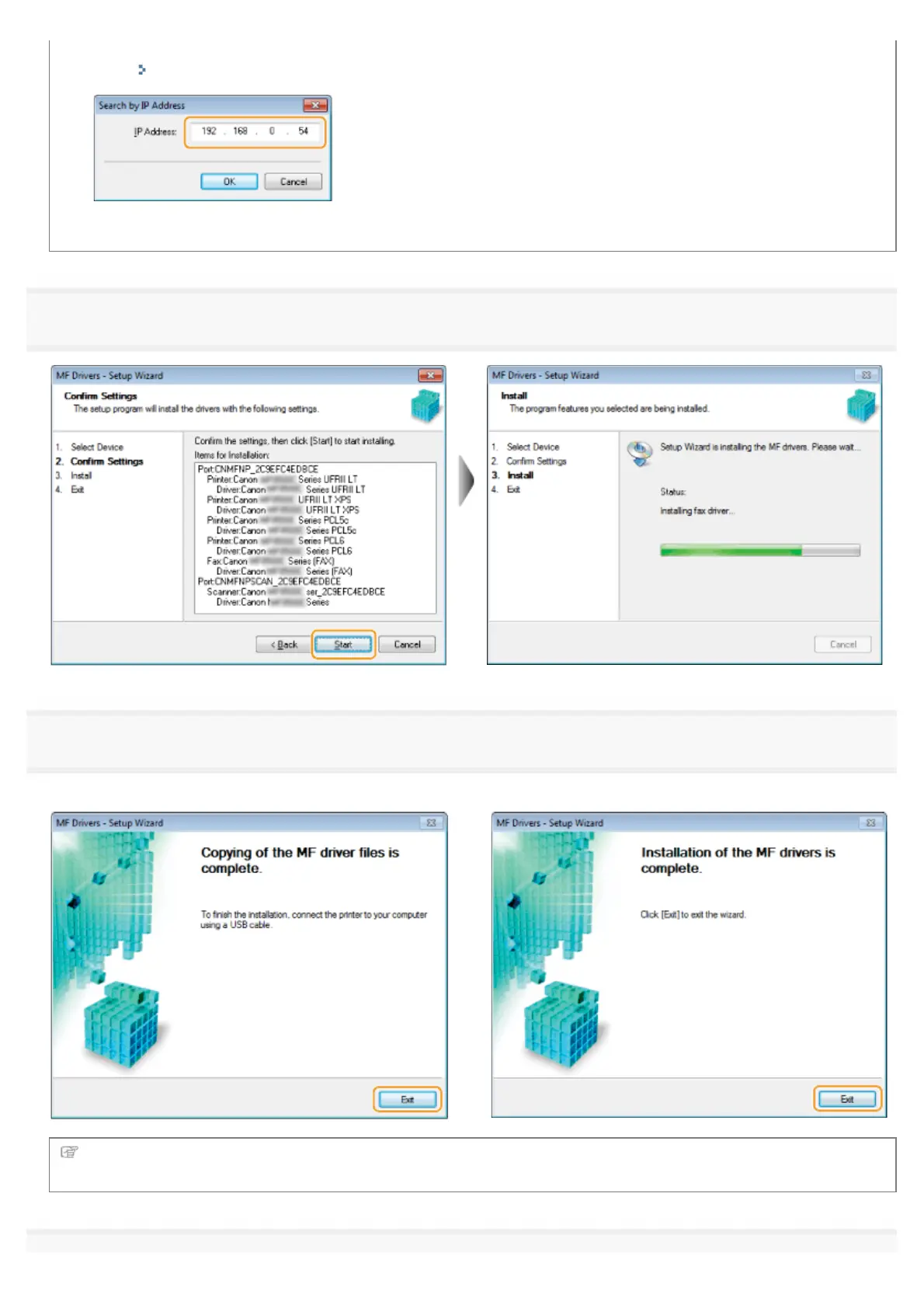
Installation starts when clicking [Starts].
9
Click [Exit].
For USB Connection:
For Network Connection:
Next, installation of MF Toolbox starts.
In Windows Server 2003/Server 2008/Server 2012, MF Toolbox is not installed. Proceed to step 13.
㻝㻟㻌㻛㻌㻣㻠











 To Next Page