7
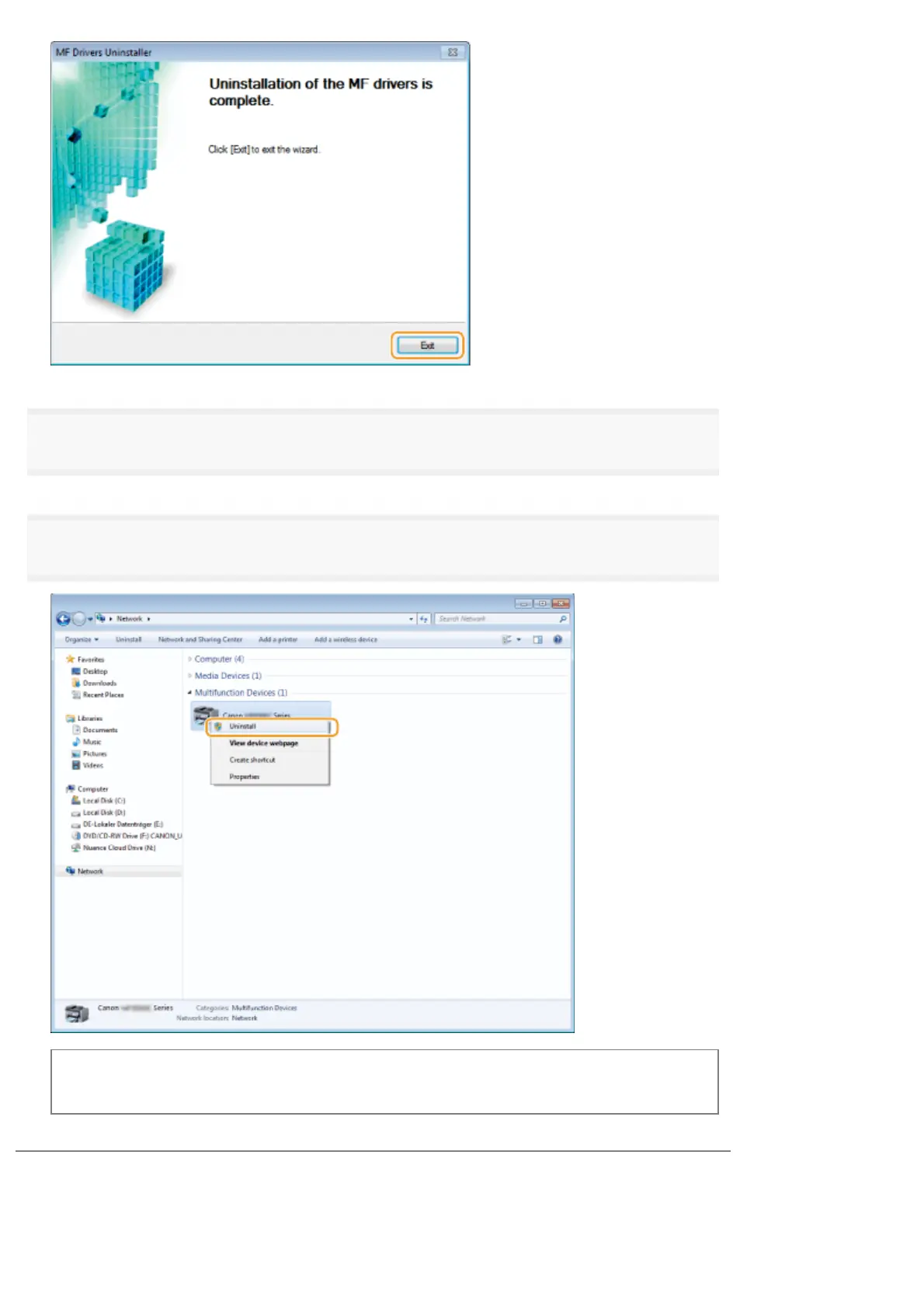
Open the Explorer, and click [Network].
8
Right-click the machine icon and select [Uninstall] from the pop-up menu.
When [User Account Control] appears
Click [Yes] or [Continue].
The machine icon is deleted from the printer folder, and uninstall is completed.
㻢㻜㻌㻛㻌㻣㻠











 To Next Page